
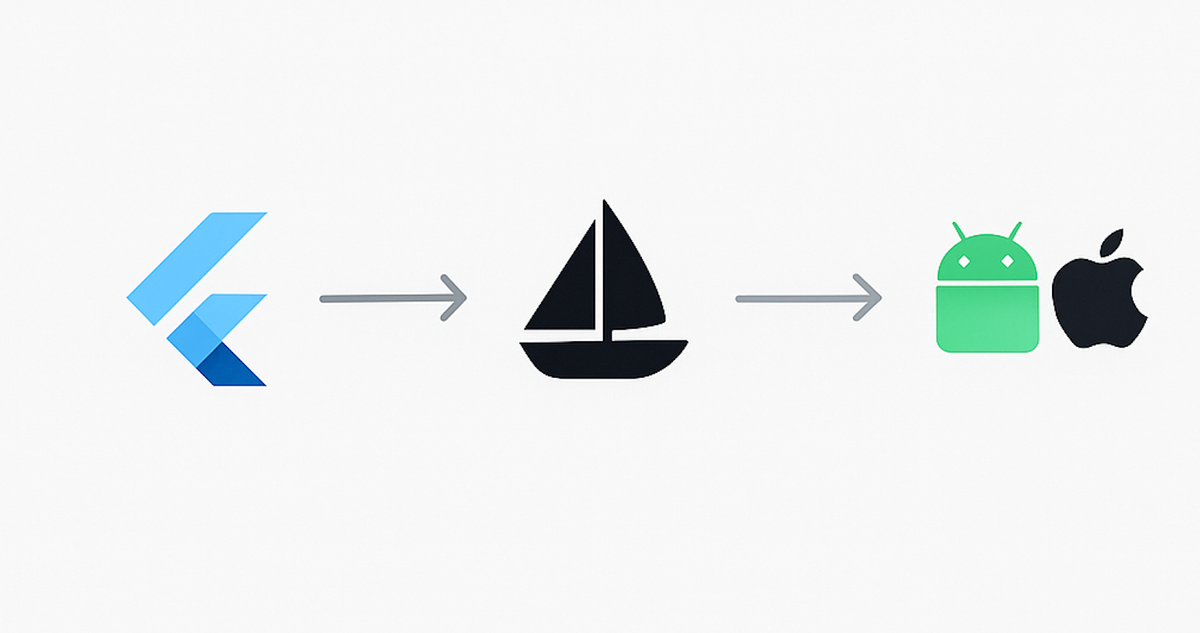
Automating Flutter App Deployment with Fastlane: A Production-Ready Guide
Automate Flutter deployments with Fastlane: cut release time by roughly 70 percent, eliminate version errors, and get reproducible releases across the team.
At Hoomanely, we're building a complete pet healthcare ecosystem combining AI-powered health analytics, hardware sensors, and real-time monitoring for preemptive pet care. Our flagship app, EverWiz, delivers continuous health insights through intelligent devices, custom LLMs, and a mobile platform.
Shipping a production Flutter app means frequent, reliable deployments, and manual releases to both the App Store and Play Store were bottlenecking our ability to ship critical health-monitoring features. After implementing Fastlane across our iOS and Android deployments, we cut release time by roughly 70 percent and got to zero version or signing errors. This post documents that battle-tested approach, including fixes for real issues we hit deploying a complex, hardware-integrated Flutter app.
Quick start
Install Fastlane with gem install fastlane. For Android, over 2 to 3 hours: create a service account with a JSON key, configure release signing with a keystore, copy in an Android Fastfile, and run fastlane android internal. For iOS, over 3 to 4 hours: generate an app-specific password, initialize Match for certificates, complete an iOS Fastfile, and run fastlane ios beta.
The problem and the impact
Manually deploying to Google Play and the App Store is inefficient and error-prone. Fastlane automates the release pipeline end to end, from version incrementing to binary uploads, cutting deployment time from 30 to 45 minutes down to 5 to 10 minutes, eliminating version errors nearly entirely, and giving 100 percent reproducible releases across the team.
Prerequisites
For Android: a Google Play Developer account, a service account JSON key with API access, a release keystore file, and a Flutter project with a working release build. For iOS: an Apple Developer Program membership, an app-specific password for your Apple ID, valid signing certificates and provisioning profiles, and Xcode command-line tools. Generally: Ruby 2.5 or newer, the Fastlane gem, and Git.
A lane is a named automation pipeline running sequential actions:
lane :deploy do
  increment_build_number
  build_app
  upload_to_store
end
Android implementation
Initialize Fastlane in the android/ directory with fastlane init. For the Google Play service account, enable the Google Play Android Developer API in Google Cloud Console, create a service account with Editor role, download its JSON key, link it in Play Console under Setup then API access, and grant Release Manager permissions. Store the key outside version control and validate it with fastlane run validate_play_store_json_key.
For release signing, create android/key.properties with absolute paths to your keystore, store password, key alias, and key password, never commit this file, and verify with ./gradlew signingReport. Google Play requires the very first AAB to be uploaded manually through the console to initialize the release track, after that Fastlane handles everything.
A production Fastfile defines path constants using File.expand_path so relative-path issues never bite you, an increment_build lane that reads the current version from pubspec.yaml, checks the latest build number already on the Play Store via google_play_track_version_codes, and writes back an incremented version, a build lane that runs flutter clean, flutter pub get, and flutter build appbundle --release, and a deploy lane taking a track parameter that chains those together and calls upload_to_play_store with the right release status per track. Convenience lanes internal, beta, and production wrap deploy with the right track.
Two issues came up repeatedly. Path resolution failures, gradlew or the AAB or keystore not found, come from relative paths breaking when Fastlane changes its working directory, fixed by using absolute paths built from File.expand_path everywhere, including in key.properties. Service account permission errors come from the account lacking the right Play Console role, fixed by granting Release Manager or Admin and waiting 5 to 10 minutes for the permission to propagate.
iOS implementation
Initialize Fastlane under ios/ and choose TestFlight distribution during setup. Generate an app-specific password at appleid.apple.com under Security, and export it as FASTLANE_APPLE_APPLICATION_SPECIFIC_PASSWORD alongside FASTLANE_USER.
Certificate management is the trickiest part. Manually sharing certificates and provisioning profiles across a team causes constant signing failures, so we use Fastlane Match, which stores certificates in an encrypted private Git repository. Run fastlane match init pointing at a private repo, then fastlane match appstore to generate and commit encrypted certificates. Team members pull them read-only with fastlane match appstore --readonly.
A production iOS Fastfile has an increment_build_number lane, a build lane that runs flutter build ios --release --no-codesign followed by gym to archive with Xcode, a beta lane that syncs certificates read-only, increments the build, builds, and uploads to TestFlight via pilot, and a release lane that does the same but submits through deliver without automatic release, keeping a manual review gate before anything actually goes live.
Two recurring issues here too. CocoaPods configuration errors, sandbox out of sync, wrong deployment target, script phase failures, usually need a full pod reset: remove Pods and Podfile.lock, clean the CocoaPods cache, run flutter clean and flutter pub get, then pod install again. The Podfile's post_install hook can also force a minimum IPHONEOS_DEPLOYMENT_TARGET across all pods and disable bitcode. Code signing failures, missing or expired certificates, usually get fixed by regenerating through Match, --force for missing certs, --force_for_new_devices when a new device needs provisioning, or as a last resort match nuke distribution followed by a fresh match appstore.
Advanced configuration
Automatic changelog management pulls per-version-code changelog files from a metadata directory structure and uploads them alongside the build when skip_upload_metadata is false. Slack notifications on deployment success or failure through an error and after_all hook keep the team informed without anyone watching a terminal. Multi-environment support lets a single deploy lane branch on an env parameter to pick the right package name and track for staging versus production.
Security practices
Keep everything sensitive out of version control: key.properties, any JSON service account key, mobile provisioning profiles, keystores, and .p12 files, along with Fastlane's own report and screenshot artifacts and any .env file. Before a first deployment, confirm all of that is gitignored, keystores are backed up in encrypted storage, the service account has minimum permissions, 2FA is on for the Apple ID, the Match encryption passphrase lives in a password manager, and team members only have read-only Match access. Ongoing, rotate service account keys annually, audit API access logs quarterly, document keystore recovery procedures, and periodically test certificate regeneration. In CI, keystore passwords, key aliases, key passwords, and the base64-encoded Play Store JSON key should live in your CI provider's secret store, never hardcoded in the Fastfile.
The return on investment
Initial setup runs roughly 2 to 3 hours for Android and 3 to 4 hours for iOS, five to seven hours total. Per-deployment time savings run 25 to 40 minutes depending on platform, so break-even lands around 6 to 8 deployments, meaning teams releasing weekly see positive ROI within two to three months, and biweekly releasers within three to four months. On the error side, wrong version numbers and incorrect signing, previously high-risk manual mistakes, drop to effectively zero, and incomplete metadata drops to a small residual risk.
Conclusion
Fastlane turns Flutter deployment from a manual, error-prone process into reliable, automated infrastructure. The real question isn't whether to adopt it, it's how quickly you can remove deployment friction from your release process, since every manual deployment just defers an automation investment you'll eventually make anyway.



