
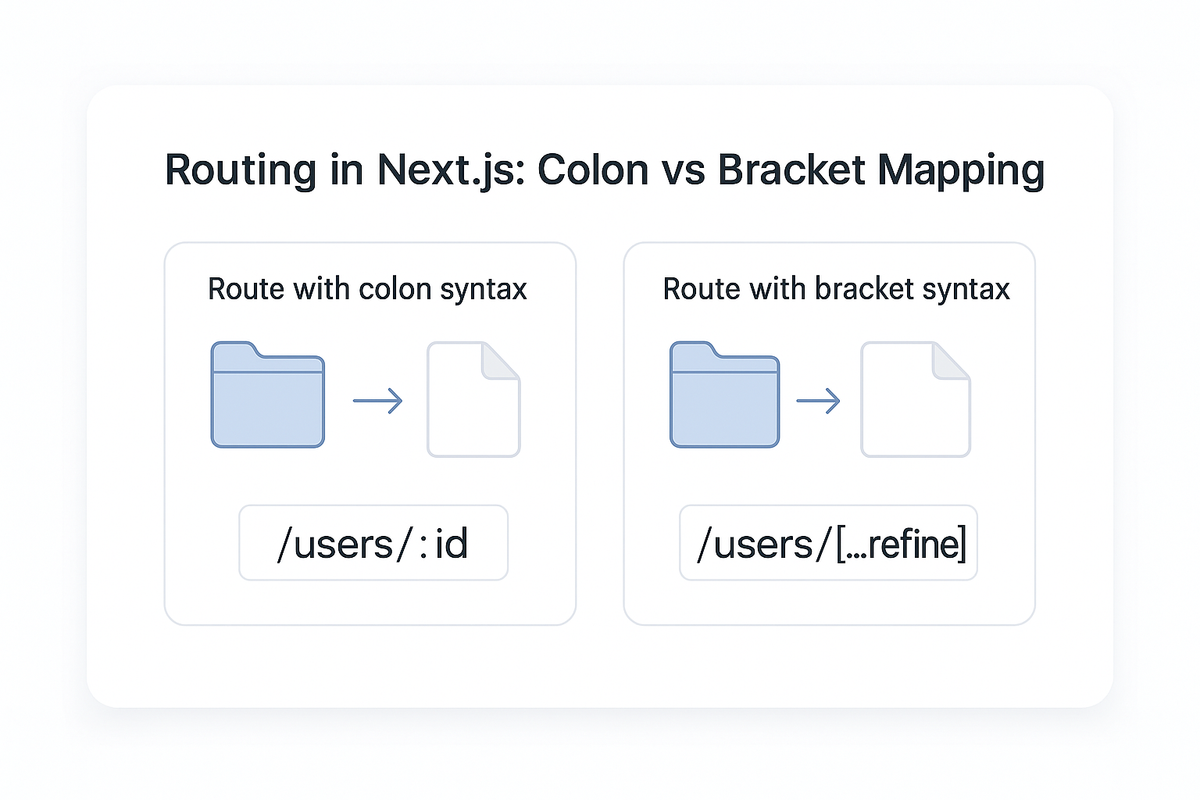
Catch-All vs. Explicit Route Mapping: Colon vs. Bracket Params Explained
Ever shipped a feature only to discover your analytics dashboard shows "unknown page" for half your traffic? Or watched your carefully built SEO rankings tank after a routine migration? You're not alone. As applications scale, URL design becomes more than navigation, it becomes a contract between frontend, backend, analytics, SEO, and caching layers. A single routing decision can cascade into broken deep links, fragmented analytics, and debugging nightmares six months down the line.
The two most common routing paradigms are colon-based parameters, common in API frameworks like Express, Fastify, and Flask, and bracket-based params, popularized by Next.js, Remix, Nuxt, and SvelteKit. And then there's the often-misused wildcard, catch-all routes, which match anything past a given point.
Route param syntax: colon vs brackets
Colon parameters are used mostly in backends and older frameworks:
// Express.js
app.get('/users/:id', (req, res) => {
  const userId = req.params.id;
  // userId = "42" for /users/42
});

app.get('/products/:productId/reviews/:reviewId', (req, res) => {
  const { productId, reviewId } = req.params;
});
Pros: familiar for backend developers, works cleanly with regex and API middleware, compact and readable, easy to add validation middleware to. Cons: not flexible for nested UI route hierarchies, less standard in UI frameworks using file-system routing, and requires explicit route registration order.
Bracket parameters, used in Next.js, Nuxt, and Remix, work through folder structure instead:
/app
  /users
    /[id]
      /page.tsx
  /products
    /[productId]
      /reviews
        /[reviewId]
          /page.tsx
Resulting URLs: /users/42, /products/123/reviews/987. Accessing params in the Next.js App Router:
// app/users/[id]/page.tsx
export default function UserPage({ params }: { params: { id: string } }) {
  return <div>User ID: {params.id}</div>;
}
Pros: co-located UI components, a clear mapping between files and URLs, built-in static generation and prefetching. Cons: developers need to understand filesystem-routing conventions, large projects get deeply nested without discipline, and refactoring means moving files around. Takeaway: colon syntax is API-first, bracket syntax is UI-first. Modern full-stack teams often combine both, API routes with :id, UI routes with [id].
What about catch-all routes?
Catch-all routes match everything after a segment. In Express:
app.get('/shop/*', (req, res) => {
  // Matches /shop/x, /shop/a/b/c, /shop/anything/deep/nested
  const path = req.params[0]; // everything after /shop/
});
In Next.js:
// app/shop/[...slug]/page.tsx
export default function ShopPage({ params }: { params: { slug: string[] } }) {
  // /shop/dog-collars → slug = ["dog-collars"]
  // /shop/brands/nike → slug = ["brands", "nike"]
  // /shop/a/b/c/d → slug = ["a", "b", "c", "d"]

  return <div>Path segments: {params.slug.join('/')}</div>;
}
Pros: flexible for unknown depth, good for CMS or content-driven pages, great for free-form routing like blogs or docs, and cuts down on file-system clutter. Cons: harder to statically analyze, can swallow routes unintentionally, difficult to validate and observe in monitoring tools, requires conditional logic at every level, and type safety gets harder. Rule of thumb: use catch-all routes for human-editable paths, not structured APIs. Good uses: /blog/[...slug], /help/[...node], /docs/[...path], /wiki/[...article]. Bad uses: /products/[...anything], /users/[...wild], /api/[...catch], /checkout/[...steps].
Optional catch-all, even more dangerous
Next.js also supports optional catch-all routes using double brackets, app/[[...slug]]/page.tsx, which matches both the root and any deep, nested path. That's useful for cases handling both a home page and nested docs, but shipping it without automated validation is risky: SEO indexing becomes unpredictable, 404 detection gets harder, analytics grouping turns messy, error handling becomes guesswork, and you can accidentally override other routes. A safer alternative is explicit root plus catch-all: a dedicated page for /docs and a separate catch-all for /docs/*.
Resource-driven routing, the correct mental model
The cleanest URL structures map to resources, not UI screens. Good, resource-oriented: /products/:id, /users/:username, /orders/:orderId/tracking, /posts/:slug/comments. Bad, screen-oriented: /itemDetailScreen/:id, /app/profile-view/123?type=public, /page/user-dashboard/settings/tab=billing, /route/checkout-flow/step-2.
Resource routing helps API design (URLs mirror your data model), analytics grouping (all product pages group together), caching and CDN invalidation (clear cache keys), documentation consistency (self-explanatory endpoints), and long-term scalability (refactoring UI doesn't break URLs).
Error handling patterns for dynamic routes
Dynamic routes need robust error handling. For a product page, validate the param format and call notFound() if it fails, then fetch the product and call notFound() again if it's missing. For catch-all blog routes, guard against directory traversal by rejecting segments containing "..", and limit depth (say, no more than 5 segments) before looking up the post.
Migration trade-offs, Next.js pages to app
| Topic | pages/ | app/ |
|---|---|---|
| Param style | Bracket [id] | Bracket hierarchical + dynamic segments |
| Navigation model | Single routing context | Nested layouts and streaming |
| Catch-all handling | Strong fallback pages | More powerful but easier to misuse |
| SEO defaults | File-first model | More explicit configuration needed |
| Data fetching | getServerSideProps | Server Components, async/await |
| Developer experience | Simpler | More powerful but more rules |
| Loading states | Manual implementation | Built-in loading.tsx |
Migration tips: convert dynamic routes one by one rather than all at once, avoid catch-all until resource mapping is finalized, use route groups in parentheses to control layouts without affecting URLs, validate 404 behavior after every move, add logging for fallback routes to catch accidental swallowing, and set up redirects for old URLs to preserve SEO equity.
Analytics, SEO, and logging impact
Bad routing patterns cause fragmented analytics (/product/123 and /products/123 tracked separately), duplicate page titles for the same content under different URLs, broken 404 tracking (catch-alls returning 200 for pages that don't exist), wrong canonical URLs indexed by search engines, and inaccurate event grouping by page type. Good routing keeps one page mapped to one clean measurement bucket, gives every resource a stable permanent URL, keeps migrations from breaking deep links, and keeps analytics dashboards grouping logically.
Validating routes in production
Add server-side logging to dynamic routes, capturing the timestamp, URL, method, matched route, and params on every request. Then query those logs to see which URLs hit fallback routes, which param patterns aren't validated, which pages users reach that shouldn't exist, and whether catch-alls are swallowing unexpected paths. That observability tells you when routing goes wrong before users complain.
When to use what
| Requirement | Best route type |
|---|---|
| Known fixed hierarchy | pages/users/[id] style |
| Content-managed slugs | blog/[...slug] |
| API parameters | :orderId, :userId |
| Multiple versions of a detail page | products/[id]/(v2)/page.tsx |
| Temporary migration | [[...slug]] optional catch-all |
| Deep analytics tracking | Explicit params, avoid catch-all |
| Documentation sites | docs/[...path] with validation |
| E-commerce categories | Explicit nested routes |
Conclusion
Routing might look like a folder-naming problem, but in reality it shapes API contracts, SEO scalability, operational debugging, analytics accuracy, deep-link longevity, caching strategy, and error-handling behavior. Catch-all routes are powerful but fragile, use them only when the structure genuinely can't be predicted. Explicit route parameters, colon or bracket, give the most reliable system for product-scale apps. The best URL designs stay resource-oriented, predictable, stable over time, and easy to observe in production. Your routing architecture today determines your debugging experience tomorrow, so choose deliberately.



