Designing Feedback Loops in Connected Device Experiences
Short version: smart device onboarding usually fails not because the process is complicated, but because it feels unpredictable. Real-time device status is what fixes that. Everbowl's LED system communicates status through blue blinking during Bluetooth pairing, blue stable once pairing is done and it's waiting on WiFi, green stable once it's fully connected and working, and red when there's an error. Pairing that physical feedback with the app's onboarding screens applies a basic UX principle, visibility of system status, and it shows up as better onboarding completion, stronger trust in the product, and fewer support tickets.
Introduction
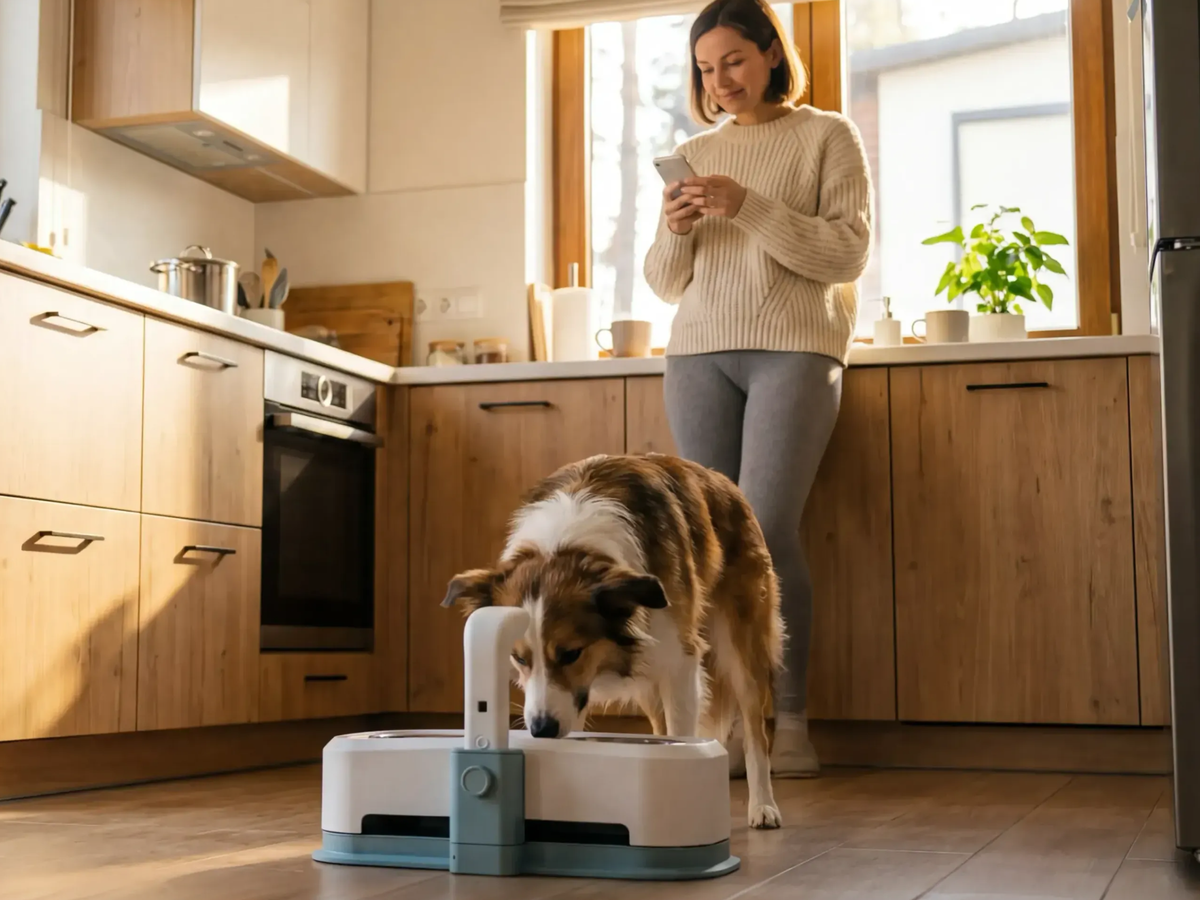
When someone sets up Everbowl for the first time, they're connecting a physical device to a digital experience, and that's a different kind of onboarding than a purely app-based one. Smart hardware introduces genuine uncertainty: is it pairing correctly? Is it on WiFi? Is it actually working?
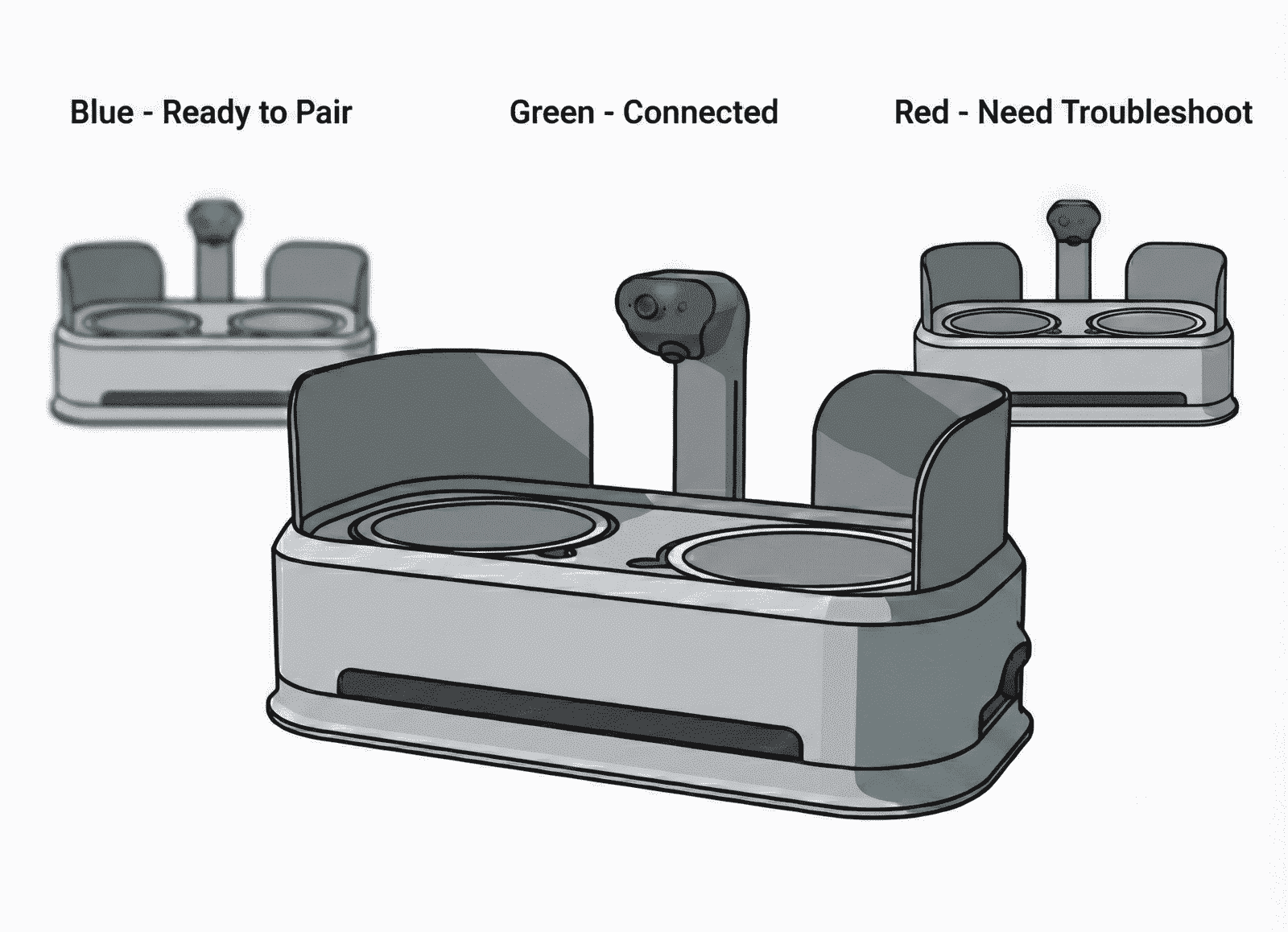
To address that, we built a visual system language using LED indicators on Everbowl that communicates real-time connectivity and device status. Each color maps to a specific stage of setup: blue blinking means Bluetooth pairing is in progress, blue stable means pairing finished and it's waiting for WiFi, green stable means the device is fully connected and working normally, and red flags an error or connection issue. This LED system runs alongside the app's onboarding flow, so users always have a sense of what's happening with their device, at every step, not just the ones the app happens to be showing them.
Why it matters
Reducing user anxiety during setup: smart device onboarding usually fails not because it's complicated, but because it feels unpredictable. When someone can't see what the device is doing, they assume something's wrong even when everything's fine. Showing real-time status through the LED gives immediate reassurance, letting people confirm progress visually instead of relying entirely on app messages.
Building trust between hardware and software: hardware onboarding creates a dependency between two systems, the physical product and the app, and if either one communicates poorly, people lose confidence fast. The LED acts as a bridge between the two. Even if someone steps away from their phone or hits a delay mid-setup, the device keeps communicating its own state regardless.
Supporting faster troubleshooting: clear status cuts support friction. When someone can tell whether the issue is Bluetooth pairing, WiFi, or a general device fault, they're a lot more likely to sort it out on their own, which cuts drop-offs during onboarding and improves how reliable the product feels overall.
Reinforcing system visibility: one of the more basic UX principles is that people should always know what's happening. That matters even more in hardware-connected experiences, since users can't directly see background processes like connectivity or device authentication. The LED system keeps feedback present even outside the app.
How it works
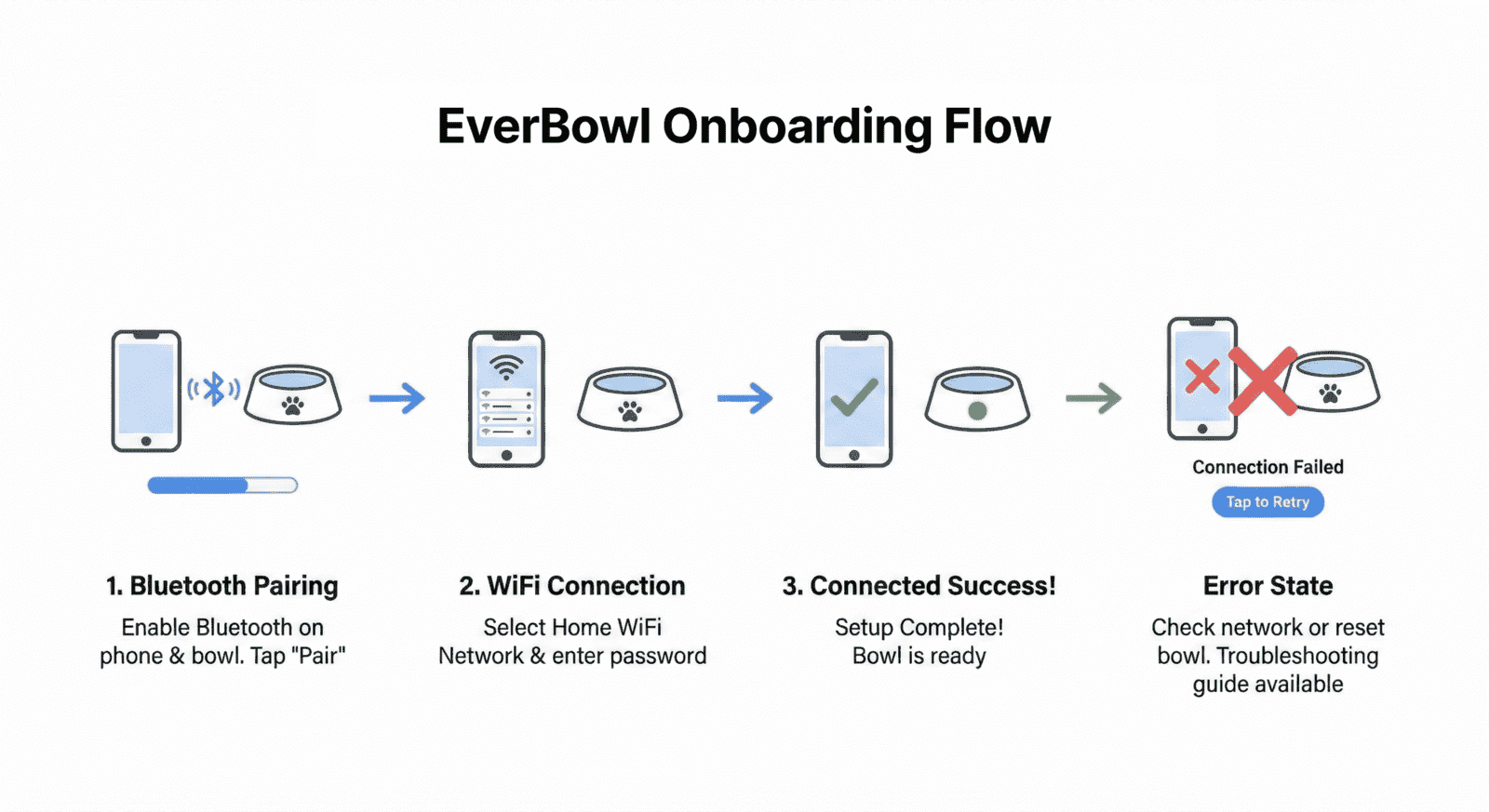
Step 1, Bluetooth pairing, blue blinking: onboarding starts by initiating Bluetooth pairing, and during this stage the LED blinks blue continuously to show the device is actively searching and trying to pair with the app. Blinking signals movement, it reassures people the system is actively working rather than stuck. Inside the app, this stage comes with instructions to keep Bluetooth on and stay close to the device.
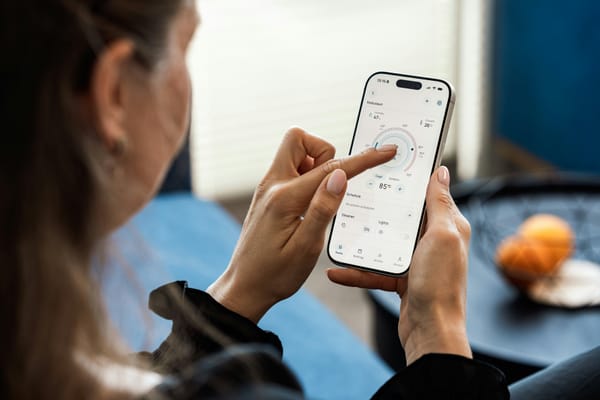
Step 2, WiFi connection, blue stable: once Bluetooth pairing finishes, the LED goes from blinking to a stable blue, signaling the device is ready to connect to WiFi. The shift from blinking to steady communicates a transition, the first phase is done, and a new one has started. At the same time, the app prompts the user to select and confirm their WiFi network, keeping the physical feedback and the digital instructions in sync.
Step 3, fully connected, green stable: once WiFi connects successfully, the LED turns green and stays stable, showing Everbowl is fully connected and working as expected. Green was a deliberate choice, since it universally reads as success and readiness. At this point the onboarding flow moves into confirmation and a quick feature intro inside the app. Keeping the visual device feedback and app messaging consistent reinforces that setup is actually complete.
Step 4, error handling, red: if the device runs into connection trouble, the LED turns red, signaling that something needs attention. Error states are some of the most important moments in onboarding, without clear feedback, people often just give up or assume the device is broken. The red indicator makes it immediately obvious something needs resolving. In the app, this triggers contextual guidance: rechecking Bluetooth or WiFi settings, restarting the device, or a step-by-step recovery flow. Lining device signals up with in-app support cuts down on frustration and improves the odds someone actually recovers from the error instead of abandoning setup.
Applications
Improving hardware onboarding success rates: clear status indicators let people move through setup with confidence, and when progress is legible, they're more likely to actually finish.
Creating a consistent multi-channel feedback loop: Everbowl combines physical feedback (the LEDs) with digital feedback (the app screens), so people get guidance even if they miss instructions in one of the two channels.
Reducing support dependency: clear device signals let people diagnose and fix common setup issues on their own, which cuts support tickets while improving satisfaction.
Strengthening reliability perception: when a device visibly communicates its own state, people read the whole system as more reliable and transparent, and trust builds when products behave predictably.
Educating users through onboarding: the onboarding flow includes simple explanations of what each LED color means, so people learn to read device signals themselves and can troubleshoot Everbowl confidently well beyond initial setup.
Where this fits at Hoomanely
Our goal is building pet-care technology that feels intuitive and dependable, and Everbowl's LED system reflects that directly: users should always understand what their device is doing. Combining physical feedback with thoughtful onboarding design is how we cut uncertainty, build trust, and create more reliable interactions between pets, products, and the people caring for them.