
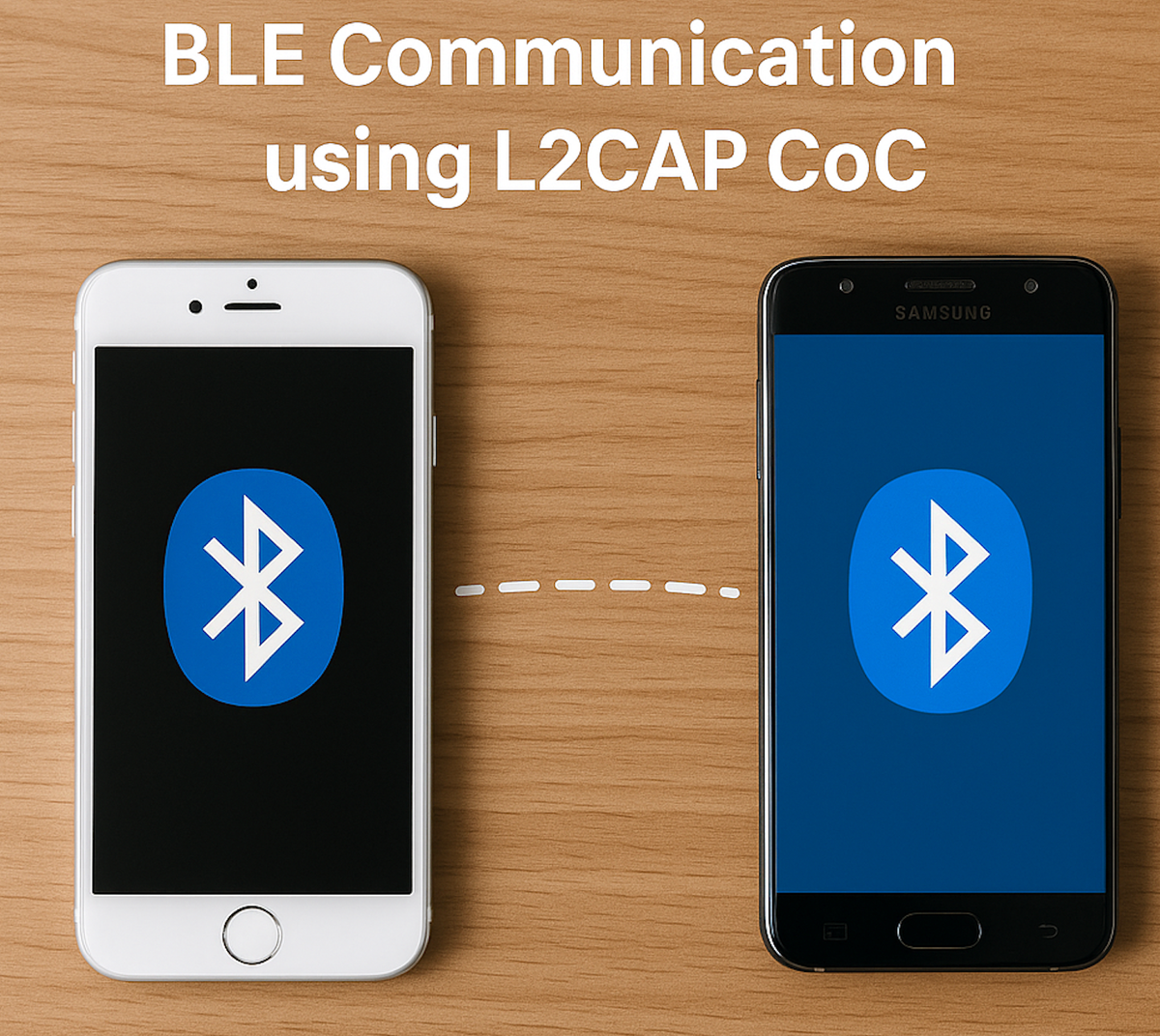
Implementing L2CAP Connection-Oriented Channels (CoC) over BLE in Flutter
Implement secure BLE L2CAP CoC streaming with Flutter, covering dynamic PSM, CoC setup on iOS and Android, and high-speed data over BLE.
Bluetooth Low Energy is great for low-power, packet-based data, but when you need higher throughput, streaming sensor data, file transfers, real-time bidirectional communication, L2CAP Connection-Oriented Channels give you a reliable, stream-oriented pipe. CoC uses LE Credit-based Flow Control (Bluetooth 4.1+) on top of an existing BLE connection.
This post covers creating an L2CAP CoC server on iOS and Android to obtain the assigned PSM, sending that PSM to Flutter through a MethodChannel, writing it as a 2-byte little-endian value to a peripheral using flutter_blue_plus, and letting the peripheral open the CoC with that exact PSM. We follow the Bluetooth Core Specification v5.3, section 3.4 (L2CAP), with a focus on cross-platform compatibility, security, and robust error handling.
Process overview
Native code creates an L2CAP server and the OS assigns a dynamic PSM, an odd value between 0x0081 and 0xFFFF. That PSM gets sent back to Flutter via MethodChannel. Flutter encodes it as 2-byte little-endian and writes it to a GATT characteristic. The peripheral reads that value and calls createL2capChannel(PSM) on Android or openL2CAPChannel on iOS to establish the CoC.
MethodChannels, briefly
Flutter runs Dart, Bluetooth lives in native code, and MethodChannel is the asynchronous bridge between them:
await platform.invokeMethod('startL2capServer');The native side replies through channel.invokeMethod("l2capChannelPublished", arguments: psm).
iOS implementation
iOS 11 and up uses CBPeripheralManager, and the PSM gets assigned automatically when publishL2CAPChannel succeeds:
private func startL2capServer(result: @escaping FlutterResult) {
    guard let manager = peripheralManager, manager.state == .poweredOn else {
        result(FlutterError(code: "BLUETOOTH_OFF",
                           message: "Bluetooth is off or unavailable",
                           details: nil))
        return
    }
    manager.publishL2CAPChannel(withEncryption: true)
    result(nil)
}

func peripheralManager(_ peripheral: CBPeripheralManager,
                       didPublishL2CAPChannel PSM: CBL2CAPPSM,
                       error: Error?) {
    if let error = error {
        print("L2CAP publish error: \(error.localizedDescription)")
        return
    }
    channel?.invokeMethod("l2capChannelPublished", arguments: PSM)
}
Key points: withEncryption: true gives you a secure CoC, recommended for production. There's no retry logic, the PSM is whatever iOS assigns. And this needs real hardware to test, simulators have no Bluetooth radio.
Android implementation
Android API 29 and up uses BluetoothAdapter.listenUsingL2capChannel(), with the PSM returned immediately on the created BluetoothServerSocket:
@RequiresApi(Build.VERSION_CODES.Q)
private fun startL2capServer(result: MethodChannel.Result) {
    val adapter = getSystemService(BluetoothManager::class.java).adapter
    if (!adapter.isEnabled) {
        result.error("BLUETOOTH_OFF", "Bluetooth is disabled", null)
        return
    }
    serverSocket?.close()
    try {
        serverSocket = adapter.listenUsingL2capChannel()
        val psm = serverSocket!!.psm
        channel.invokeMethod("l2capChannelPublished", psm)
        Thread { acceptConnections() }.start()
        result.success(psm)
    } catch (e: Exception) {
        result.error("SOCKET_ERROR", "Failed to create L2CAP socket: ${e.message}", null)
    }
}
Key points: there's no PSM-forcing loop, we accept whatever Android assigns. Use listenUsingL2capChannel() for encrypted channels requiring pairing. And the PSM is available immediately via serverSocket!!.psm.
Flutter integration
A view model listens on the MethodChannel, starts the server, and once it receives the PSM, writes it as 2-byte little-endian to a GATT characteristic:
Future<void> _sendPsmToPeripheral() async {
    if (psm <= 0 || writeChar == null) return;

    final bytes = Uint8List(2)
      ..buffer.asByteData().setUint16(0, psm, Endian.little);

    try {
      await writeChar!.write(bytes, withoutResponse: false);
    } catch (e) {
      debugPrint('Write failed: $e');
    }
}
After discovering services on the peripheral, find the writable characteristic and hand it to the view model before starting the server.
BLE characteristic setup on the peripheral side
Use a dedicated characteristic UUID (something like 0000FF01-0000-1000-8000-00805F9B34FB) with write or write-without-response properties. After service discovery, locate that characteristic and pass it into the view model so it knows where to write the PSM.
Key considerations
Never force a PSM value, iOS and Android assign a dynamic odd PSM at 129 or above, always use the value you actually receive. For security, use withEncryption: true on iOS and listenUsingL2capChannel() on Android, and pair or bond devices first. For permissions, Android needs BLUETOOTH_CONNECT and BLUETOOTH_ADVERTISE on API 31+, and iOS needs NSBluetoothAlwaysUsageDescription. Negotiate an MTU of at least 23 bytes, the default, and request a higher MTU before opening the CoC if you're streaming large payloads. And test on two physical devices, using a tool like nRF Connect to independently verify the PSM and CoC connection.
End-to-end flow
Flutter calls startL2capServer() over the MethodChannel. Native code creates the L2CAP server and gets an assigned PSM. Native code calls back with l2capChannelPublished and that PSM. Flutter encodes the PSM as 2-byte little-endian and writes it to the GATT characteristic. The peripheral reads those two bytes and calls createL2capChannel(psm) on Android or openL2CAPChannel on iOS. The CoC stream is now open for high-throughput data.
Troubleshooting
If the PSM never arrives, check the MethodChannel name matches on both sides and confirm handle(_:result:) is properly overridden on iOS. If writes fail, verify the characteristic's write property, the connection state, and the negotiated MTU. If the peripheral can't connect, confirm the PSM is genuinely little-endian 2 bytes, Bluetooth is 4.1 or newer, and pairing completed successfully. And for background connectivity loss, iOS needs the bluetooth-central background mode, Android needs a foreground service.
Conclusion
Getting a PSM this way isn't a hack, it's the official mechanism defined by the Bluetooth SIG. Reading the PSM the OS assigns, sending it over a GATT write, and letting the peer open the channel gets you a robust, secure, high-throughput CoC that works across iOS and Android. Test on real hardware, handle disconnections gracefully, and you'll have a production-ready streaming channel over BLE.



