Rate Limiting and Burst Control in Flutter: Preventing API Floods and UI Storms
Client applications don't usually fail because of one big bug. They fail because a dozen tiny unbounded behaviors accidentally combine: a user tapping too fast, a scroll listener firing dozens of times per second, a reconnect event triggering a sync job, or a background worker replaying offline writes all at once.
Flutter makes it deceptively easy to fire asynchronous actions, rebuild widgets, or dispatch network calls. And because everything feels lightweight, developers often forget these actions stack. Over time, even a great app can overwhelm its own backend or UI, leading to jank, duplicated calls, inconsistent state, and unnecessary cost.
Drawing from production patterns used inside Hoomanely's mobile ecosystem, this post explores how modern Flutter apps implement rate limiting, throttling, debouncing, and burst control across all layers, from the UI to repositories to sync workers to device event streams. The goal is simple: bounded, deterministic behavior that stays smooth under pressure.
Why rate limiting matters in Flutter apps
Rate limiting in mobile isn't just about protecting backends, it's about protecting the app from itself. Flutter's reactive nature means UI rebuilds and events propagate quickly. Without guardrails, simple interactions can fan out. Mobile apps operate in unpredictable environments, flaky networks, suspended processes, background resuming, and bursty device sensors like accelerometers or BLE streams.
Left unchecked, these bursts create API floods, UI storms, inconsistent or duplicated states, drained battery, increased backend cost, and sluggishness that feels like lag to users. Hoomanely's mobile architecture deals daily with sensor events like EverSense, weight updates like EverBowl, AI chat streaming, and background sync. Rate limiting isn't optional here, it's structural.
The core strategies: debounce, throttle, coalesce, batch
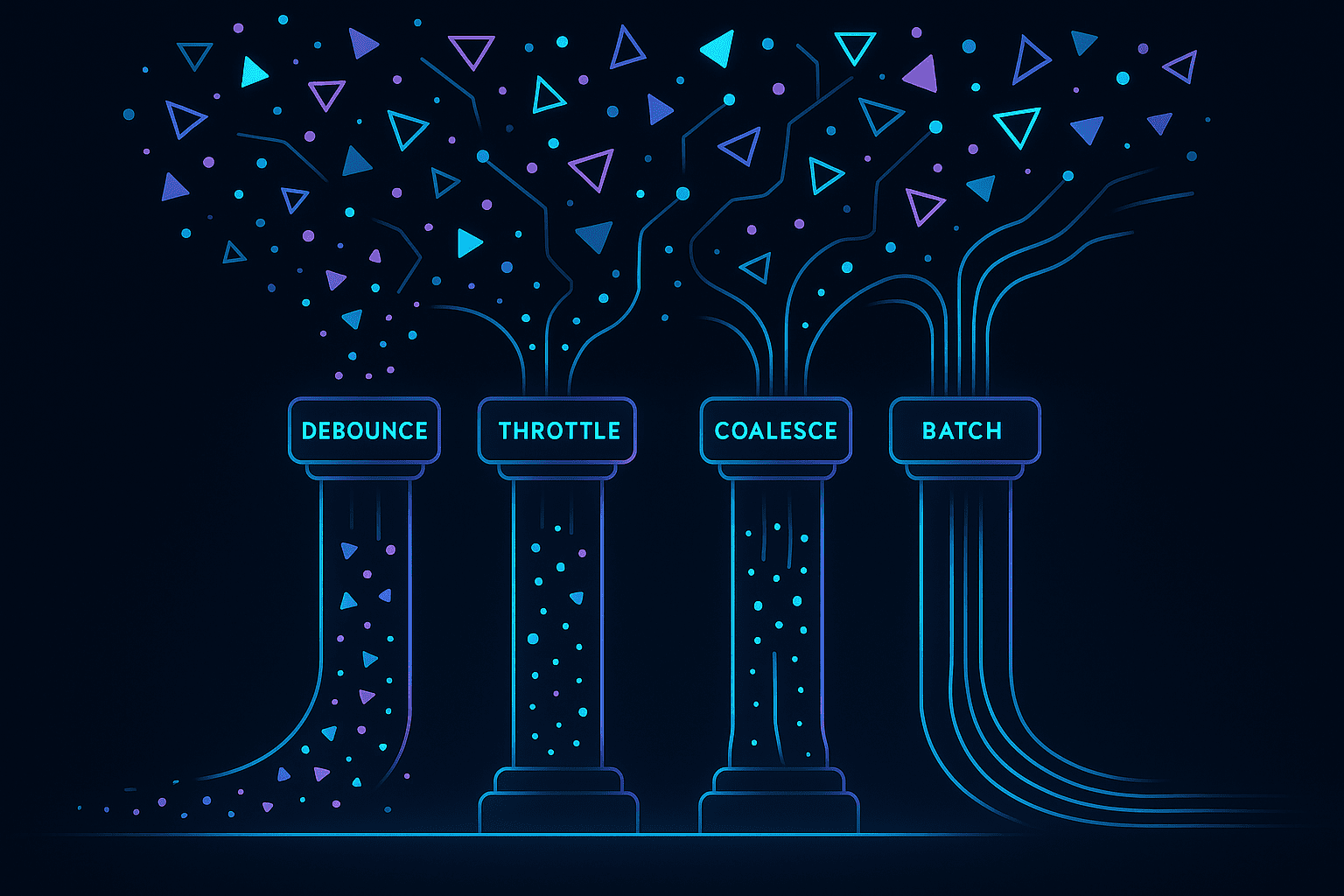
Debouncing waits for the event stream to settle before acting, good for typing, sliders, filters, and searches. Throttling allows at most one event per interval, good for drag gestures, scrolling, continuous interactions. Coalescing merges multiple identical requests into one, good for repository-level API calls or multiple consumers requesting the same resource. Batching groups multiple events into one payload, useful for sensor bursts, analytics, offline logs, and background sync. The magic happens when these techniques become systemic, not just sprinkled across random widgets.
Preventing "tap storms" and input floods
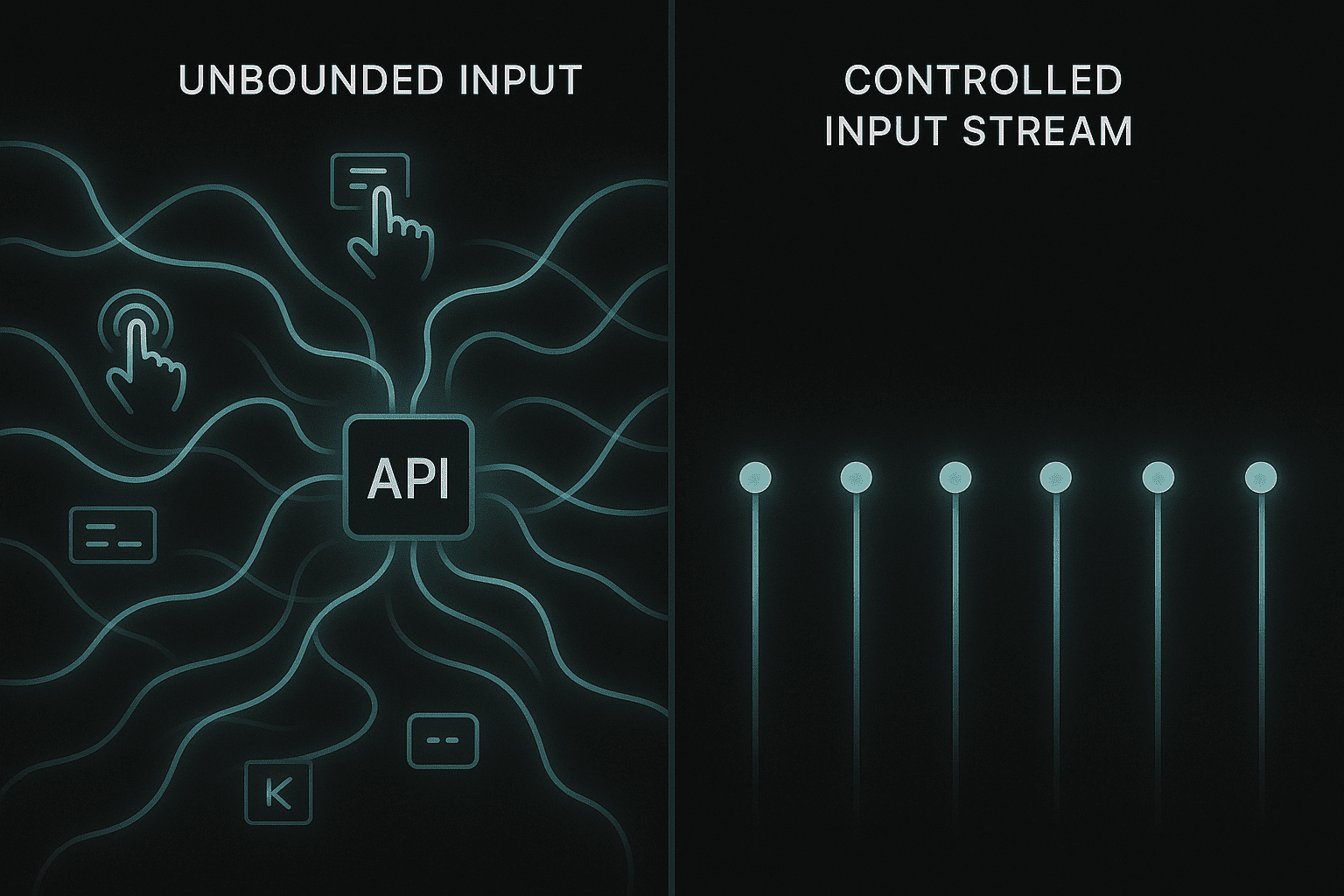
User input is the first source of chaos. Flutter rebuilds quickly, and widgets can easily trigger too many actions. Typical problems: a search bar firing on every keystroke, buttons triggering multiple taps during UI animation, scroll listeners dispatching needless refreshes, and text controllers emitting too many change events.
For debouncing text input, especially useful for search, filtering, and AI query suggestions:
Timer? _debounce;

onChanged(String value) {
  _debounce?.cancel();
  _debounce = Timer(const Duration(milliseconds: 300), () {
    searchRepository.search(value);
  });
}
For button throttling, to prevent double-tap floods:
bool _busy = false;

onTap() async {
  if (_busy) return;
  _busy = true;
  await doAction();
  _busy = false;
}
For scroll-triggered refresh protection, use throttled listeners to avoid fetch storms during rapid scroll:
final throttle = Throttler(const Duration(milliseconds: 200));

scrollController.addListener(() {
  throttle.run(() => loadNextPage());
});
For interactions such as chat input in EverWiz or timeline filtering inside analytics surfaces, UI debouncing prevents both token floods and request spikes that could otherwise hit the backend every few milliseconds.
Repository layer: coalescing duplicate calls
Even perfectly debounced UI can still trigger expensive network calls if multiple parts of the app request the same resource simultaneously. This happens frequently in modular Flutter architectures, the UI needs a user profile, a background service needs it, a push notification handler needs it, and a navigation hook refreshes it on screen entry. Without coordination, four unrelated triggers may hit the API at once.
At the repository layer, you can treat "get X" as an idempotent operation and coalesce duplicates into one in-flight future:
Future<User> getUser() {
  if (_inflight != null) return _inflight!;

  _inflight = _fetchUser().whenComplete(() => _inflight = null);
  return _inflight!;
}
Now, no matter how many consumers ask for the user profile, the app performs only one request. Coalescing solves simultaneous calls, a small timed cache prevents near-simultaneous repeats:
if (_lastFetched != null &&
    DateTime.now().difference(_lastFetched!) < Duration(seconds: 20)) {
  return _cachedUser;
}
This reduces cost and ensures smooth UI transitions when navigating across screens that rely on the same resource. Many user-facing features request shared state, pet details, activity logs, AI insights, or device status. Repository-level coalescing ensures these requests stay bounded, even when multiple modules observe the same data simultaneously.
Device events: smoothing hardware bursts
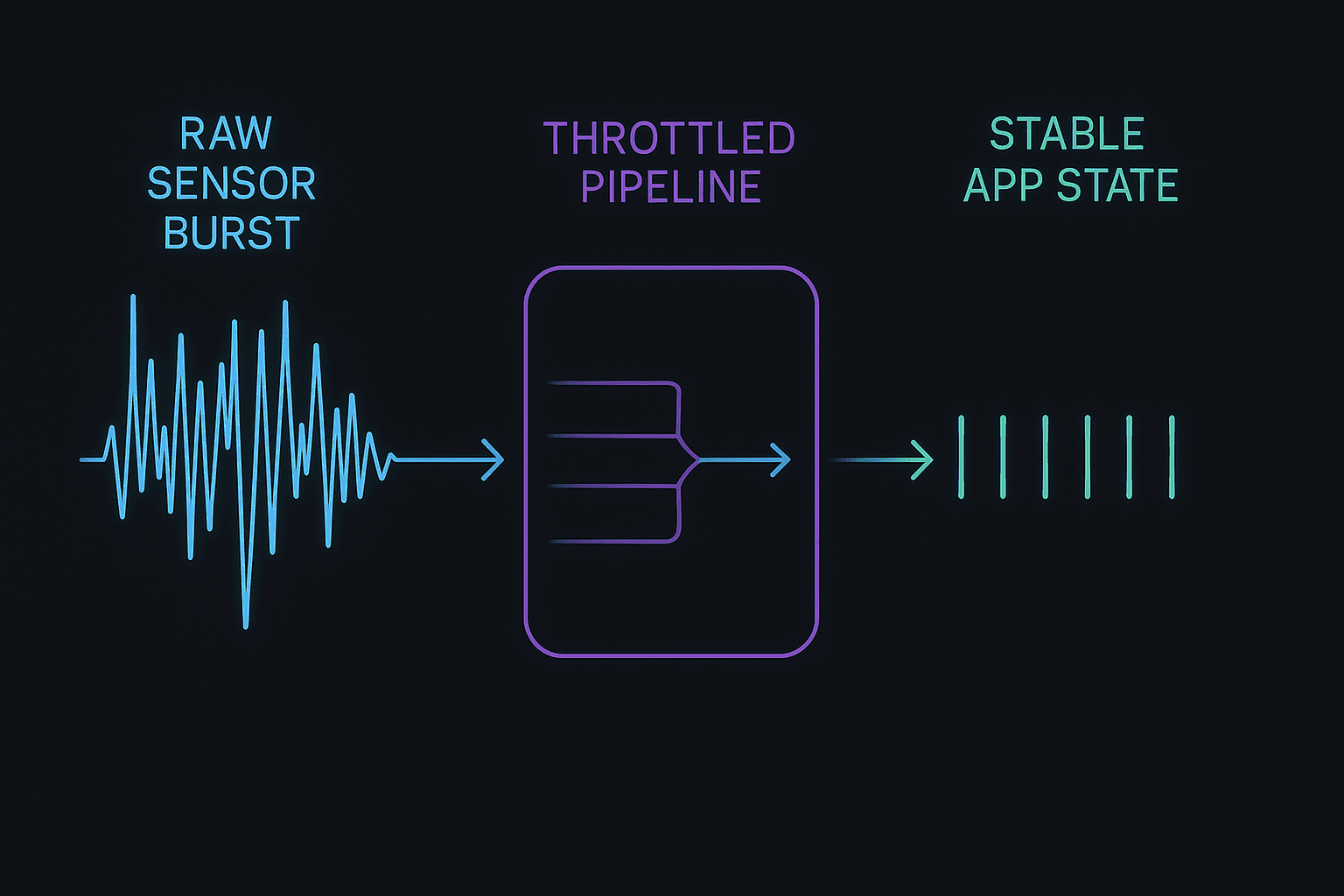
Flutter apps often receive bursty data from BLE notifications, motion sensors, connectivity events, background suspend/resume, and local database streams. Hardware-driven events don't care about your UI frame rate, they fire whenever they want, often in rapid bursts. Problems caused by bursty device events include UI rebuild storms, high CPU usage, rapid backend write amplification, and non-deterministic state transitions.
For fast-moving sensors like accelerometers, load cells, or BLE packets, throttle before reaching UI or network layers:
final throttle = Throttler(const Duration(milliseconds: 50));

sensorStream.listen((event) {
  throttle.run(() => processSensorReading(event));
});
For data like weight logs, environmental readings, or accelerometer bursts, batch by collecting events for 200-500ms, compressing or summarizing, and emitting a single combined record. And prevent sending the same state repeatedly, especially important after reconnect events, with edge-side deduplication.
Navigation and screen lifecycle: hidden sources of API floods
Flutter navigation can be a silent trigger for request storms, especially when screens refresh on initState(), didChangeDependencies(), didPopNext(), deep-link re-entry, or hot resume after OS pause.
Safe navigation patterns include using "refresh once per visible lifecycle" by tracking a local boolean:
if (!_hasRefreshed) {
  repo.refresh();
  _hasRefreshed = true;
}
Also avoid fetching the same resource across multiple pages, instead let repositories cache or coalesce, and use route-aware observers for predictable refreshes so refresh triggers only fire when returning from specific screens, not every navigation event. In Hoomanely's app, surfaces like pet analytics or AI-driven timelines avoid unnecessary refresh storms by implementing lifecycle-aware guards, ensuring only meaningful transitions cause data reloads.
Background sync and offline recovery
When a device reconnects after being offline, queued operations may replay instantly, analytics logs, local writes, sensor batches, AI chat messages buffered offline. If each replays naively, the backend sees a burst flood.
Sliding window replays only N operations per second:
final queue = Queue<LogEntry>();

processQueue() async {
  if (queue.isEmpty) return;

  final batch = queue.take(5); // Max 5 per second
  await sendBatch(batch);
}
Retry backoff prevents infinite retry loops when the backend is stressed. A sync budget per cycle allows only a fixed amount of work before yielding to UI. And drift-aware timeline ordering ensures offline data merges into the correct timeline without creating visual storms in the UI. Offline activity logs, device health analytics, and AI interaction metadata all sync using rate-limited replay mechanisms, preventing costly backend spikes after network recovery.
Observability: detecting bursts before they hurt
Rate limiting isn't complete without observability. You need telemetry footprints for request-per-second spikes, UI rebuild storms, repetitive identical API calls, sync cycle durations, and device event frequency. These metrics help detect runaway loops, hidden retries, widget rebuild explosions, and accidental high-frequency event listeners.
Hoomanely uses a mix of client-side logging, lightweight counters, and backend correlation to understand how mobile behavior impacts cost and user experience. A simple counter inside your client can reveal a lot:
BurstMonitor.record("getInsights");Over time you'll notice which operations naturally want to burst, and where guardrails are missing.
Key takeaways
Rate limiting isn't a single technique you sprinkle across an app, it's a governing policy that shapes how every layer behaves under load. A Flutter application becomes predictable not because each component is fast, but because each component is bounded, disciplined, and unable to overwhelm the rest of the system. In practice, the most stable mobile architectures enforce boundaries at key pressure points: the UI layer prevents tap storms and uncontrolled input bursts, the repository layer coalesces identical calls, device event streams get throttled and batched, navigation lifecycle avoids hidden refresh loops, offline sync workers replay at controlled rates, and observability continuously detects bursts and structural inefficiencies. At Hoomanely, this approach is foundational, with multiple live data sources, AI-driven interactions, and sensor-rich devices feeding the ecosystem, the emphasis isn't on making everything faster, it's on ensuring every subsystem respects its boundaries. Predictability is performance.