WiFi Provisioning Over BLE: A Modern Approach to IoT Device Setup
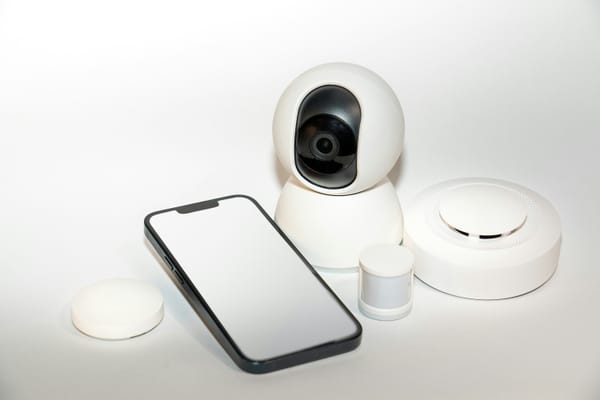
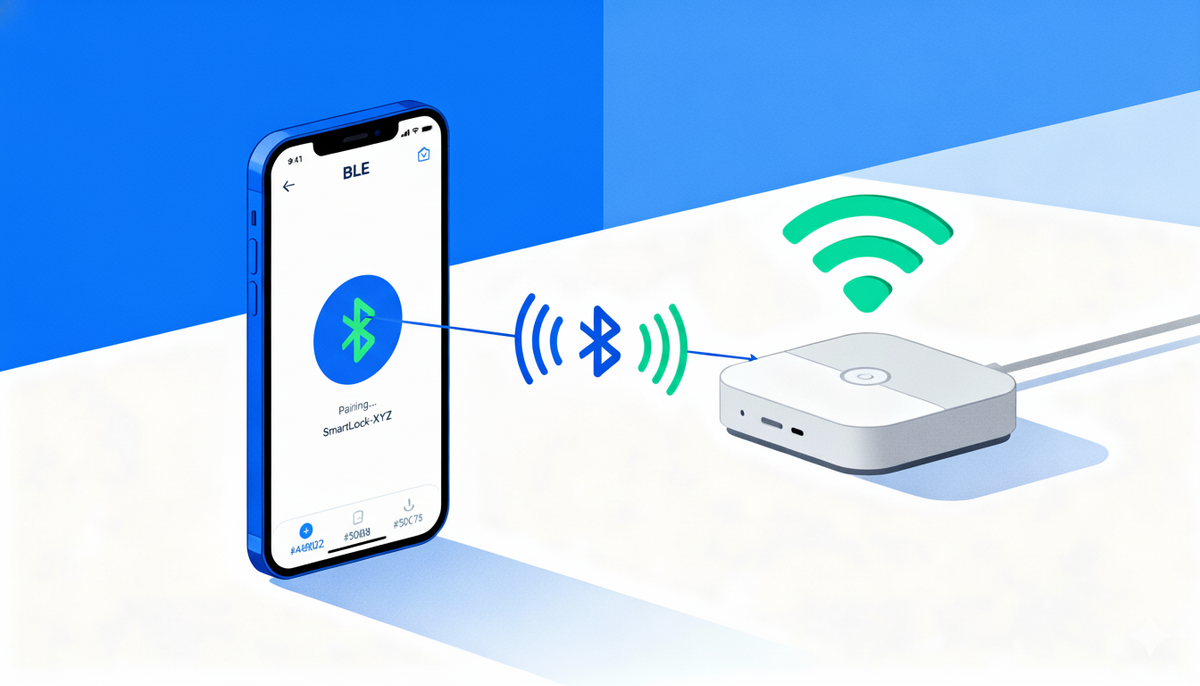
Picture this: you've just unboxed your new smart device. No screen, no buttons, no USB port. How do you tell it your Wi-Fi password? This seemingly simple problem has frustrated IoT teams and users for years. The solution is Bluetooth Low Energy acting as a temporary bridge to get your device online.
The Wi-Fi provisioning problem
IoT devices need internet connectivity to be useful, but getting them connected presents a chicken-and-egg problem, without network access they can't receive configuration, without configuration they can't access the network. Traditional approaches have significant drawbacks. Web-based provisioning, where the device creates its own hotspot and users configure credentials through a web page, works but has a clunky user experience, switching networks confuses people and it often breaks on iOS. WPS is simple but requires physical router access and has known security vulnerabilities. Hardcoding credentials is only viable for controlled deployments. Displays and keyboards add cost, complexity, and power consumption to devices that should be simple and affordable.
Why BLE changes everything
Bluetooth Low Energy offers an elegant middle path. Modern smartphones have BLE built in, apps can discover and connect to devices automatically, and power consumption is minimal, perfect for battery-operated devices. BLE requires no existing network, both iOS and Android have mature frameworks, users already understand pairing from headphones and fitness trackers, built-in pairing mechanisms prevent unauthorized access, and it's bidirectional for real-time feedback during setup. The trade-off is that BLE is slower than Wi-Fi and has limited range, but for a one-time provisioning operation those limitations don't matter.
Architecture overview
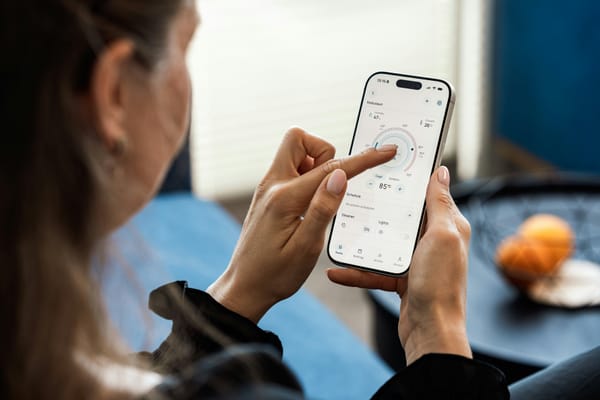
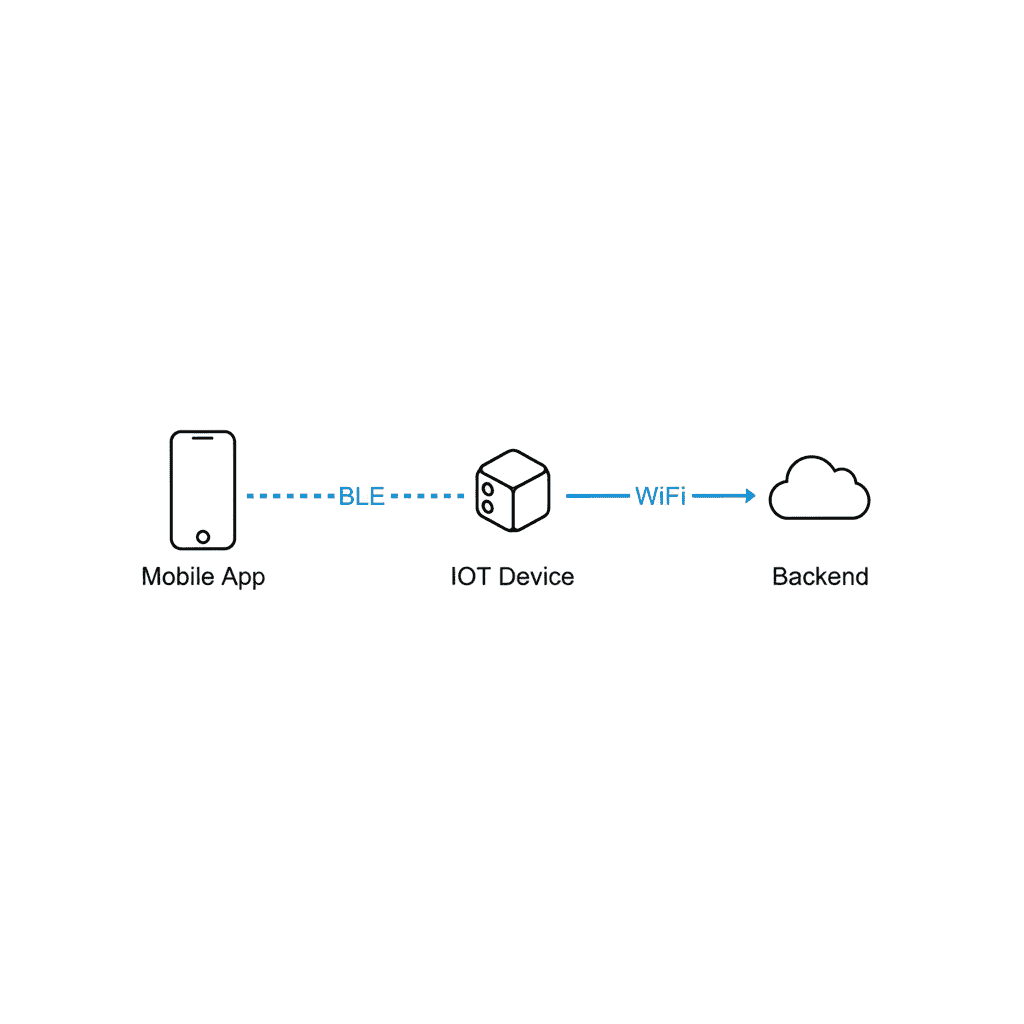
A BLE-based provisioning system has three components. The IoT device, as peripheral, exposes a GATT service with characteristics for scanning networks, receiving credentials, and reporting connection status. The mobile app, as central, discovers the device, connects via BLE, orchestrates the flow, and provides user feedback. The backend service tracks provisioning status and monitors connection health. BLE handles the control plane, setup and configuration, while Wi-Fi handles the data plane, ongoing communication, once provisioned the device communicates directly with backend services over Wi-Fi while keeping BLE available for reconfiguration.
The provisioning flow: four phases
Discovery and connection starts with finding your device among dozens of nearby peripherals. Smart filtering by manufacturer-specific service UUIDs and device names is essential. Build in automatic retry logic with exponential backoff for connection failures. After connection, negotiate a larger MTU, the default BLE packet size is tiny at 23 bytes but modern devices support up to 512, dramatically improving throughput.
Network scanning happens through a write operation to a specific characteristic, with the device responding via a stream of notifications as it discovers networks rather than a single reply, giving real-time updates that reduce perceived wait time. Set a reasonable timeout, 30 seconds, with a helpful message if no networks are found.
Credential transmission has the user select their network and enter the password, packaged into a JSON payload and written to the credentials characteristic. The password travels over an encrypted BLE connection after pairing, generally secure for local provisioning. The write operation should include confirmation, waiting for device acknowledgment before proceeding to prevent race conditions.
Status verification is where things get interesting. The device attempts to connect to Wi-Fi, taking anywhere from 5 to 30 seconds. Implement intelligent polling, every 4 seconds, maximum 12 attempts (48 seconds total), checking BLE connection status before each poll and reconnecting if needed. Polling beats waiting for a notification because notifications can be missed in real-world conditions, polling ensures you eventually learn the outcome. Build a flexible status parser recognizing success patterns like "connected" or "ok" and failure patterns like "failed" or "error," and verify the device echoes back the SSID matching what the user selected where possible.
Handling the real world
Users will walk out of range mid-setup, passwords will be mistyped, network congestion will cause timeouts. For connection recovery when BLE disconnects unexpectedly, implement graceful reconnection, clean up existing subscriptions, wait 2 seconds before retrying, attempt reconnection with timeout protection, rediscover services since connection state may have reset, and resume from the last known good state.
Give users multiple chances through retry mechanisms, retry the scan if the device isn't found, try 3 times before giving up on a failed connection, let users retry with the same credentials if Wi-Fi connection times out. Always provide escape hatches, a cancel button that lets users start over without force-closing the app. Different operations need different timeouts, service discovery around 60 seconds, network scanning around 30, Wi-Fi connection around 60, individual BLE operations 10-15 seconds, and make timeouts visible with progress indicators so users don't assume something broke.
User experience: the make-or-break factor
Design for the non-technical user setting up a device in poor lighting while holding a crying baby. Visual feedback at every step matters, shimmer effects while scanning, color-coded status, real-time text updates. Frame the process as a guided conversation with a conversational interface. And error messages must be actionable, instead of "Error 0x0034," say "Couldn't connect to Home_Network_5G. Check your password and try again," with a retry button right there.
Key takeaways
- BLE is ideal for IoT provisioning, eliminating the need for displays, keyboards, or complex network switching while providing secure, reliable communication.
- Design for failure, network issues, interference, and user error are inevitable, build comprehensive retry logic, timeouts, and recovery mechanisms from day one.
- Real-time feedback is crucial, stream-based notifications for scan results and intelligent polling for status verification keep users informed and reduce abandonment.
- Status verification requires nuance, don't just check for success, verify connection state and provide clear error messages for failures.
- And user experience trumps technical elegance, a bulletproof backend means nothing if users can't complete setup.
- The future of IoT setup is invisible, devices that just work from the moment they're unboxed.