

Building a Smart Food Label Analyser in Flutter
Point your phone at a pet food label. Within seconds, you get a breakdown of ingredients, allergen warnings, and nutritional insights, without manually reading tiny text or squinting under store lighting. This isn't science fiction. It's the kind of AI-powered mobile experience users now expect, and Flutter makes it surprisingly achievable. At Hoomanely, we've built exactly this: a Smart Food Label Analyser that helps pet parents make informed feeding decisions instantly.
Why food label analysis matters
Food labels are notoriously difficult to parse, long ingredient lists and nutritional tables crammed into small print, poor readability from curved packaging or reflective surfaces, and domain complexity in identifying allergens or understanding nutritional ratios. For pet parents evaluating food safety, this creates real friction. A mobile analyser captures the label image, runs OCR and ingredient extraction on the backend, analyses against nutritional databases, and returns clear, actionable insights. What took 10-15 minutes of careful reading now happens in seconds, with better accuracy and accessibility.
System architecture: mobile plus backend
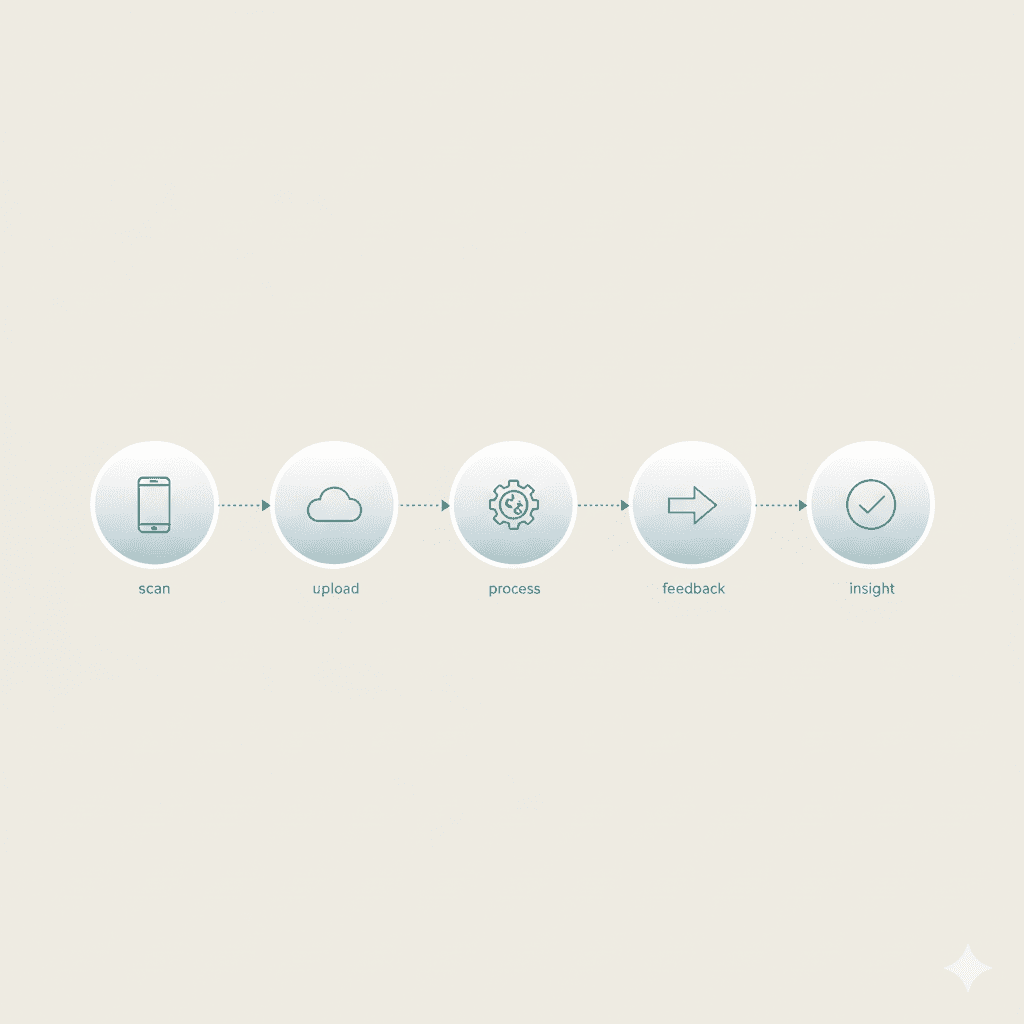
On mobile, Flutter handles camera integration for capture, image preprocessing like cropping and basic enhancement, upload to the backend, a loading state, and rendering the results. On the backend, the ML pipeline receives the image, runs OCR extraction, applies text post-processing and parsing, performs ingredient analysis and allergen detection, and returns structured insights. This architecture keeps the Flutter app lightweight and responsive while leveraging backend compute for heavy ML tasks.
Camera integration: capture without friction
For label scanning, the official camera plugin works well, offering high-resolution still capture important for text clarity, manual focus control, flash management, and cross-platform consistency. UX patterns for better capture include a live preview with an overlay crop guide, lighting hints that detect low light and suggest enabling flash, and a stability check requiring a brief hold-still moment before capture to reduce motion blur. Think of it like a document scanner, guidance matters, the clearer the initial image, the better your backend OCR performs.
Processing the image
Users can manually adjust a crop box, or you can auto-detect the label area, sending only the relevant text region rather than the entire photo background:
final processedBytes = await compute(preprocessImage, rawImageBytes);This keeps your app smooth while preparing the image for upload.
Backend ML pipeline
OCR output is messy, requiring cleaning logic to remove extra whitespace and line breaks, fix common OCR errors like a zero misread as an O, split into semantic blocks distinguishing ingredients from nutritional info, and normalize formatting. Then domain knowledge kicks in for ingredient parsing and analysis via an LLM: ingredient list extraction locates keywords like "Ingredients:" and parses the comma-separated list, allergen detection compares against a database of common pet allergens like gluten, soy, lactose, artificial colors, and meat by-products, and nutritional analysis parses key-value pairs like crude protein and fat percentages, validating formats, converting units, and calculating protein-to-fat ratios.
Returning results
Once analysis completes, structured data goes back to the Flutter app with ingredients, allergens, nutrition breakdown, warnings, and a score. On mobile, display color-coded warnings, red for allergens, yellow for caution, green for good, progress indicators via skeleton loading, and let users save their scan history.
Real-world constraints and common challenges
For our Food Label Analyser we face device diversity, needing to work on budget Android phones, not just flagships, and varying conditions, dimly lit stores, fluorescent lights, curved packaging. Our solution pairs a lightweight Flutter front-end handling capture and basic preprocessing with a scalable backend running heavyweight OCR, ingredient parsing, and allergen detection.
Common challenges include blurry captures from motion blur or poor focus, solved by requiring brief stability and an auto-focus reticle; curved packaging where text follows the contour of cylindrical bags, solved with perspective correction and deskew algorithms; reflective surfaces from store lighting, solved with exposure lock and brightness threshold warnings; multi-language labels, solved with language detection and region-specific OCR plus LLM-based correction; and OCR errors like characters misread, solved with post-correction rules based on domain knowledge or an LLM.
Key takeaways
Building a production-grade Food Label Analyser requires balancing user experience first with smooth camera flow and fast results, backend-heavy processing to keep complex ML off the mobile device, preprocessing quality since good OCR starts with a good image, domain-specific parsing rules since generic text extraction isn't enough, performance budgeting through isolates and compression, and graceful degradation for poor lighting and network issues. The intersection of computer vision, domain expertise, and mobile engineering creates powerful user experiences that turn raw data, a photo, into actionable insights instantly and effortlessly.



