
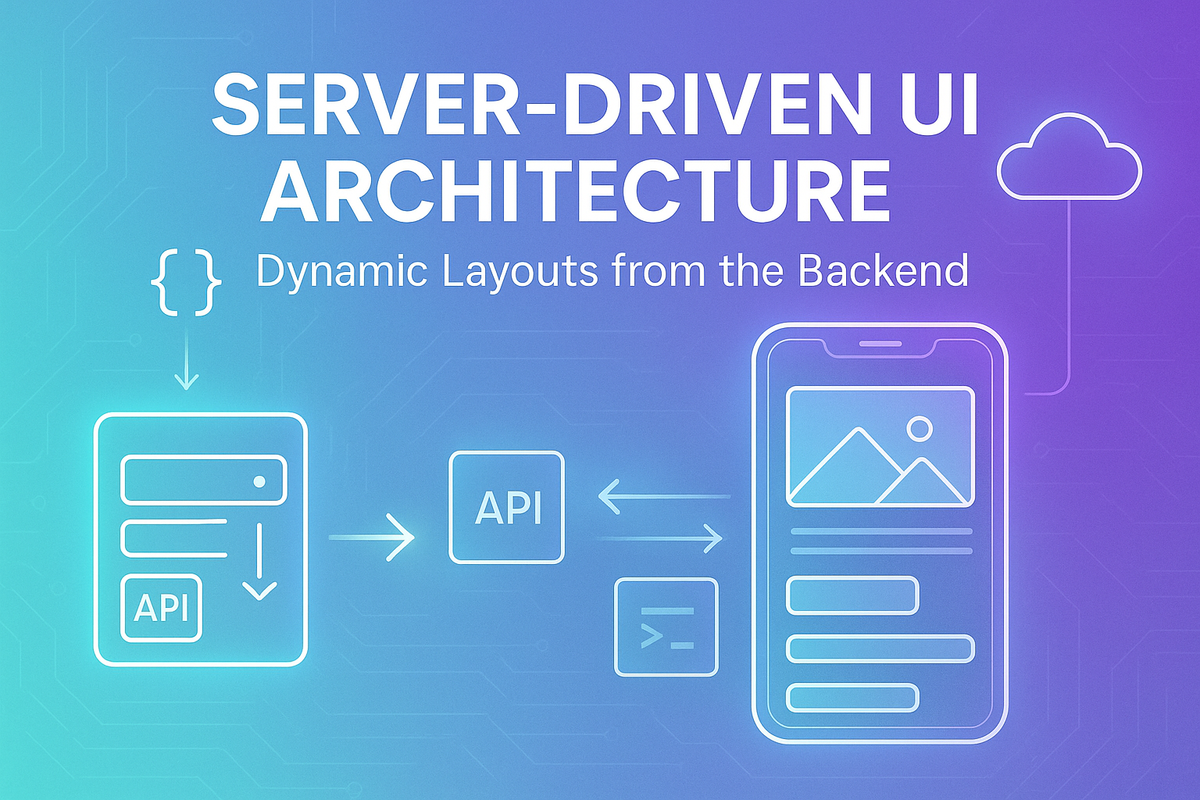
Building Server-Driven UI at Hoomanely: Shipping Pet Care Features Without App Updates
When you're building a pet health app, speed matters. A dog's nutritional needs shift with age, breed, activity level, and health conditions, and waiting 2-4 days for app store review just to push a content update is too slow when pet parents need real-time guidance.
That's why we built Server-Driven UI (SDUI) at Hoomanely, a system that lets us ship new screens and personalize experiences without releasing new app versions. Here's how we did it, the challenges we hit, and why it changed how we build for pets.
The problem: app store bottlenecks kill innovation
Every pet is different. An Afghan Hound needs different care than a Beagle. A puppy in Bengaluru's humidity needs different hydration advice than a senior dog in Delhi's winter. Our product team wanted to push personalized daily tips based on each pet's health data, but traditional mobile development meant writing native code, testing across devices, submitting to app stores, waiting 3-7 days for review, hoping users updated, and measuring results weeks later. For a health-focused product, that timeline was unacceptable. We needed backend control of the UI.
What server-driven UI is
SDUI means the backend sends JSON that describes what to render, not just data to fill into hardcoded screens. Traditionally the backend just fills in text: pet name, a tip string, the app has a hardcoded layout around it. With SDUI, the response describes the actual screen: a header component, an insight card with title, message, icon, and priority, and a button with a label and a navigation action. The app becomes a rendering engine. The backend controls what shows up, in what order, with what styling, and what happens on tap.
SDUI architecture
Step 1, component schema design: we defined a component library both backend and frontend understand, covering text, image, button, card (insight/quiz/nutrition-tip), input, and list components. Each has a type identifier, props for configuration, and an optional action defining what happens on tap.
Step 2, backend orchestration: a screen builder service generates these JSON structures dynamically, considering pet profile (breed, age, weight, allergies), user behavior, time of day, and location. For example, a daily insight builder checks the local weather and recent health data, adding a heat-alert card if the temperature is above 32°C, and an activity-reminder card if yesterday's steps were well below target. Every pet gets a UI unique to their context.
Step 3, Flutter rendering engine: on the client side, a component factory converts JSON into widgets with a switch statement mapping each component type to the matching widget. Flutter fits SDUI well because its composable widget tree maps naturally to JSON structure, hot reload speeds up testing component rendering, layout constraints stay predictable, performance holds at 60fps even with dynamic screens, and offline caching is straightforward with local storage.
Step 4, action handling system: UI is just the surface, what happens on tap matters more. Our action types include navigate (deep-link to any screen), api-call (submit data to the backend), open-sheet (show a modal), show-toast (quick feedback), log-event (analytics), and open-url (external links like vet booking). All navigation flows through a centralized router.
Offline-first plus server-driven
The challenge: SDUI needs a network, but mobile apps must still work offline. Our solution is local caching with smart fallbacks. On first launch online, we fetch and cache SDUI screens. When the app opens offline, it loads from the local Isar database. A stale cache shows the cached version while refreshing in the background. With no cache at all, the app falls back to minimal native screens. This means previously viewed insights stay accessible, actions queue for retry when the network returns, and there's never a completely broken experience.
Real features powered by SDUI at Hoomanely
Daily personalized insights: every morning, pet parents see cards tailored to their pet, things like "Cheetah's activity dropped 30% this week," "high sodium detected in a recent food scan," or "vaccination due in 5 days." Copy, imagery, and card order are all controlled server-side.
Food label analyzer education: when users scan unclear ingredients, we show contextual help, first-time scanners get a detailed walkthrough, returning users get a lighter touch, both adapting without any code changes.
Why SDUI matters for pet personalization
Each pet is unique in ways that should shape the UI itself, not just the data inside it: breed affects care screens (an Afghan Hound versus a Beagle), age changes the guidance (puppy nutrition versus senior mobility), weight shifts the framing (overweight tips versus underweight meal plans), allergies change guidance (grain-free versus standard food info), climate matters (Bengaluru humidity versus Delhi cold), and behavior changes the activities suggested (high-energy versus calm dogs). SDUI lets us personalize what UI gets shown, not just what data fills it.
Results: why it was worth building
| Metric | Before SDUI | After SDUI |
|---|---|---|
| Feature rollout time | 2-4 weeks | 1-3 days |
| Iteration cycles | Slow (release-bound) | Multiple per day |
| Personalization depth | Generic tips | Pet-specific experiences |
| App store dependency | High | Zero for UI changes |
The real wins: pet parents get better care faster, the product team can experiment without fear, UX improves continuously without forced updates, and business logic lives where it should, on the backend.
What SDUI is not
To be clear, SDUI isn't bad practice dressed up: it's not WebViews, we render native Flutter widgets, not HTML. It's not "everything remote", navigation bars and chat bubbles stay native. It's not uncontrolled, we version schemas and validate every response. And it's not slow, cached screens render instantly. SDUI is controlled flexibility where it matters most.
Challenges we faced
Type safety was tricky since JSON has no compile-time guarantees, so the backend generates TypeScript types from the schema, Flutter validates JSON on parse, and unknown component types fall back to a safe widget.
Debugging got harder, since a broken screen could be a backend or frontend issue, so we added detailed logging with screen IDs, a JSON viewer in debug mode, and schema versioning for compatibility.
Performance suffered on large JSON payloads, so we added lazy loading for long lists, pagination for content-heavy screens, and background JSON parsing with isolates.
When to use SDUI, and when not to
Use it for content-heavy screens that change frequently, personalized experiences per user or pet, and marketing-driven surfaces like promos and announcements. Don't use it for core navigation (tab bars, drawers), chat interfaces needing real-time typing indicators, animations requiring 60fps precision, or screens needing instant offline access.
Final takeaways
SDUI has fundamentally changed how we build at Hoomanely: we ship UI as data, so the backend controls what users see; personalization scales, every pet gets a tailored experience; iteration is fast, we test, learn, and improve daily; offline still works through cached screens and fallbacks; and the business moves independently, without waiting on developers for every content change. Every improvement to our SDUI system means faster innovation, safer health guidance, happier pet parents, and healthier pets.



