
Component Libraries Done Right: Library Hygiene in the vBus Ecosystem
At Hoomanely, every PCB design begins with component libraries, the schematic symbols, PCB footprints, and 3D models that represent physical components in our EDA tools. Poor library hygiene creates ripple effects:
- Incorrect footprints require PCB respins
- Missing pins cause assembly issues
- Inconsistent naming slows design reviews
Excellent library hygiene does the opposite, it accelerates design, prevents errors, and enables seamless collaboration across our engineering team.
The library structure: organization for scale
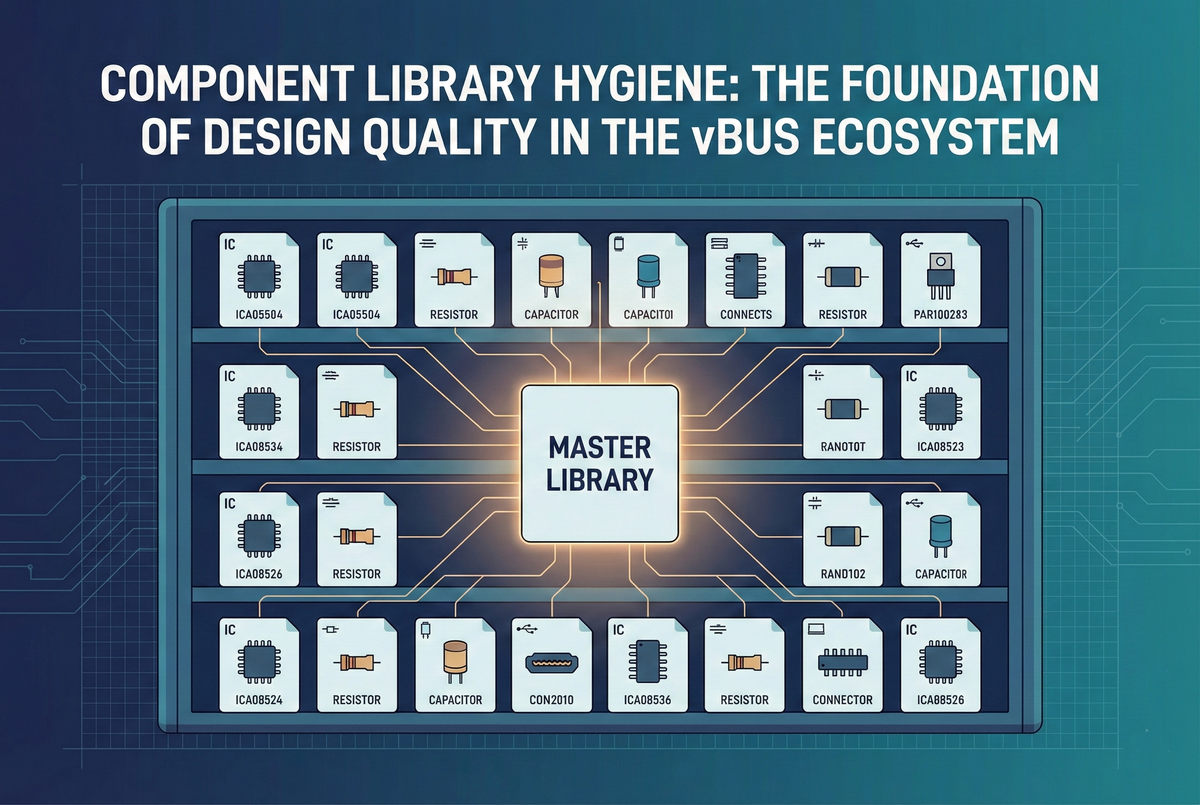
Our component libraries follow a three-tier hierarchical structure. The master library holds company-wide approved components, every part verified, footprint validated, used in production designs, the single source of truth designers start from. The project library holds module-specific components not yet in the master library, parts under evaluation, prototype-only components, or variants awaiting validation, which promote to master after successful production use. The personal library is an individual designer's workspace for experimentation, never used in production designs without review and promotion.
Every component follows a standardized naming format:
- Category
- Manufacturer
- Part number
- Package
- For example "IC_STM_STM32H743ZIT6_LQFP144" or "Resistor_Yageo_RC0603FR-071KL_0603." This naming immediately communicates component category
- Manufacturer with no ambiguity about source
- Exact part number
- Package type
Designers find components quickly, BOM generation is automatic, and duplicate components become immediately obvious.
Component creation standards
Schematic symbols require every pin labeled with a functional name, not just a pin number, "VDD" or "UART_TX" rather than "Pin 1" or "P1.5." Related pins get grouped logically, power pins together, communication interfaces adjacent, GPIO banks organized by port. Pin ordering follows a functional arrangement optimized for schematic readability rather than matching the physical package order. Visual standards keep power pins at top, ground at bottom, inputs on the left, outputs on the right, at a 100 mil grid standard. Every symbol includes manufacturer and part number in properties, a description, a datasheet URL, and a footprint assignment.
PCB footprints are created from manufacturer drawings, not approximations, pad sizes matching the recommended land pattern, pad spacing verified against tolerance stack-up, and a courtyard outline encompassing the maximum component dimensions. Pad names match schematic symbol pins exactly, enabling electrical rule checking and preventing net misconnections. Silkscreen shows a visible component outline, a clearly marked pin 1 indicator, and a standardized reference designator position. Every footprint is verified against the IPC-7351 land pattern calculator, the manufacturer-recommended footprint, and physical component measurement for critical or non-standard parts.
Every component includes a 3D STEP model when available, downloaded from the manufacturer or an aggregator, positioned and scaled correctly relative to the footprint, enabling mechanical interference checking before prototyping.
The component lifecycle
When a designer needs a component not in the master library, the process starts with searching first, the component may already exist under a different manufacturer part number. If a functionally equivalent component exists, it gets reused unless a specific requirement demands a new part, reducing library bloat. A new component gets created in the project library following standards, then reviewed by another designer checking pin names, footprint dimensions, 3D model alignment, and naming convention. After successful PCB assembly and testing, the component gets promoted to the master library with validation notes attached.
Components enter the master library only after being used in at least one successful prototype or production design, with the footprint verified via an assembled PCB, no dimensional or electrical issues discovered, complete metadata, and peer review approved.
Component libraries are stored in version control with every change tracked by commit message and designer attribution, revert capability if errors are discovered, and branch-based development for major changes. Footprint changes get semantic version numbers, a major version bump for geometry changes that break compatibility, a minor bump for compatible cosmetic adjustments, enabling tracking of which designs use which footprint version.
Validation and quality control
Automated library validation scripts check naming compliance, footprint completeness (all pads connected, courtyard layer present, silkscreen not overlapping pads, pin 1 indicator present), symbol completeness (footprint assignment exists, datasheet URL populated, all pins named), and duplicate detection for similar part numbers or identical footprints. Beyond automation, manual review catches design intent issues, does the symbol layout enable clear schematics, does the land pattern match IPC recommendations, is the component easy to use in designs.
Training and onboarding
New hardware engineers receive structured training across three sessions:
- Structure and standards
- Hands-on component creation with peer review practice
- Tools and automation covering validation scripts and version control workflow
A practical assignment, creating three components from datasheets and submitting for review, validates understanding before production work. A living style guide documents naming rules, symbol creation guidelines, footprint workflow, 3D model integration, and promotion criteria, backed by an example gallery of exemplar components.
vBus-specific library standards
vBus connectors receive special treatment, each connector type having a validated master footprint where modifications require architecture review, with pin assignment validation built into the schematic symbols and 3D models including proper mating connector clearances to verify SoMs physically fit on carrier boards. Module-specific components get their own conventions too:
- CPU SoM processor footprints include thermal pad connections and recommended thermal via patterns
- Power SoM high-current regulators include thermal relief patterns and wide pad designs
- Sensor components include keep-out zones for sensing accuracy and orientation indicators
Benefits: velocity through standardization
Validated components reduce design time, no footprint creation during schematic capture, no dimensional verification needed, fewer PCB spins since footprints work the first time. New designers become productive immediately thanks to clear standards, example templates, and validation that catches mistakes before they reach production. All designers using the same components makes design reviews faster, BOM consolidation easier, and manufacturing yields higher.
Common issues get eliminated: incorrect pad sizes, wrong pin assignments, missing pins, duplicate components. Library hygiene contributes directly to our above-95% first-pass PCB success rate.
Continuous improvement
Engineers report library issues or suggestions, difficult-to-use components trigger guideline updates, footprint dimension concerns get re-verified, ambiguous naming gets refined with examples. Manufacturing feedback from the assembly house on solderability, orientation confusion, or clearance violations feeds directly back into pad sizes, silkscreen, and courtyard dimensions. Quarterly library audits review which components are used most frequently for extra validation priority, which are never used for potential deprecation, and what new categories are needed proactively.
Conclusion: libraries as infrastructure
Component library hygiene isn't glamorous work, but it's foundational infrastructure that amplifies every design effort. When libraries are well-maintained, accurate footprints, clear naming, comprehensive validation, designers move faster, make fewer mistakes, and collaborate more effectively.
At Hoomanely, we've elevated library management from housekeeping to strategic capability. Our standardized approach enables new designers to hit the ground running, ensures consistency across our growing vBus portfolio, and contributes directly to our industry-leading first-pass success rates. As our product ecosystem scales, our library infrastructure scales with it, new components integrate seamlessly, validation automation prevents degradation, and continuous improvement ensures quality compounds over time.



