
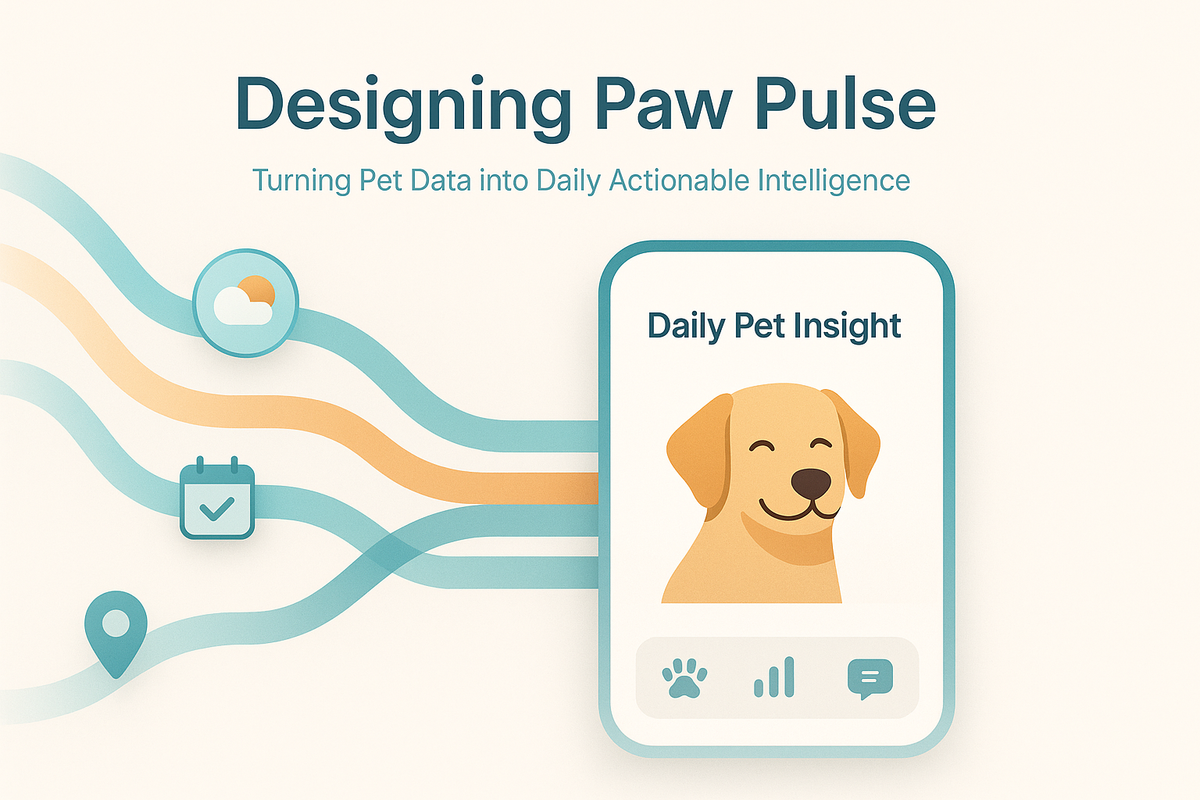
Designing Paw Pulse: Turning Pet Data into Daily Actionable Intelligence
Modern apps are full of notifications, reminders, and generic tips, and most of them get ignored. At Hoomanely, we wanted something very different: a feature that feels personal, timely, and useful without overwhelming the user. That idea became Paw Pulse, a daily, context-aware insight designed specifically for each pet.
This post covers how we designed and built Paw Pulse, from data modeling and backend orchestration to LLM prompt design, caching strategy, and mobile UX decisions, along with the engineering lessons we picked up along the way. This isn't about sending another notification. It's about turning scattered pet data into daily actionable intelligence.
The problem: why generic pet tips don't work
Before Paw Pulse, pet advice in most apps looked like "make sure your dog drinks enough water" or "regular walks are good for dogs." Technically correct, and completely forgettable. From a product and engineering perspective we identified several problems: no personalization (the same advice goes to everyone), no context (tips aren't tied to weather, location, or recent activity), no timing logic (notifications arrive randomly), low trust (users quickly learn the content isn't for their pet), and high fatigue (frequent, low-value notifications get disabled).
What Paw Pulse is, and what it is not
Paw Pulse is a once-per-day personalized insight for each pet: generated daily, pet-specific, context-aware, actionable, lightweight in UI, and cached and deterministic. It's not a chat experience, a stream of tips, a generic notification blast, real-time event spam, or a replacement for veterinary advice.
By constraining Paw Pulse to one insight per pet per day, we created room to focus on quality over quantity, which meaningfully simplified both UX and backend complexity. That constraint also gave us a clear success metric: did the user find today's insight valuable enough to open it? No vanity metrics, no inflated engagement.
High-level architecture
Paw Pulse has five layers: data aggregation (building pet context), insight generation (structured LLM calls), caching and idempotency (ensuring consistency), notification orchestration (respecting user preferences), and mobile rendering and interaction (calm, focused UX). Each layer is deliberately isolated to keep the system predictable and scalable, following a simple principle: generate once, serve many times. That keeps costs low, latency predictable, and the user experience consistent.
Data aggregation: building the pet context
Everything starts with a structured, bounded context for a pet. For each pet, we assemble a snapshot covering the pet profile (name, age, breed, gender, weight, neutered status, known medical flags, activity level preferences), environment and location (city, timezone, current weather, 24-hour forecast, seasonal context), engagement history (last 3-5 questions asked, last 5 Paw Pulse insights shown, follow-up interactions, topics of interest), and safety constraints (medical exclusions, repetition avoidance rules, tone boundaries like supportive and never alarmist).
This entire context gets serialized into a deterministic input structure, which is crucial for consistency and debuggability. Every Paw Pulse generation is reproducible if we ever need to investigate an issue.
Prompt engineering: where intelligence is shaped
Paw Pulse uses an LLM, but not in a free-form way. We do structured generation, not "write something nice about dogs." Our prompt template enforces a fixed structure with clear sections, safety constraints and medical disclaimers, tone guidance (warm but not cutesy), explicit exclusions (no repeats from the last 5 days), and length constraints (80-120 words for the main insight). This gives us predictable output length, fewer hallucinations, easier moderation, consistent UX, and structured data for analytics.
Deterministic daily generation
One subtle but critical decision: Paw Pulse is generated once per pet per date, meaning the same pet plus the same date always produces the same insight, no matter how many times the app is opened. That prevents confusion ("why did the message change?"), enables aggressive caching, allows safe retries on failure, keeps notifications and UI consistent, and simplifies debugging and support.
We use a compound key:
cache_key = f"paw_pulse:{pet_id}:{local_date}"If an insight already exists, we return it from cache. If not, we generate, store, and reuse it for the rest of that day. One real challenge was timezone handling: a pet's "day" should align with the owner's local time, not server time, and a user traveling across timezones shouldn't see duplicate or missing insights. Our solution: always use the pet owner's registered timezone for date calculations, and cache insights with timezone-aware keys.
Notification orchestration
Paw Pulse notifications aren't fire-and-forget. We apply several rules: at most one notification per pet per day, respect local quiet hours (no notifications before 5 AM or after 9 PM), respect user preferences (global or per-pet disable), skip sending if the insight's already been viewed, and use soft language throughout. The notification payload itself is intentionally minimal, just enough to open the app and load the cached insight, which keeps notification size small and delivery reliable. Our design principle: notifications should invite, not interrupt.
Mobile UX: designing for calm, not noise
On the Flutter side, Paw Pulse renders as a single focused card. Key UX decisions: one insight at a time, no scrolling walls of text; clear pet context with name, photo, and breed always visible; no frantic design, calm colors and readable typography; optional follow-ups that appear below and never block; easy pet switching by swipe or tap; and persistent access from the home screen with notification optional.
When users switch pets, the app fetches the cached insight for that pet without regenerating or modifying it, preserving perceived stability. We intentionally avoided turning Paw Pulse into a chat interface, which keeps cognitive load low and reinforces the idea of a daily signal, not a conversation.
Before, a generic tip like "dogs need exercise" would go out to all German Shepherd owners with no context or timing. After, Paw Pulse says something like: "Max might need extra water breaks today, Bengaluru is hitting 35°C this afternoon. Watch for heavy panting during your evening walk", specific to Max, a 4-year-old German Shepherd, tied to real weather and a real schedule.
Follow-up questions: closing the loop
Each Paw Pulse insight can include light follow-up prompts, which serve two purposes: improving engagement by giving users a way to explore deeper, and feeding future context since answers inform tomorrow's insights. Examples: "Has Max been scratching more than usual lately?", "Would you like indoor activity ideas for rainy days?", "Is Max's appetite normal this week?"
Follow-ups get tracked but don't immediately regenerate the day's insight, instead they influence future days, keeping the system stable and predictable. We also learned that users prefer binary or single-choice follow-ups over free text, faster, less intimidating, and it gives us structured data.
Failure handling and edge cases
No production system is complete without thinking through failure. We explicitly handle missing pet data (use breed defaults when specific data is unavailable), weather API failures (fall back to seasonal generics), LLM timeouts (retry once, then serve a fallback insight), notification delivery failures (log and retry later, never spam), and timezone edge cases (always use the owner's registered timezone).
In every case, Paw Pulse degrades gracefully, either showing a simpler insight or skipping the day entirely rather than risking incorrect advice. Our rule: if confidence is low, silence is better than noise.
What we learned
- Personalization is an engineering problem, not just a content problem.
- Constraints create better UX; one insight per day beats infinite scrolling.
- Determinism builds trust; users appreciate consistency.
- Prompt design deserves versioning; treat prompts like code.
- Caching is not optional for AI features; costs and latency matter.
- Fewer notifications lead to higher engagement; respect beats repetition.
Why Paw Pulse matters at Hoomanely
Paw Pulse represents how we think about product engineering: data into context into insight, backend intelligence into calm UX, automation into trust, scale into predictability. It's not the most complex system we've built, but it's one of the most intentional.
Final thoughts
Paw Pulse isn't about AI hype or flashy dashboards. It's about using technology responsibly to deliver small, thoughtful moments of value, every day, for every pet. From structured prompts and deterministic caching to careful UX and notification design, Paw Pulse shows that intelligence in products comes as much from engineering discipline as from models. If you're building personalized systems, whether for pets, people, or platforms, the principles here apply well beyond this one feature: constrain the problem to create space for quality, design for predictability over surprise, respect the user's attention like it's their most limited resource, cache aggressively to keep costs and latency under control, and build in failure modes from day one.



