
Handling Massive Image Uploads at Scale: S3 Pipelines, Compression, & Lifecycle Policies
At Hoomanely, our app lets users upload pet photos during onboarding, attach images to community posts, share short video clips, upload pet tag images, submit food label photos for AI analysis, and update profile and cover photos. Each of these flows generates large media files, often multiple megabytes per upload, and what started as a simple feature quickly became our biggest infrastructure challenge.
Early on, uploads were straightforward. As our user base grew, the same flows started creating massive S3 storage costs, 7-15 second upload times on slow networks, app freezes from base64 conversions, backend CPU spikes during image processing, expensive GET/LIST operations, unoptimized read patterns causing feed lag, and orphaned images. We needed a media pipeline that was fast, cheap, resilient, mobile-friendly, backend-light, secure, and scalable. Here's how we designed it.
Why image uploads become a scaling problem
When a mobile app uploads images naively, problems appear quickly. Mobile networks are inconsistent, users upload from 3G, 4G, 5G, and unstable WiFi, and what works on fiber broadband fails on rural 3G. Flutter images are huge in memory: a 4MB photo becomes 30-40MB in RAM after decoding, and multiple images at once means OOM crashes. Reprocessing images on the backend, resizing, orientation fixes, EXIF stripping, is CPU-heavy work that doesn't scale. Storing originals increases S3 cost exponentially, millions of 5-10MB photos means thousands of dollars a month in storage alone. Reading large images in feeds slows everything, community pages get sluggish serving 6MB images to hundreds of concurrent users. And upload latency destroys UX: pet onboarding stalls, community post creation feels slow, retry loops create duplicate uploads, and users abandon the flow. We hit every one of these problems, so we rebuilt the pipeline from scratch.
The architecture we use at Hoomanely
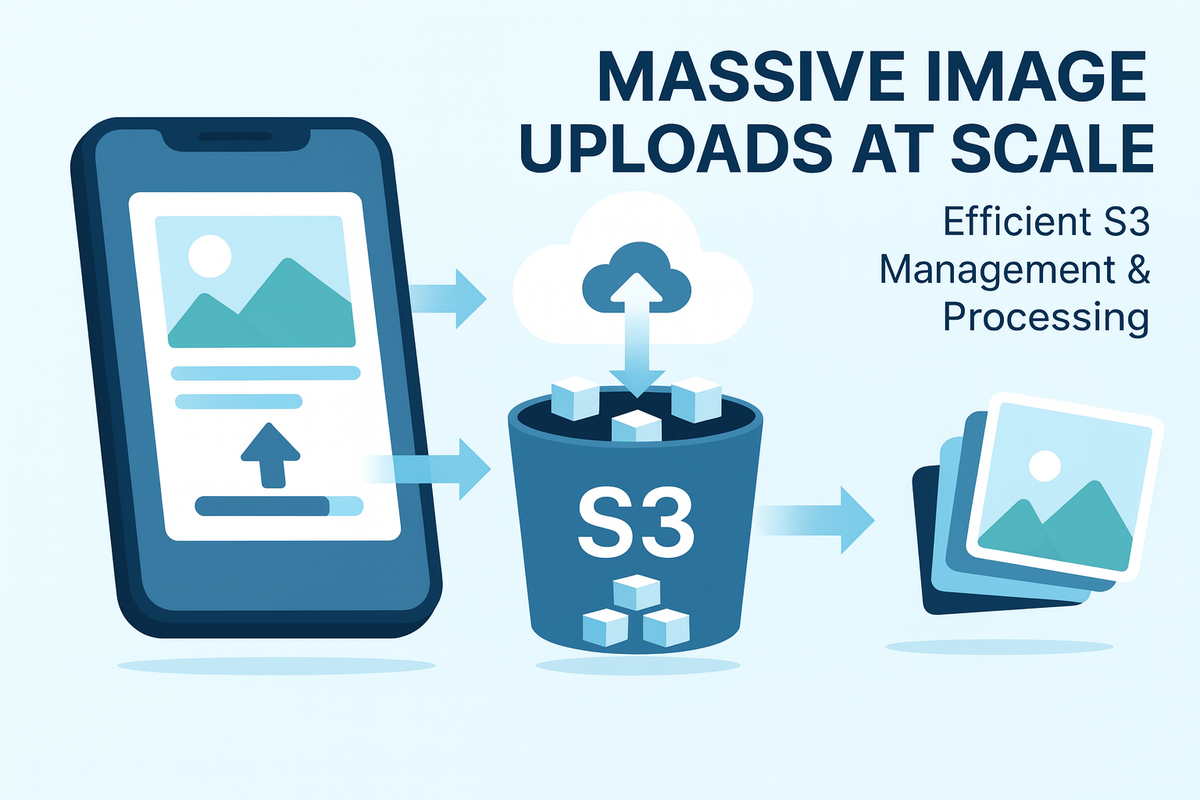
Our final solution is a mobile-first media pipeline with no backend bottlenecks. Compression and resizing happen on-device in the Flutter app, then the app uploads directly to a presigned S3 URL, into raw and processed folders. Lambda triggers handle processing into multiple sizes, lifecycle policies handle cleanup, and CloudFront serves everything to the app for community feeds, profiles, and onboarding. The key principle: process as much as possible on the client, upload directly to S3, process asynchronously, serve via CDN.
On-device compression: the key to speed
Instead of uploading full-resolution 4000x3000 pet photos, we compress and resize on-device before upload. Our rules: maximum dimension of 1080-1440px depending on use case, 70-80% JPEG quality, JPEG format for photos, and stripping all EXIF metadata including location and camera info.
The measured benefits were significant: 5-10x smaller upload size (a typical 4MB photo drops to about 400KB), 40-60% less RAM usage during processing, better performance on 3G/4G networks, 3x faster uploads, and zero backend CPU for initial compression. We use flutter_image_compress with native iOS/Android codecs running in a background isolate to avoid UI jank.
Presigned S3 URLs: direct upload from the app
Earlier, we routed uploads through our backend: app to API server to S3, which was slow, expensive, and CPU-heavy. Now, the Flutter app requests a presigned S3 URL from our API, uploads directly to S3 via HTTP PUT, and the backend just stores the S3 key reference. This means no backend bandwidth usage, no load on application servers, S3 handling retries, range requests, and resumable uploads on its own, upload speed improving by 60-70%, and the whole thing scaling infinitely with S3's own capacity.
Processing pipeline for community images
When a user posts an image in the community feed: Flutter compresses it down to roughly 100-300KB, uploads it to community/raw/{uuid}.jpg using a presigned URL, and an S3 event triggers a Lambda that runs async resize jobs producing a 200x200 thumbnail for previews, a 720px feed size for the main feed, and a 1080px full size for the lightbox view. Each size lands in its own processed folder, and the app intelligently loads the right one, thumbnail for small preview cards, feed-size while scrolling, full version for full-screen viewing, with CloudFront automatically serving the closest cached copy. The result: feeds load about 4x faster and use roughly 80% less bandwidth.
CloudFront CDN for fast global loading
Slow image loading kills community engagement, users bounce if images take more than two seconds to load. We put all images behind CloudFront CDN for global edge caching, sub-100ms latency on cached content, automatic gzip/brotli compression, signed URLs for private content like pet medical records, cache invalidation on updates, and a 95% cache hit rate after optimization. A useful configuration tip: use different cache behaviors per image type, 30 days for thumbnails, 7 days for feed images, 24 hours for profile photos.
Upload reliability: retry and idempotency
Mobile uploads fail often, network drops, background mode interrupts, users switching apps mid-upload. Our reliability stack includes upload retry with exponential backoff, retrying up to 5 times with increasing delays (1s, 2s, 4s, 8s, 16s), and session persistence, so if the app restarts mid-upload it resumes from the last successful chunk, continues the S3 multipart upload, and avoids duplicate uploads.
Hoomanely-specific use cases
Pet onboarding image upload: users provide a photo during signup for breed identification. Challenges included huge images (8-12MB from modern phones), memory spikes causing crashes, slow uploads on rural networks common in tier-2/3 cities, and needing retries when onboarding crashed. Our solutions: aggressive on-device compression capped at 1080px, sequential uploads with queue management, background upload continuation, and fallback to lower quality on slow networks.
Community feed image upload, one of our most complex flows, with users uploading 1-10 images per post. Challenges included high variability in network conditions, concurrent uploads from hundreds of users, S3 bandwidth costs spiraling, cache invalidation complexity, and feed scroll performance with mixed image sizes. Solutions: batch compression in parallel isolates, parallel uploads capped at 3 simultaneous, multi-sized image generation, and aggressive lifecycle policies.
Food label scanner flow: users scan pet food labels for instant nutrition analysis. The app captures an image, the user confirms a crop area, it uploads, the backend runs OCR plus LLM analysis, and returns structured nutrition data. Optimizations here: cropping and compressing before upload for a 2-3x size reduction, normalizing orientation on-device, and using lower resolution since it's sufficient for OCR.
Monitoring stack
CloudWatch for Lambda metrics, custom events for upload tracking, Sentry for error tracking, and DataDog for infrastructure monitoring.
Lessons learned
Start with lifecycle policies on day one, we waited too long and the cleanup effort was painful. Don't over-engineer processing, we initially created 7 different image sizes and now use 3, less is more. Mobile networks are worse than you think, test on real 3G in rural areas, not throttled desktop browsers. Compression settings matter enormously, we A/B tested quality levels at 60%, 70%, 80%, and 90%, and landed on a sweet spot of 75%. Observability is not optional, without metrics we were flying blind, so invest early in instrumentation. Background uploads are complex, handle app termination, network changes, and OS restrictions carefully. And cost optimization compounds, small savings from lifecycle policies, better compression, and CDN caching add up to huge reductions at scale.
Final thoughts
At Hoomanely, image uploads weren't a small feature, they became a core infrastructure challenge touching every part of our stack. By combining presigned URLs for direct S3 uploads, aggressive on-device compression, a structured S3 folder hierarchy, lifecycle rules for automatic cleanup, multi-region CDN caching, async Lambda processing, and robust retry logic, we built a pipeline that's fast on any network including 3G, cheap to operate at scale, reliable across devices, secure by design, and maintainable as we grow. This architecture now powers pet onboarding, the community feed, pet profiles, food label scanning, and dynamic tag rendering. The bottom line: don't treat image uploads as a simple feature. At scale, it's a distributed systems problem that needs careful architecture, aggressive optimization, and constant monitoring.



