
How We Handle Complex State in Flutter Without Losing Our Minds
Flutter makes it easy to build good-looking apps fast. Early on, everything feels smooth: a few screens, some setState, and it just works. Then the app grows. You add chat screens, pagination, animations, API calls, offline storage, and suddenly the UI starts flickering, pagination behaves randomly, scroll position jumps, images reload for no reason, and you're scared to touch setState.
We hit that exact phase while scaling our Flutter app. This post covers what went wrong, why setState breaks down at scale, and how adopting Stacked (an MVVM package) helped us get state back under control. This isn't a beginner tutorial, it's for developers building real, production-scale apps.
Flutter is easy to start, hard to scale
Flutter's biggest strength is also its biggest trap. You can put logic directly in widgets, call setState anywhere, mix API calls, UI, and business logic together, and at first this feels productive. As screens get complex, though, that freedom turns into chaos. At some point we realized our UI was no longer predictable: a single action would trigger multiple rebuilds, fixing one bug created two more, and debugging turned into guesswork. That's when we knew our approach to state management had to change.
Why setState breaks at scale
setState isn't evil, but unstructured setState is dangerous. The core problem is that setState rebuilds everything below it in the widget tree. Fine in small widgets, a silent performance killer in large screens.
Real problems we ran into: typing in a chat input caused the pet profile image to reload, pagination triggered unnecessary full-screen rebuilds, and UI state and business logic were tightly coupled. The worst part was that there was no clear ownership of the state.
The hidden enemy: rebuild storms
One of the hardest issues to debug in Flutter is a rebuild storm: state updates that are too broad, widgets listening to more state than they need, or animations and streams triggering rebuilds every frame.
We had an AnimatedBuilder running an infinite animation on a gradient. That animation rebuilt the entire widget, caused images to reload, and triggered unnecessary layout passes. The UI looked fine, but performance slowly degraded. The lesson: if you don't control rebuild boundaries, Flutter will punish you silently.
Enter Stacked: what it is and why it matters
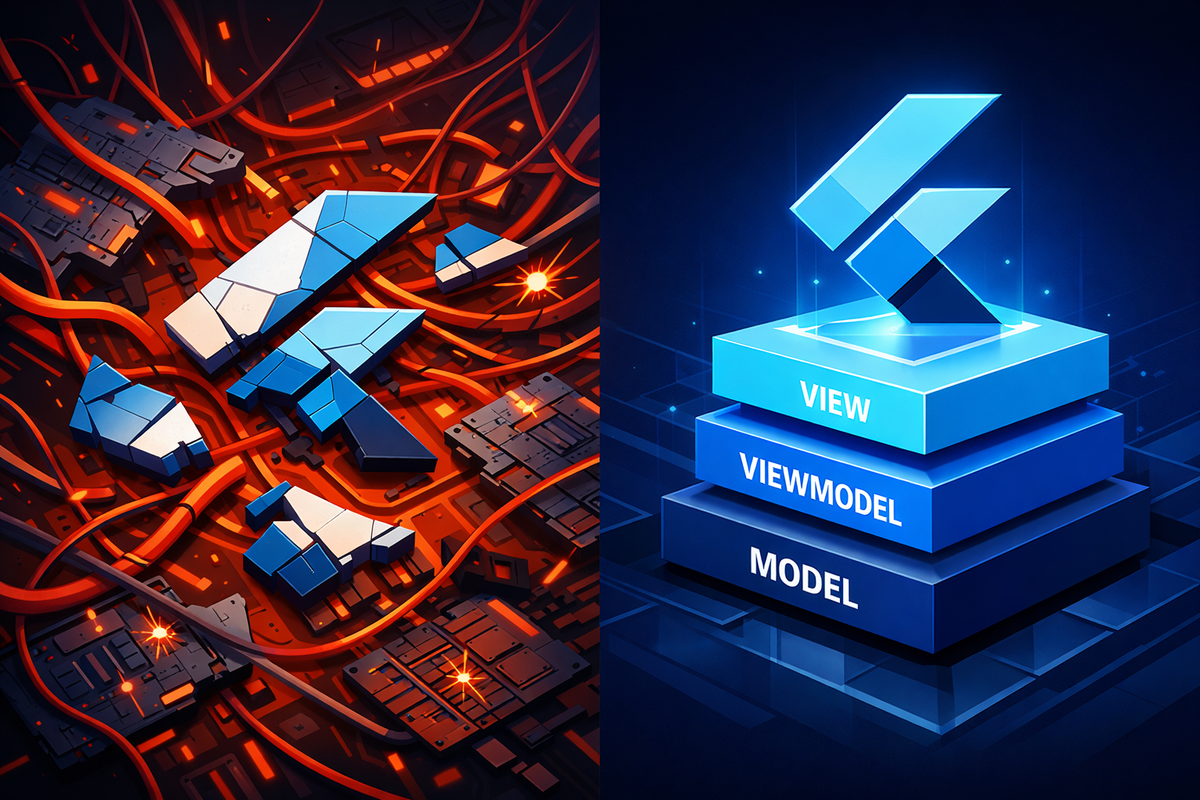
Stacked is an MVVM (Model-View-ViewModel) architecture package for Flutter that enforces a clear separation between UI and business logic, essentially structured state management with strong opinions about where things belong. The architecture is simple: the View is your widget, purely for rendering; the ViewModel holds state and business logic; the Service handles external dependencies like APIs and storage.
We picked Stacked after evaluating Provider, Riverpod, and BLoC, because it gave our growing team the clearest mental model to work from.
The mental shift: UI should not own state
The real breakthrough was realizing widgets should render state, not manage it. In a lot of Flutter apps, widgets fetch data, hold loading flags, handle pagination, manage retries, and track error states, which creates tight coupling between UI and logic. Fixing that meant establishing clear ownership of state, predictable rebuilds, and testable business logic.
How Stacked transformed our architecture
Before, a chat screen looked like a StatefulWidget managing loading flags, a message list, and error state directly, with setState calls scattered through fetch, success, and error paths, plus 200 more lines of UI code mixed in. The business logic was trapped in the widget, impossible to unit test, with no clear error recovery flow.
class ChatScreen extends StatefulWidget {
  @override
  _ChatScreenState createState() => _ChatScreenState();
}

class _ChatScreenState extends State<ChatScreen> {
  bool _isLoading = false;
  List<Message> _messages = [];
  String? _error;

  @override
  void initState() {
    super.initState();
    _fetchMessages();
  }

  Future<void> _fetchMessages() async {
    setState(() => _isLoading = true);
    try {
      final messages = await chatApi.getMessages();
      setState(() {
        _messages = messages;
        _isLoading = false;
      });
    } catch (e) {
      setState(() {
        _error = e.toString();
        _isLoading = false;
      });
    }
  }

  @override
  Widget build(BuildContext context) {
    if (_isLoading) return LoadingSpinner();
    if (_error != null) return ErrorWidget(_error!);
    return ListView.builder(...); // Plus 200 more lines
  }
}
After the switch, the View is pure UI reacting to a ViewModel, and the ViewModel is pure Dart logic:
// View - Pure UI
class ChatScreenView extends StackedView<ChatScreenViewModel> {
  @override
  Widget builder(context, viewModel, child) {
    if (viewModel.isBusy) return LoadingSpinner();
    if (viewModel.hasError) return ErrorDisplay(viewModel.error);

    return ListView.builder(
      itemCount: viewModel.messages.length,
      itemBuilder: (context, index) => MessageTile(viewModel.messages[index]),
    );
  }

  @override
  ChatScreenViewModel viewModelBuilder(context) => ChatScreenViewModel();
}

// ViewModel - Pure logic
class ChatScreenViewModel extends BaseViewModel {
  final _chatService = locator<ChatService>();
  List<Message> _messages = [];

  List<Message> get messages => _messages;

  Future<void> initialize() async {
    await runBusyFuture(_fetchMessages());
  }

  Future<void> _fetchMessages() async {
    _messages = await _chatService.getMessages();
    notifyListeners();
  }
}
The ViewModel is pure Dart and easily testable, the UI only reacts to state changes, error handling is centralized, and logic can be reused across platforms. This separation alone eliminated about 70% of our state-related bugs and cut our average PR debugging time from 2 hours down to 20 minutes.
ViewModel boundaries: the most important rule
The biggest mistake teams make with MVVM is creating god ViewModels. We avoided that with one rule: one ViewModel per screen. Loading flags, pagination tokens, error states, business decisions, and API orchestration all go in the ViewModel. Layout, styling, animations, and interaction wiring stay in the View. If a widget started feeling smart, we moved that logic into the ViewModel.
Avoiding rebuild storms with Stacked
Stacked gives fine-grained rebuild control if you use it correctly. We rebuild only when needed, using ViewModelBuilder.reactive only when the UI genuinely depends on state, and extracting static widgets as const so they stay out of reactive rebuilds. We split widgets aggressively, header, list, footer, input, each listening only to what it needs. And we expose minimal state: booleans, computed getters, and read-only values instead of whole objects, which keeps rebuilds predictable.
Pagination: where most Flutter apps break
Pagination is deceptively hard. Common mistakes include fetching multiple pages in parallel, scroll jumping when new data loads, loaders showing in the wrong place, and re-fetching data that's already loaded.
All our pagination logic lives in the ViewModel, which controls isFetching, hasMore, nextToken, and whether a load is initial or paginated. The View just triggers fetchMore() and never decides when to paginate. We never replace the entire list, reset scroll position, or rebuild parent widgets unnecessarily, which made pagination boring and reliable, exactly what you want.
Handling loading and error states cleanly
One underrated benefit of MVVM is clean state representation. Our ViewModel exposes isBusy, hasError, and errorMessage, and the View simply reacts, no try/catch blocks in the UI, no duplicated loaders across widgets. That also made unit testing trivial.
Testing became possible, and easy
Before MVVM, logic lived in widgets, tests were painful, and bugs slipped through. After, ViewModels are pure Dart, API calls are mocked, and state transitions are testable. We now test pagination edge cases, error recovery, and loading transitions directly. Our test coverage went from 12% to 68% in three months, which alone justified the architecture change.
Quick win: extract your first ViewModel
Pick your messiest screen. Move all business logic to a new ViewModel class, and keep only UI code in the widget. You'll see the difference within 30 minutes. Start with screens that make API calls, have complex loading states, include pagination, or mix UI and business logic. Don't migrate everything at once, start with new features and gradually refactor problem screens.
Common anti-patterns we actively avoid
- Calling APIs directly from widgets
- Using setState for business logic
- Listening to entire ViewModels everywhere
- Storing mutable state in widgets
- Triggering rebuilds from animations
- Creating god ViewModels that manage multiple screens
- Putting UI logic in ViewModels
When not to use Stacked
Every architecture has tradeoffs. Stacked might be overkill if your app has fewer than 10 screens, you're building a prototype or MVP, your team is unfamiliar with MVVM, or you only have simple local state. For small apps, setState or Provider might be perfectly fine. But if you're planning to scale, structuring early pays off.
Stacked won't fix everything
If your widgets are still 500-plus lines, that's a decomposition problem, not a state management problem. Split widgets into smaller pieces, extract reusable components, and favor composition over complexity before adding architecture. Good architecture amplifies good design, it can't fix fundamentally messy code.
Our architecture at a glance
| Before Stacked | After Stacked |
|---|---|
| Logic scattered across 12 widgets | Logic in 1 ViewModel |
| 6 loading flags in different places | 1 isBusy property |
| 2+ hours debugging per PR | 20 minutes average |
What we'd do differently if we started today
Looking back, we'd introduce ViewModels earlier (after screen 5, not screen 25), keep widgets smaller from day one, avoid over-engineering initially but structure early, treat state as a first-class concern, and write tests for ViewModels immediately. Flutter scales extremely well, but only if state is disciplined.
Final thoughts: Flutter scales if you respect state
Flutter isn't the problem. Unstructured state is. Stacked (MVVM) didn't slow us down, it saved us as the app grew: fewer regressions, predictable UI, happier developers, better performance, and a testable architecture. If your Flutter app is starting to feel fragile, the fix isn't more hacks. It's clear ownership of the state, and for us, Stacked made that ownership explicit.



