
Optimizing Image & Video Compression for Mobile: Maintaining Quality While Hitting Size Limits
Modern smartphones are incredible content creation machines, capturing stunning photos and silky-smooth videos, but this power creates a significant challenge for mobile app developers. A single iPhone photo can be 12MB. A 30-second 4K video can easily be 150MB. When users tap upload they expect instant results, but backend systems have practical limits, networks are unpredictable, and poor compression leads to stretched photos, failed uploads, and frustrated users.
At Hoomanely this challenge is particularly acute. When a worried pet parent needs to share their dog's symptoms or a concerning wound to the community, the last thing they should face is upload failures or degraded image quality that obscures important medical details.
The real problem with generic approaches
Fixed quality compression, applying 80% JPEG quality to everything, seems logical, but a 4000x3000 photo at 80% still hits 6MB while a smaller image gets unnecessarily degraded, one-size-fits-all fails when content varies wildly. Aggressive downscaling into fixed dimensions creates distorted aspect ratios, landscape photos get squashed, portrait shots become tiny. Iterative compression, compress, check size, compress again if too large, seems smarter but multiple passes compound quality loss exponentially and processing time becomes unpredictable, anywhere from 5 to 30 seconds, blocking the UI while it churns through iterations.
These approaches treat compression as a quality slider rather than understanding the relationship between pixel dimensions, aspect ratios, and file size.
Think in dimensions, not just quality
The breakthrough came from a simple insight: file size is primarily determined by pixel count, not compression percentage. Instead of arbitrary dimension targets, focus on the shortest side of the image and target a fixed pixel value, say 1080 pixels. A landscape photo at 4000x3000 has a shortest side of 3000, resizing to 1440x1080. A portrait photo at 3000x4000 resizes to 1080x1440. A square photo resizes to 1080x1080. The aspect ratio stays perfectly preserved in every case, and applying high-quality compression, 90-100%, to the properly-sized image gives consistent file sizes between 800KB and 2MB with no distortion. This single-pass approach is predictable and fast.
iOS devices capture photos in HEIC, 50% smaller than JPEG but not universally supported. Our solution is transparent format conversion, detect the image format, convert HEIC to JPEG at high quality if detected, then process through the dimension-based pipeline. This eliminates an entire class of unsupported-format errors while simplifying the backend to only handle JPEG.
Video compression with smart targeting
Videos are exponentially more complex, a one-minute 4K video can exceed 400MB. Targeting something like 960x540 resolution rather than 1080p means smaller file sizes, faster processing time, and looks excellent on the mobile screens where most viewing happens, while maintaining standard 16:9 aspect ratio. For a 30-second clip this typically results in 5-15MB files processing in 8-12 seconds, the sweet spot between quality and practicality for mobile-first experiences.
Even with intelligent compression, add validation layers, hard limits (20MB for images, 100MB for videos), early validation checking original file size first, post-compression validation verifying requirements are met, and clear error messages telling users what went wrong and what to do.
Performance in practice
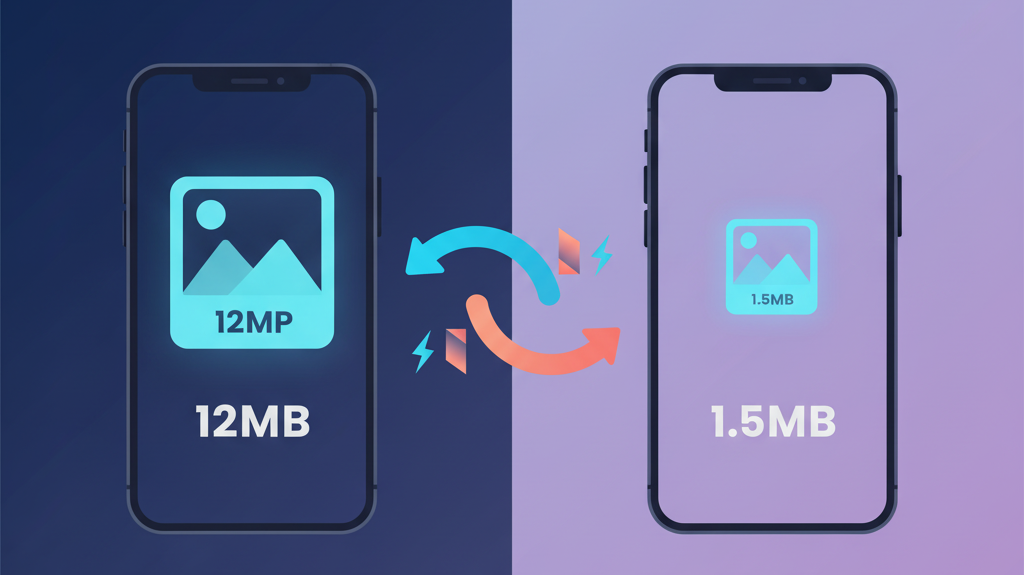
Image processing typically completes in 800ms to 1.5 seconds for standard photos, adding another 400-700ms when HEIC conversion is needed. Memory usage stays controlled, 50-80MB peak for images, 100-150MB for video, with proper cleanup preventing leaks. File size reduction is dramatic, average image compression achieves 85-95% size reduction, a 12MB photo becomes 1.5MB, while videos see 90-95% reduction, 200MB becomes 15MB.

Handling edge cases
If an image is already under target dimensions and size limits, we skip compression entirely. Extreme aspect ratios, panoramic photos or tall screenshots, still work because targeting the shortest dimension preserves the aspect ratio while keeping file sizes reasonable. Corrupted files get graceful error handling to prevent crashes. And very long videos get validated for duration and size before compression starts, failing fast with clear expectations if limits would be exceeded anyway.
Key design trade-offs
Every decision involves trade-offs. Targeting 1080px shortest dimension means images aren't suitable for print quality, but they're perfect for the 95% use case of mobile viewing. Single-pass compression means we might not achieve the absolute smallest file size, but we prioritized quality preservation and predictable performance. Converting HEIC to JPEG means slightly larger files, but universal compatibility was more valuable than cutting-edge format support. And video at 960x540 isn't HD quality but prioritises the most common viewing scenario while keeping file sizes manageable.
Key takeaways
- Good compression isn't about achieving the smallest possible file size, it's about finding the sweet spot between quality, performance, and user experience.
- Understanding the relationship between pixel dimensions, aspect ratios, and file size significantly reduces upload failures while maintaining visual quality users appreciate.
- Preserve aspect ratios religiously, users notice when their photos look wrong.
- Compress in a single pass, it's faster and produces better quality than iterative approaches.
- Handle formats transparently, and validate early to fail fast.
- Get these principles right, and compression becomes invisible, exactly how it should be.



