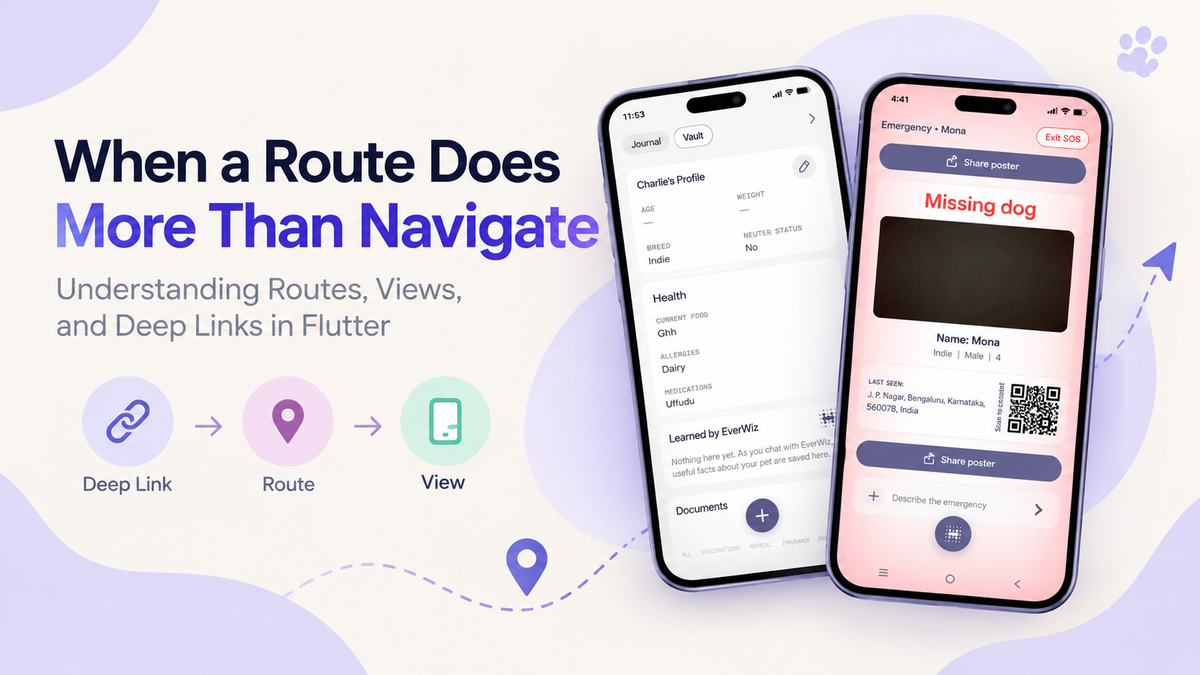
When a Route Does More Than Navigate: Understanding Routes, Views, and Deep Links in Flutter
When I first started working with navigation in Flutter, I thought the concept was fairly simple: A route takes you from one screen to another. You have a route, you navigate to it, and the corresponding screen opens. But while working on a real navigation flow involving deep links, route handling, views, and asynchronous data, I realized that navigation can become much more complicated than simply moving from Screen A to Screen B. This experience made me look more closely at what a route should actually be responsible for and what should instead belong to the view.
It Started With a Route. The existing implementation had a route that was doing more than just defining where the application should navigate. The route was also involved in handling conditions, retrieving information, and deciding what should happen before the actual UI was displayed. At first, this doesn't necessarily look like a problem. After all, everything is related to navigation, right? But as more conditions are added, the route can slowly become responsible for too many things. Instead of having a simple flow like: Route → View the flow starts becoming something closer to:
Route → Conditions → Data → Validation → Navigation → View
and that is where things start getting harder to reason about.
What Makes This Difficult?
One of the important things I noticed was that navigation and UI have different responsibilities. A route should primarily help the application understand:
"Where should I go?"
The view should be responsible for:
"What should I display and how should I behave?"
When these responsibilities get mixed together, even a small change can require understanding several different parts of the navigation flow. For example, imagine that a deep link contains an identifier.
The application needs to:
- Receive the deep link.
- Extract the identifier.
- Navigate to the appropriate route.
- Retrieve the required data.
- Check whether the data exists.
- Decide what should happen if the data is missing.
- Display the appropriate view.
If all of this logic is placed inside the route itself, the route can become difficult to maintain.
Routes vs Views
This is where the difference between a route-oriented approach and a view-oriented approach became important. A route is primarily about navigation. A view is primarily about presentation and interaction. Instead of making the route responsible for every decision, the navigation flow can be structured so that the route gets the application to the correct view, while the view handles the state and UI-related decisions.
Conceptually: Route-based responsibility
Deep Link
    ↓
Route
    ↓
Route Logic
    ↓
Conditions
    ↓
Data Handling
    ↓
View
View-oriented responsibility
Deep Link
    ↓
Route
    ↓
View
    ↓
Data / State Handling
    ↓
UI
The second approach makes the responsibility of each part easier to understand. The route doesn't need to know every detail about how the screen works. It just needs to get us there.
Where Do Deep Links Fit In?
Deep links make navigation even more interesting.
A normal navigation action might look like:
Button
   ↓
Navigate
   ↓
Open Screen
A deep link can start the process from outside the application:
External Link
      ↓
Application
      ↓
Deep Link Handling
      ↓
Route
      ↓
View
The important part is that the deep link shouldn't need to know how the entire screen works. Its job is essentially to provide enough information for the application to determine where the user needs to go. For example, a link might contain an identifier:
some-app://something/12345The navigation layer can identify the destination and pass the required information forward. The view can then use that information to load or display the appropriate content. This separation makes the flow easier to follow.
Why the Navigation Layer Matters
Another important part of this implementation was understanding the role of the application's navigation layer.
Instead of allowing different parts of the application to directly control every navigation detail, having a central navigation mechanism provides a consistent way to move through the application.
Conceptually:
Deep Link
    ↓
Navigation Layer
    ↓
Route
    ↓
View
This creates a clear path.
It also means that the application has a single place where navigation decisions can be coordinated instead of having navigation logic scattered across different parts of the codebase.
Handling Missing Data
Another small but important part of the implementation was handling the possibility that the required object might not exist.
For example:
final pet = getPet();It is tempting to assume that pet will always be available.
But in a real application, data can be missing.
The object might not have been loaded yet, the identifier might be invalid, or the expected data might no longer exist.
That means the application should explicitly handle:
if (pet == null) {
    // handle missing data
}
This is especially important when navigation depends on that data.
Otherwise, the application may reach a screen expecting an object that isn't actually available.
The important idea here is:
Don't assume that navigation input will always produce valid data.
Why mounted Matters After await
Another Flutter concept that became relevant was mounted.
Consider an asynchronous operation:
await someOperation();While that operation is running, the widget could potentially be removed from the widget tree.
So after an await, code shouldn't blindly assume that the widget is still available.
That's why we commonly see:
if (!mounted) return;before performing widget-related operations after asynchronous work.
The simple way I think about it is:
"I waited for something. Before I continue using this widget, I should make sure the widget is still alive."
This becomes particularly important in navigation flows because navigation itself can change the widget tree.
The Bigger Picture
What initially looked like a small routing change actually involved several different concepts:
             Deep Link
                 ↓
        Navigation Handling
                 ↓
              Route
                 ↓
               View
                 ↓
        Data / State Handling
                 ↓
                UI
Each layer has a different responsibility.
Data / State
Provides the information required by the view and handles cases where that information is unavailable. Keeping these responsibilities separate makes the overall flow easier to understand.
What Changed in the Way I Look at Routes
The biggest difference in my thinking is that I no longer look at a route simply as:
"The thing that opens a screen."
A route is one part of a larger navigation system.
When a route starts handling too much application logic, it can become harder to understand and maintain.
A cleaner approach is to let each part do the job it is best suited for:
Route → Navigation

View → UI + Screen Behaviour

Data Layer → Data

Deep Link → Entry Information
This doesn't mean that every application must use exactly the same structure. The right structure depends on the application and its architecture. But separating responsibilities makes it much easier to understand where a particular piece of logic belongs.
Final Thoughts
Working on this navigation flow showed me that seemingly small Flutter navigation changes can involve much more than just changing a route. Deep links, asynchronous operations, missing data, widget lifecycle, navigation layers, routes, and views all interact with each other. The most useful way to think about it is to follow the complete journey:
Where did the request come from?
How did the application decide where to go?
Which route handled it?
Which view received it?
What happens if the required data isn't available?
What happens if the widget is no longer mounted?
Once the entire flow is visible, navigation becomes much easier to reason about.
And that is the interesting part about Flutter navigation: a route may look like a simple doorway, but understanding everything that happens before and after that doorway is what makes a navigation flow reliable and maintainable.