
Building Safe Group Membership Models: Lessons from Community Groups Development

Community groups power some of the most engaging features in modern apps—from fitness communities to professional networks. But building a safe, scalable group membership system is harder than it looks. Unlike ephemeral chat groups focused on real-time messaging, community groups are persistent spaces where members build lasting relationships, share knowledge, and maintain collective identity over time.
At Hoomanely—a platform dedicated to improving pet care and welfare—we faced this challenge head-on when multiple pet care societies approached us. These established organisations wanted to manage their member communities on our platform while maintaining control over governance, membership, and content.
This requirement forced us to think deeply about what makes a group membership system truly "safe"—not just from a security perspective, but in terms of governance, auditability, and user trust. How do you prevent a group from becoming orphaned? How do you track administrative actions for compliance? How do you balance organisational control with member autonomy?
The Core Challenge: Balancing Control and Freedom
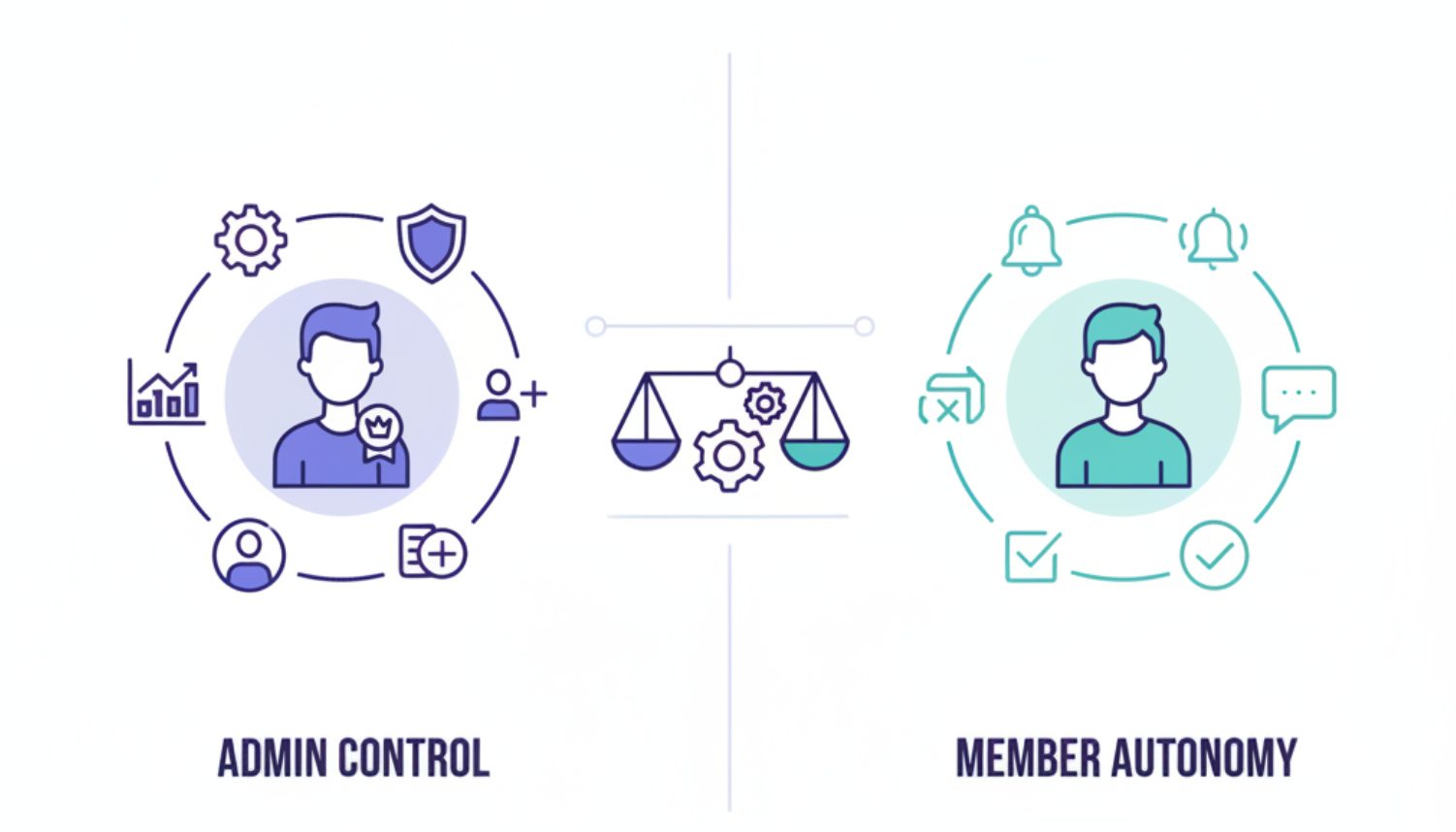
The fundamental tension in any group membership system lies between administrative control and member autonomy. Organisations need the ability to manage their communities—deciding who can join, what members can post, and how the group operates. Simultaneously, individual members need agency over their participation—the freedom to leave, control their notifications, and understand their rights.
Traditional approaches often lean too heavily in one direction. Over-restrict member freedoms, and you create frustration and disengagement. Under-restrict administrative capabilities, and groups become chaotic or vulnerable to takeover. The sweet spot is finding equilibrium where groups remain governable while members feel empowered.
Design Principles for Safe Group Membership
Before diving into implementation, establish core principles that will guide every decision:
1. Never Orphan a Group
A group without administrators is in limbo—members can't be managed, settings can't be changed, and the group can't be moderated. Implement a hard rule: the last administrator cannot leave or be removed. This ensures every group always has someone with authority to manage it. If the current admin wants to step down, they must first promote someone else.
2. Preserve Complete History
Every membership change—joins, leaves, role promotions, removals—should be recorded in an immutable audit trail. This helps keep track of the membership history of a user.
3. Respect Member Autonomy
While administrators control group policies, individual members must retain control over their personal experience. Members should always be able to leave groups (unless they're the last admin), manage notification preferences independently, and understand exactly what permissions they have.
4. Design for Scale from Day One
Small groups might work fine with simple queries, but community platforms grow quickly. Architect your system to handle groups with thousands of members from the start, using pagination strategies, cached statistics, and indexed queries that perform consistently as communities expand.
Database Architecture: Separation of Concerns
A robust group membership system requires careful database design. The key is separating different concerns into distinct collections or tables that can be queried efficiently based on access patterns.
Core Collections
Community Spaces Collection This stores the group entity itself—metadata, settings, and cached aggregates. Each document includes:
- Basic information (name, description, visual assets)
- Creator reference and admin list
- Cached statistics (member count, post count)
- Configuration flags (visibility, posting permissions, approval requirements)
- Invitation tokens for easy sharing
- Status (active, paused, archived)
Memberships Collection This tracks the current state of each user's membership in each group:
- Compound reference (community_id + member_id)
- Current role (admin vs. member)
- Status (active, departed, removed)
- Join timestamp and method
- Notification preferences
- Embedded history array for audit trail
User Profiles Collection User documents maintain a denormalised array of community IDs they belong to. This enables quick lookups of "all groups this user is in" without joining collections.
Content Collection Posts include optional group context when created within a community:
- Group reference (when applicable)
- Group post flag
- Actual author details preserved
- Group attribution (name, avatar)
- Soft deletion flag for moderation
Why This Separation Matters
By splitting groups, memberships, and content into separate collections, you optimise for different query patterns:
- Checking admin status: Query memberships with compound index on (community_id, member_id)
- Listing group members: Query memberships filtered by community_id and status
- Finding user's groups: Access the denormalized array in the user document
- Group content feed: Query posts by community_id with pagination
- Audit trail: Query membership history by action type and timestamp
This architecture avoids expensive joins while maintaining data consistency through careful update patterns.
Indexing Strategy: Making Queries Fast
Proper indexing is critical for performance at scale. Here's how to structure indexes for common access patterns:
Community Spaces Indexes
Unique index on URL slug (for discoverable links)
Index on invitation token (for magic link validation)
Index on status (for filtering active communities)
Membership Indexes
Compound unique index on (community_id, member_id)
Compound index on (member_id, status) for user's active memberships
Compound index on (community_id, status, role) for admin lookups
Index on join_timestamp for chronological queries
Content Indexes
Compound index on (community_id, creation_timestamp DESC) for feeds
Compound index on (community_id, soft_delete_flag) for filtering
User Profile Indexes
Unique index on member_identifier
Index on communities_array for group membership queries
The compound index on (community_id, member_id) is particularly important—it serves both individual membership lookups and queries for all members of a group. The uniqueness constraint also prevents duplicate memberships even under concurrent requests.
Implementation Strategy: Layered Architecture
The implementation follows a three-layer model: data persistence, business logic, and access control.
Layer 1: Role and Permission Management
Implement a two-tier role system: Admin and Member. While simple, this covers most group governance needs.
Admin capabilities:
- Add and remove members
- Promote members to admin and demote admins to members
- Configure group settings (visibility, posting permissions)
- Moderate content created by members
Member capabilities:
- Join and leave groups (through various methods)
- Post content if the group allows member posting
- Manage notification preferences
- View group content according to visibility rules
Roles aren't just labels—they're enforced at every access point. Before any operation, verify the user's current role and ensure the requested action is permitted.
Layer 2: Membership Lifecycle Management
The lifecycle involves several states and transitions:
States: active, departed, removed
Transition events: join, role change, voluntary departure, admin removal, rejoin
Each transition triggers specific side effects:
On join: Create membership record, add history entry, increment group member count using atomic operation, add group to user's communities array, trigger notification
On role change: Update membership record, log old and new roles in history with attribution, record timestamp and who made the change
On departure: Update status to "departed", decrement member count atomically, preserve history, revoke any admin privileges if applicable
On removal: Similar to departure but marked as admin action, includes context/reason in history
On rejoin: Reactivate membership (status changes from "departed" to "active"), increment count again, log rejoin event with previous history intact
This state machine approach ensures consistency—there's always exactly one current membership state per user-group pair, and all historical states are preserved in the embedded history array.
Layer 3: Data Integrity Safeguards
Implement multiple layers of protection:
User validation: Before creating any membership, verify the user exists and is active in your system
Duplicate prevention: Use database-level unique constraints or upsert operations with conditional logic to prevent duplicate memberships
Atomic counters: Update stats like member_count using atomic increment/decrement operations ($inc in MongoDB, UPDATE ... SET count = count + 1 in SQL)
Status checks: Before allowing any member action (posting, leaving, etc.), verify current membership status and role
Last-admin protection: Implement at multiple levels—UI disables buttons, API validates before processing, database queries check admin count before updates
Critical Features: The Devil in the Details
Magic Links and Discoverability
Groups need to be shareable. Generate unique invitation tokens that administrators can distribute outside the platform. When someone clicks the link, they're directed to a join page with single-action enrollment.
Also support slug-based URLs derived from group names (e.g., /my-communities/seattle-dog-owners), making groups memorable and searchable. These slugs should be automatically generated on creation and guaranteed unique through database constraints.
Crucially, track the join method in membership history. Was it a magic link? An in-app banner? A direct invite? This helps administrators understand discovery channels and optimise outreach.
Configurable Posting Rights
Different groups operate differently. Some function as announcement channels where only leadership communicates. Others thrive on member contributions.
Add a configuration flag (allow_member_contributions or similar) that administrators can toggle:
When disabled: Only admins can create content When enabled: Any active member can post
Posts should always preserve actual author identity while being tagged with group context. Viewers see both who wrote the content and which group it represents. This prevents impersonation while maintaining proper attribution.
Notification Autonomy
A major source of frustration in community platforms is unwanted notifications. Implement per-member notification controls that administrators cannot override.
Each member independently decides whether they want notifications for new posts, comments, mentions, or other activities. Group administrators can configure default settings for new members, but once someone joins, their preferences become their own.
Store these preferences in the membership record, not at the group level. This ensures they're tied to the specific user-group relationship.
Audit Trail Design
The history array embedded in each membership record should capture:
{
  timestamp: "2025-11-11T10:30:00Z",
  action_performed: "role_changed",
  changed_by: "user_abc_123",
  old_value: "member",
  new_value: "admin",
  details: "Promoted to admin for event organization"
}
This structure answers critical questions: What happened? When? Who did it? What changed? Why?
For compliance-heavy organisations, this audit trail is non-negotiable. It enables investigations, supports governance reviews, and builds trust that administrative actions aren't arbitrary.
Scalability Patterns
From the beginning, design for groups that could scale to thousands of members:
Pagination Strategies
For content feeds: Use cursor-based pagination. Return a cursor (like the last post ID) that the client sends with the next request. This is efficient for large, frequently updated collections because you're always reading forward from a known position.
// Request
GET /communities/xyz/posts?cursor=post_789&limit=20

// Response includes next cursor
{ posts: [...], next_cursor: "post_745" }
For member lists: Offset-based pagination is acceptable since member lists change less frequently and users expect traditional page navigation. Cap page sizes at reasonable limits (e.g., 100 members per page).
Cached Aggregations
Instead of counting members or posts on every request, maintain these counts at the group level and update them atomically during membership changes.
// When member joins
db.communities.updateOne(
  { _id: community_id },
  { $inc: { "stats.member-count": 1 } }
)
This avoids expensive aggregation queries, especially for groups with thousands of members.
Batch Operations
When administrators need to add multiple members (like importing existing rosters), support bulk operations:
- Validate all users exist in a single query
- Check for existing memberships
- Insert new memberships in bulk
- Update group counter once with total added
- Add community to users' arrays in bulk
This reduces database round-trips from N (number of members) to a constant number of operations.
Query Optimisation
For the most common query—"get all active members of this group"—ensure you have a compound index on (community_id, status, role). The database can use this index to quickly filter active memberships and separate admins from members without scanning the entire collection.
For post feeds, the index on (community_id, timestamp DESC) enables efficient chronological retrieval with pagination.
The principles here transfer to most community platform contexts, though specific implementation details will vary based on your technology stack and scale requirements. Start with these fundamentals, and iterate based on feedback from your communities.



