
Designing Paw Pulse: Turning Pet Data into Daily Actionable Intelligence

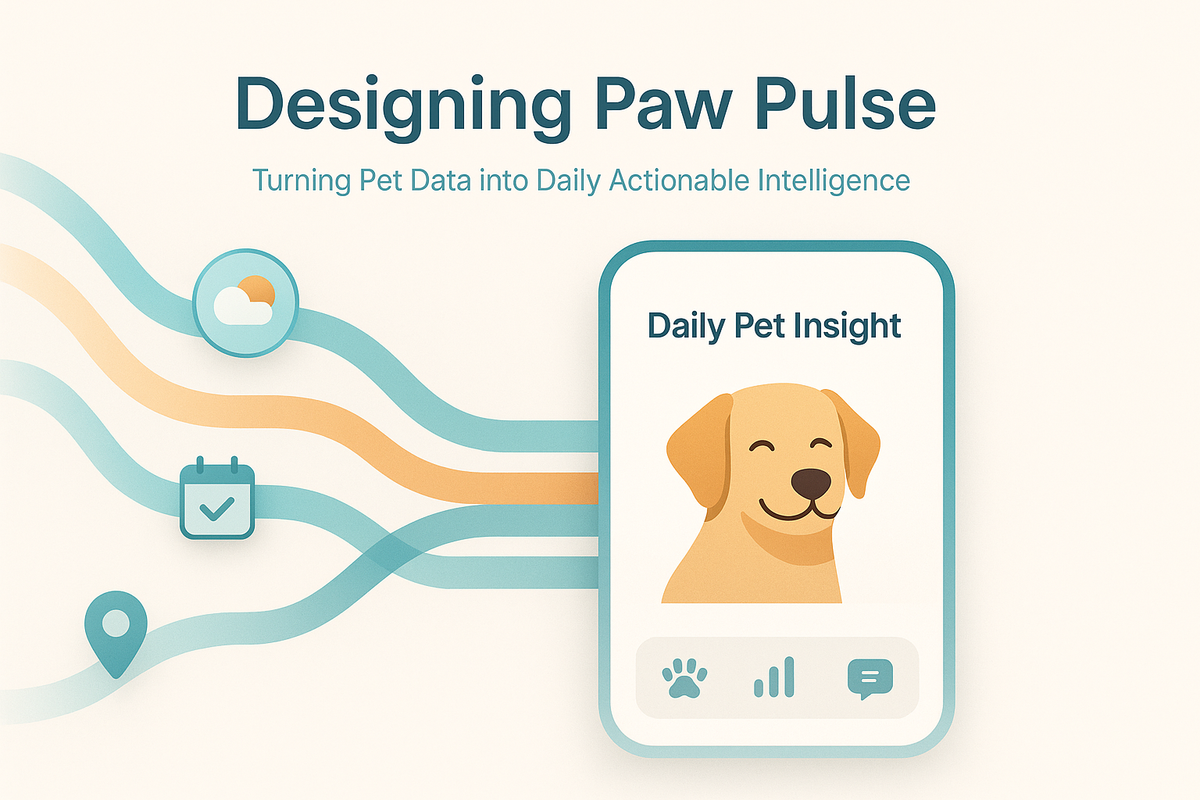
Modern apps are full of notifications, reminders, and generic tips. Most of them are ignored.
At Hoomanely, we wanted to build something very different — a feature that feels personal, timely, and useful, without overwhelming the user. That idea became Paw Pulse: a daily, context-aware insight designed specifically for each pet.
This blog dives into how we designed and implemented Paw Pulse — from data modeling and backend orchestration to LLM prompt design, caching strategies, and mobile UX decisions — and the engineering lessons we learned along the way.
This is not about sending another notification. It's about turning scattered pet data into daily actionable intelligence.
The Problem: Why Generic Pet Tips Don't Work
Before Paw Pulse, pet advice in most apps looked like this:
- "Make sure your dog drinks enough water."
- "Regular walks are good for dogs."
- "Brush your dog's coat weekly."
These tips are technically correct — and completely forgettable.
From a product and engineering perspective, we identified several problems:
- No personalization: The same advice goes to all users
- No context: Tips aren't tied to weather, location, or recent activity
- No timing logic: Notifications arrive randomly
- Low trust: Users quickly learn that the content isn't "for their pet."
- High fatigue: Frequent, low-value notifications get disabled
What Paw Pulse Is (and What It Is Not)
Paw Pulse is a once-per-day personalized insight for each pet.
It is:
- Generated daily
- Pet-specific
- Context-aware
- Actionable
- Lightweight in UI
- Cached and deterministic
It is not:
- A chat experience
- A stream of tips
- A generic notification blast
- Real-time event spam
- A replacement for veterinary advice
By constraining Paw Pulse to one insight per pet per day, we created space to focus on quality over quantity, which significantly simplified both UX and backend complexity.
This constraint also gave us a clear success metric: Did the user find today's insight valuable enough to open it? No vanity metrics, no engagement inflation.
High-Level Architecture
At a high level, Paw Pulse consists of five layers:
- Data aggregation — Building pet context
- Insight generation — Structured LLM calls
- Caching & idempotency — Ensuring consistency
- Notification orchestration — Respecting user preferences
- Mobile rendering & interaction — Calm, focused UX
Each layer is deliberately isolated to keep the system predictable and scalable.
The architecture follows a simple principle: generate once, serve many times. This keeps costs low, latency predictable, and user experience consistent.
Data Aggregation: Building the Pet Context
Everything starts with building a structured, bounded context for a pet.
For each pet, we assemble a snapshot containing:
Pet Profile
- Name, age, breed, gender
- Weight and neutered status
- Known medical flags (if any)
- Activity level preferences
Environment & Location
- City and timezone
- Current weather conditions
- 24-hour forecast
- Seasonal context (e.g., "early summer in Bengaluru")
Engagement History
- Last 3-5 questions asked by the user
- Last 5 Paw Pulse insights shown
- Follow-up interactions and responses
- Topics the user has shown interest in
Safety Constraints
- Medical exclusions (e.g., "avoid weight loss advice for underweight pets")
- Repetition avoidance rules
- Tone boundaries (supportive, never alarmist)
This entire context is serialized into a deterministic input structure, which is crucial for consistency and debuggability. Every Paw Pulse generation is reproducible if we need to investigate issues.
Prompt Engineering: Where Intelligence Is Shaped
Paw Pulse uses an LLM — but not in a free-form way.
We do structured generation, not "write something nice about dogs".
Our prompt template enforces:
- A fixed structure with clear sections
- Safety constraints and medical disclaimers
- Tone guidance (warm but not cutesy)
- Explicit exclusions (no repeats from last 5 days)
- Length constraints (80-120 words for main insight)
This approach gives us:
- Predictable output length
- Reduced hallucinations
- Easier moderation
- Consistent UX
- Structured data for analytics
Deterministic Daily Generation
One subtle but critical decision: Paw Pulse is generated once per pet per date.
That means:
- Same pet + same date = same insight
- No matter how many times the app is opened
Why this matters:
- Prevents confusion ("Why did the message change?")
- Enables aggressive caching
- Enables safe retries on failure
- Keeps notifications and UI consistent
- Simplifies debugging and support
We use a compound key:
cache_key = f"paw_pulse:{pet_id}:{local_date}"
If an insight exists, we return it from cache. If not, we generate, store, and reuse it for the rest of that day.
A challenge we faced: Timezone handling. A pet's "day" should align with their owner's local time, not server time. We had to ensure that a user traveling across timezones wouldn't see duplicate or missing insights. Our solution: always use the pet owner's registered timezone for date calculations, and cache insights with timezone-aware keys.
Notification Orchestration
Paw Pulse notifications are not fire-and-forget.
We apply several rules:
- One notification per pet per day (maximum)
- Respect local quiet hours (no notifications before 5 AM or after 9 PM)
- Respect user preferences (allow global disable or per-pet disable)
- Skip if already viewed (don't notify if user already opened today's insight)
- Use soft language
The notification payload itself is intentionally minimal — just enough to open the app and load the cached insight. This keeps notification size small and delivery reliable.
Design principle: Notifications should invite, not interrupt.
Mobile UX: Designing for Calm, Not Noise
On the Flutter side, Paw Pulse is rendered as a single focused card.
Key UX decisions:
- One insight at a time — no scrolling walls of text
- Clear pet context — name, photo, and breed are always visible
- No frantic design — calm colors, readable typography
- Optional follow-ups — questions appear below, never blocking
- Easy pet switching — swipe or tap to see insights for other pets
- Persistent access — always accessible from the home screen, notification optional
When users switch pets, the app:
- Fetches the cached insight for that pet
- Does not regenerate or modify
- Preserves perceived stability
We intentionally avoided turning Paw Pulse into a chat interface. That keeps cognitive load low and reinforces the idea of a daily signal, not a conversation.
Before & After Comparison:
Before (generic tips):
- "Dogs need exercise."
- Shown to all German Shepherd owners
- No context, no timing
After (Paw Pulse):
- "Max might need extra water breaks today — Bengaluru is hitting 35°C this afternoon. Watch for heavy panting during your evening walk."
- Specific to Max, a 4-year-old German Shepherd
- Ties to real weather, real schedule
Follow-Up Questions: Closing the Loop
Each Paw Pulse insight can include light follow-up prompts.
These serve two purposes:
- Improve engagement — give users a way to explore deeper
- Feed future context — answers inform tomorrow's insights
Examples:
- "Has Max been scratching more than usual lately?"
- "Would you like indoor activity ideas for rainy days?"
- "Is Max's appetite normal this week?"
Follow-ups are tracked, but they do not immediately regenerate the day's insight. Instead, they influence future days, keeping the system stable and predictable.
We also learned that users prefer binary or single-choice follow-ups over free text. It's faster, less intimidating, and gives us structured data.
Failure Handling & Edge Cases
No production system is complete without thinking about failure.
We explicitly handle:
- Missing pet data — Use breed defaults when specific data is unavailable
- Weather API failures — Fall back to seasonal generics
- LLM timeouts — Retry once, then serve fallback insight
- Notification delivery failures — Log and retry later, never spam
- Timezone edge cases — Always use the owner's registered timezone
In all cases, Paw Pulse degrades gracefully — either showing a simpler insight or skipping the day entirely rather than risking incorrect advice.
Rule: If confidence is low, silence is better than noise.
What We Learned
Building Paw Pulse taught us several lessons:
- Personalization is an engineering problem, not just a content problem
- Constraints create better UX — one insight per day beats infinite scrolling
- Determinism builds trust — users appreciate consistency
- Prompt design deserves versioning — treat prompts like code
- Caching is not optional for AI features — costs and latency matter
- Fewer notifications lead to higher engagement — respect beats repetition
Why Paw Pulse Matters at Hoomanely
Paw Pulse represents how we think about product engineering:
- Data → context → insight
- Backend intelligence → calm UX
- Automation → trust
- Scale → predictability
It's not the most complex system we've built — but it's one of the most intentional.
Final Thoughts
Paw Pulse isn't about AI hype or flashy dashboards.
It's about using technology responsibly to deliver small, thoughtful moments of value — every day, for every pet.
From structured prompts and deterministic caching to careful UX and notification design, Paw Pulse shows that intelligence in products is as much about engineering discipline as it is about models.
If you're building personalized systems — whether for pets, people, or platforms — the principles behind Paw Pulse apply far beyond this one feature:
- Constrain the problem to create space for quality
- Design for predictability over surprise
- Respect the user's attention like it's your most limited resource
- Cache aggressively to keep costs and latency under control
- Build in failure modes from day one



