
Handling Massive Image Uploads at Scale: S3 Pipelines, Compression, & Lifecycle Policies

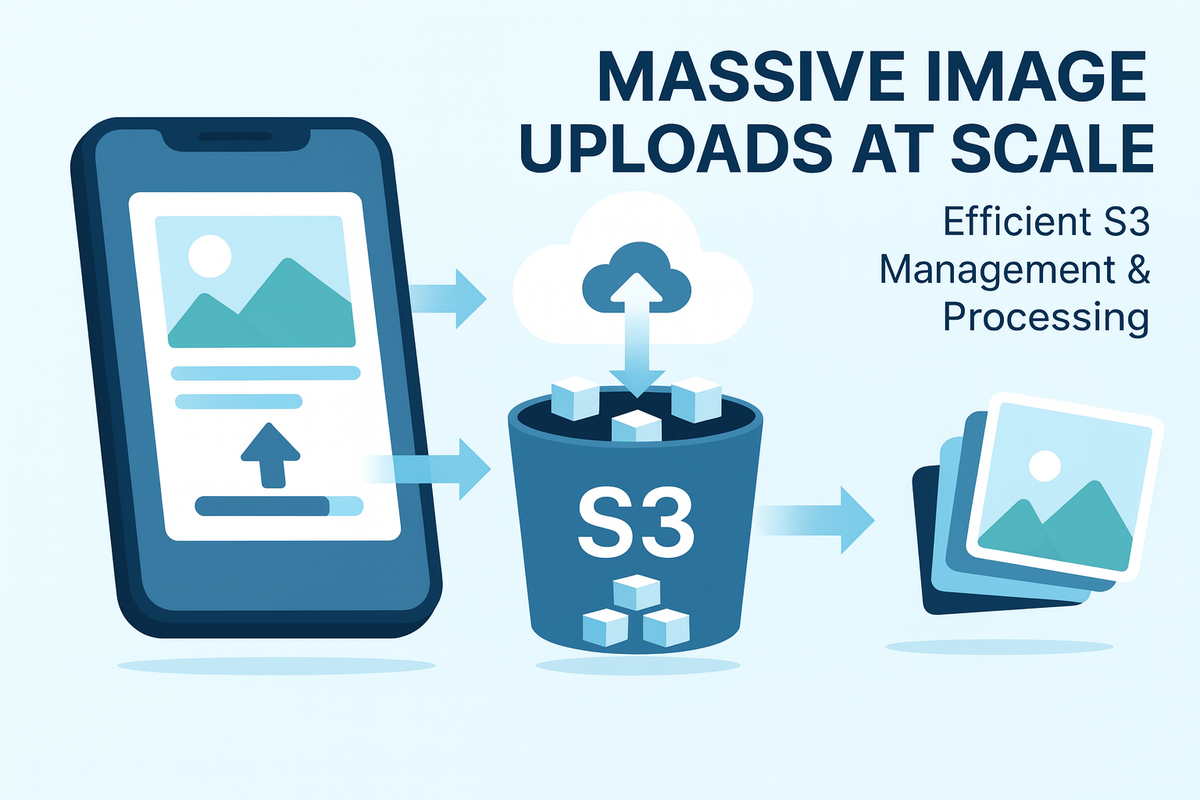
At Hoomanely, we're building a pet care platform. Our app allows users to:
- Upload pet photos during onboarding
- Attach images to community posts
- Share short video clips
- Upload pet tag images
- Submit food label photos for AI analysis
- Update profile and cover photos
Each of these flows generates large media files — often multiple MBs per upload. What started as a simple feature quickly became the biggest infrastructure challenge.
In early versions, uploads were straightforward. As our user base grew, those same flows started creating:
- Massive S3 storage costs
- 7-15 second upload times on slow networks
- App freezes from base64 conversions
- Backend CPU spikes during image processing
- Expensive GET/LIST operations
- Unoptimized read patterns are causing feed lag
- orphaned images
We needed a media pipeline that was fast, cheap, resilient, mobile-friendly, backend-light, secure, and scalable.
Here's how we designed it.
Why Image Uploads Become a Scaling Problem
When a mobile app uploads images naively, problems appear quickly:
A. Mobile networks → inconsistent bandwidth
Users upload from 3G, 4G, 5G, and unstable WiFi. What works on fiber broadband fails on rural 3G.
B. Flutter images are huge in memory
A 4MB photo becomes 30-40MB in RAM after decoding. Multiple images = OOM crashes.
C. Reprocessing images on the backend is expensive
Resizing, orientation fixes, EXIF stripping → CPU-heavy operations that don't scale.
D. Storing originals increases S3 cost exponentially
Millions of 5-10MB photos = thousands of dollars per month in storage alone.
E. Reading large images in feeds slows everything
Community pages become sluggish when serving 6MB images to hundreds of concurrent users.
F. Upload latency destroys UX
Pet onboarding stalls, community post creation feels slow, retry loops create duplicate uploads, and users abandon flows.
We hit every one of these problems. So we rebuilt the pipeline from scratch.
The Architecture We Use at Hoomanely
Our final solution is a mobile-first media pipeline with no backend bottlenecks.
Flutter App
    ↓ (Compression & Resizing on-device)
Presigned S3 Upload URL
    ↓ (Direct Upload)
AWS S3 Bucket (Raw + Processed folders)
    ↓ (Lambda Triggers for Processing)
Processed Images (Multiple Sizes)
    ↓ (Lifecycle Policies for Cleanup)
AWS CloudFront CDN
    ↓
App Consumption (Community, Profile, Onboarding)
Key principle: Process as much as possible on the client, upload directly to S3, process asynchronously, serve via CDN.
On-Device Compression — The Key to Speed
Instead of uploading full-resolution 4000×3000 pet photos, we compress and resize on-device before upload.
Our compression rules:
Maximum dimension: 1080-1440px (varies by use case)
Quality: 70-80% JPEG compression
Format: JPEG for photos
Remove metadata: Strip all EXIF data (location, camera info)
Benefits we measured:
- 5-10× smaller upload size (typical 4MB → 400KB)
- 40-60% less RAM usage during processing
- Network-friendly for 3G/4G users
- 3× faster uploads → better UX
- Zero backend CPU for initial compression
We use flutter_image_compress with native iOS/Android codecs running in a background isolate to avoid UI jank.
Presigned S3 URLs — Direct Upload from App
Earlier, we routed uploads through our backend: App → API Server → S3. This was slow, expensive, and CPU-heavy.
Now:
- Flutter app requests a presigned S3 URL from our API
- App uploads directly to S3 via HTTP PUT
- Backend stores only the S3 key reference
Why it's better:
No backend bandwidth usage
No load on application servers
S3 handles retries, range requests, and resumable uploads
Upload speed improved by 60-70%
Perfect for large images and videos
Scales infinitely with S3's capacity
Processing Pipeline for Community Images
When a user posts an image in the community feed:
Step 1: Flutter compresses the image
(Typically down to 100-300KB)
Step 2: Uploads to community/raw/{uuid}.jpg
Using a presigned URL
Step 3: S3 event triggers Lambda
Lambda runs async resize jobs:
- Thumbnail (200×200px) for previews
- Feed size (720px) for main feed
- Full size (1080px) for lightbox view
Step 4: Stores output in processed folders
community/processed/thumbnail/{uuid}.jpg
community/processed/feed/{uuid}.jpg
community/processed/full/{uuid}.jpg
Step 5: App intelligently loads the appropriate size
- Small preview cards → thumbnail
- Feed scrolling → feed-size
- Full-screen view → full version
- CloudFront automatically serves the closest cached copy
Result: Feed loads 4× faster, uses 80% less bandwidth.
CloudFront CDN for Fast Global Loading
Slow image loading kills community engagement. Users bounce if images take >2 seconds to load.
We put all images behind CloudFront CDN:
✔ Global edge caching
✔ Sub-100ms latency for cached content
✔ Automatic compression (gzip/brotli)
✔ Signed URLs for private content (pet medical records)
✔ Cache invalidation when images update
✔ 95% cache hit rate after optimization
Configuration tip: Use different cache behaviors for different image types:
- Thumbnails: cache for 30 days
- Feed images: cache for 7 days
- Profile photos: cache for 24 hours
Upload Reliability: Retry + Idempotency
Mobile uploads fail often due to network drops, background mode interrupts, or users switching apps mid-upload.
Our reliability stack:
A. Upload retry with exponential backoff
If S3 upload fails, retry up to 5 times with increasing delays (1s, 2s, 4s, 8s, 16s).
B. Session persistence
If app restarts mid-upload:
- Resume from the last successful chunk
- Continue the S3 multipart upload
- No duplicate uploads
Hoomanely-Specific Use Cases
This is where the engineering gets interesting. Here are the real challenges we solved:
A. Pet Onboarding Image Upload
Users provide a photo during signup (a profile photo for breed identification).
Challenges:
- Huge images (8-12MB from modern phones)
- Memory spikes are causing crashes
- Slow uploads on rural networks (common in tier-2/3 cities)
- Retries when onboarding crashes
Solutions:
- Aggressive on-device compression (1080px max)
- Sequential uploads with queue management
- Background upload continuation
- Fallback to lower quality on slow networks
B. Community Feed Image Upload
One of our most complex flows. Users upload 1-10 images per post.
Challenges:
- High variability in network conditions
- Concurrent uploads from hundreds of users
- S3 bandwidth costs spiraling
- Cache invalidation complexity
- Feed scroll performance with mixed image sizes
Solutions:
- Batch compression in isolates (parallel processing)
- Parallel uploads with concurrency limit (max 3 simultaneous)
- Multi-sized image generation (thumbnail, feed, full)
- Aggressive lifecycle policies
C. Food Label Scanner Flow
Users scan pet food labels to get instant nutrition analysis.
Flow:
- App captures image
- User confirms crop area
- Uploads
- Backend runs OCR + LLM analysis
- Returns structured nutrition data
Optimizations:
- Crop and compress before upload (2-3× smaller)
- Normalize orientation on-device
- Use a lower resolution for OCR (sufficient for text)
Monitoring stack:
- CloudWatch for Lambda metrics
- Custom events for upload tracking
- Sentry for error tracking
- DataDog for infrastructure monitoring
Lessons Learned (What We'd Do Differently)
1. Start with lifecycle policies on day one
We waited too long. The cleanup effort was painful.
2. Don't over-engineer processing
We initially created 7 different image sizes. We now use 3. Less is more.
3. Mobile networks are worse than you think
Test on real 3G in rural areas, not throttled desktop browsers.
4. Compression settings matter enormously
We A/B tested quality levels (60%, 70%, 80%, 90%). Sweet spot: 75%.
5. Observability is not optional
Without metrics, we were flying blind. Invest early in instrumentation.
6. Background uploads are complex
Handle app termination, network changes, and OS restrictions carefully.
7. Cost optimization compounds
Small savings (lifecycle policies, better compression, CDN) add up to huge cost reductions at scale.
Final Thoughts
At Hoomanely, image uploads weren't a small feature — they became a core infrastructure challenge that touched every part of our stack.
By combining:
✔ Presigned URLs for direct S3 uploads
✔ Aggressive on-device compression
✔ Structured S3 folder hierarchy
✔ Lifecycle rules for automatic cleanup
✔ Multi-region CDN caching
✔ Async Lambda processing
✔ Robust retry logic
We built a pipeline that is:
- Fast on any network (even 3G)
- Cheap to operate at scale
- Reliable across devices
- Secure by design
- Maintainable as we grow (minimal ops overhead)
This architecture now powers:
- Pet onboarding
- Community feed
- Pet profiles
- Food label scanning
- Dynamic tag rendering
The bottom line: Don't treat image uploads as a simple feature. At scale, it's a distributed systems problem that requires careful architecture, aggressive optimization, and constant monitoring.



