
Harmonising Analytics: PostHog + Firebase
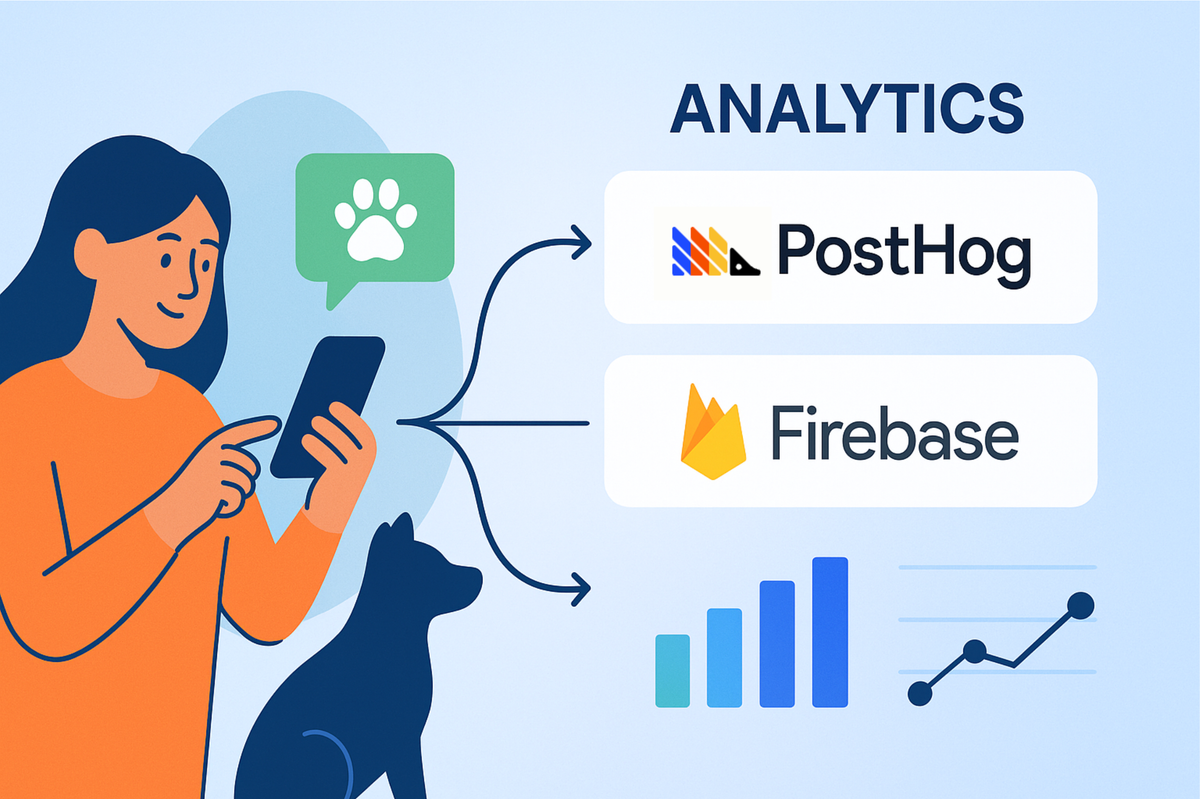
Every tap, swipe, and screen transition in your mobile app tells a story. But here's the challenge: if you're not listening to these stories, you're building in the dark.
Event tracking isn't just about collecting data—it's about understanding user behaviour, catching errors before they cascade, and making informed decisions about features that actually matter. For modern mobile applications, especially those built with Flutter, the stakes are even higher. You need analytics that work seamlessly across platforms, survive network hiccups, and provide insights without slowing down your app.
At Hoomanely, we're building a preventive healthcare platform that empowers pet parents to keep their furry companions healthy and happy. From AI-powered health consultations to community-driven care advice, every feature serves a critical purpose—and understanding how users interact with these features is essential. When a pet parent asks our AI assistant about unusual symptoms, or joins a community discussion about nutrition, we need to know not just what happened, but how it impacts their pet's wellbeing. This post explores how we built a robust analytics foundation that combines the behavioural intelligence of PostHog with the crash reporting power of Firebase.
Why Generic Event Tracking Matters
Before diving into the tools, let's talk about why event tracking is non-negotiable for modern applications.
Understanding the User Journey
Generic events—screen views, button clicks, form submissions—form the backbone of user behaviour analysis. They answer fundamental questions: Where do users spend most of their time? Which features drive engagement? Where do users drop off?
Catching Problems Early
Events aren't just for analytics teams. When a user encounters an error during pet profile creation or a notification fails to deliver, these events become critical diagnostic tools. The faster you detect anomalies in event patterns, the faster you can respond.
Feature Validation
Rolled out a new community feature? Event tracking tells you if users are actually adopting it. Combined with feature flags, you can test variations and measure impact in real-time.
Performance Monitoring
Beyond crashes, event tracking reveals performance bottlenecks. Are users abandoning a screen because it's slow to load? Are background tasks interfering with foreground operations? Events provide the breadcrumbs to trace these issues.
The Two Pillars: PostHog and Firebase
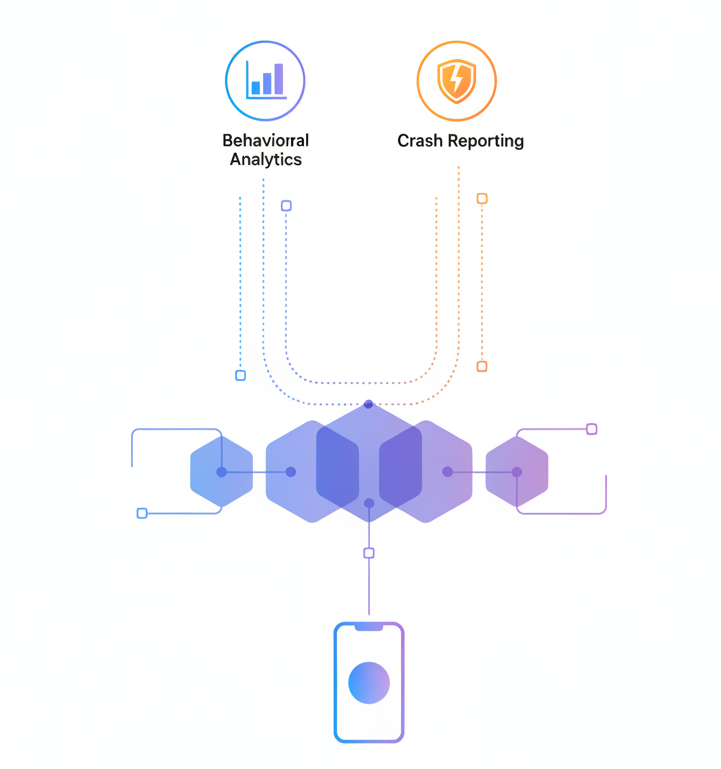
Rather than choosing between analytics platforms, we embraced both—each excelling in its domain.
PostHog: The Behavioural Intelligence Engine
PostHog is a solid analytics workhorse, handling everything related to understanding what users do. It's a product analytics platform with powerful capabilities:
- Event capture with rich context: Every event carries metadata—user properties, device info, session data
- Session recordings: Visual playback of user interactions (privacy-respecting, of course)
- Funnels and retention analysis: Track conversion paths and engagement over time
PostHog shines when you need to answer questions like: "How many users completed onboarding in their first session?" or "What's the retention rate for users who engage with community features?"
Firebase: The Reliability Safety Net
Firebase Crashlytics and Analytics handle the what went wrong side of the equation:
- Crash reporting: Automatic capture of fatal errors with full stack traces
- Non-fatal error tracking: Log handled exceptions that might indicate problems
- Real-time error alerts: Get notified immediately when crash rates spike
Firebase excels at reliability. When your app crashes on a specific Android device model, Firebase tells you exactly which code path failed and how many users are affected.
The Implementation Strategy
Initialisation Architecture
The key to smooth analytics integration is non-blocking initialisation. Nothing should delay your app's startup.
Firebase First
We initialise Firebase before the UI renders. This ensures crash reporting is active from the moment your app starts, capturing any early lifecycle errors. Platform-specific configuration is handled automatically, detecting whether you're on Android, iOS, or web.
PostHog After First Frame
PostHog initialisation happens in a post-frame callback—after your first screen paints. This prevents analytics setup from blocking your initial render.
User Identification and Enrichment
Every event needs context. Raw events like "screen_viewed" aren't useful without knowing who viewed it and what their state was.
Our analytics helper automatically enriches events with:
- User identifiers: Hashed user IDs and email (never plain text passwords!)
- Pet context: Which pet profile is active during this session
- Session metadata: Timestamps
- Device info: Platform, OS version, app version
This enrichment happens transparently. We call a simple tracking function, and the helper injects all necessary context.
Solving Real Problems
Graceful Error Handling
Analytics shouldn't crash your app. Every tracking call is wrapped in error handling. If PostHog throws an exception, we log it to Firebase and continue. If Firebase is unavailable, we skip crash reporting but don't block user functionality.
Data Sanitisation
Privacy matters. Before any event leaves the device, we sanitise properties—stripping empty values, converting types safely, and filtering sensitive data. User email addresses are hashed before transmission. Raw user inputs are truncated to reasonable lengths.
Lessons from Production
After running this system in production, here's what we've learned:
Initialise Early, Report Late
Getting crash reporting active before anything else catches critical startup failures. But for behavioural analytics, waiting until after first frame prevents performance issues.
Redundancy Reduces Panic
When PostHog had an outage, Firebase kept recording errors. When Firebase hit rate limits, PostHog captured behaviour. Having two systems means you always have some visibility.
Context is Everything
Raw events are useless without context. Auto-enrichment of user properties transforms "button_clicked" into actionable insight: "User #1234 with 7-day streak clicked 'join_community' on pet community screen."
Key Takeaways
Building a robust analytics system requires more than choosing a vendor. Here's what matters:
Embrace Specialisation
PostHog for behaviour, Firebase for crashes. Each tool solves a specific problem exceptionally well. Don't force a single platform to do everything.
Design for Failure
Event triggers, error handling, and redundant tracking ensure you don't lose critical data when services falter.
Performance is Non-Negotiable
Non-blocking initialisation and async operations keep your app responsive. Analytics should be invisible to users.
Context Drives Insight
Auto-enriched properties transform raw events into actionable intelligence. Never track an event without the context needed to understand it.



