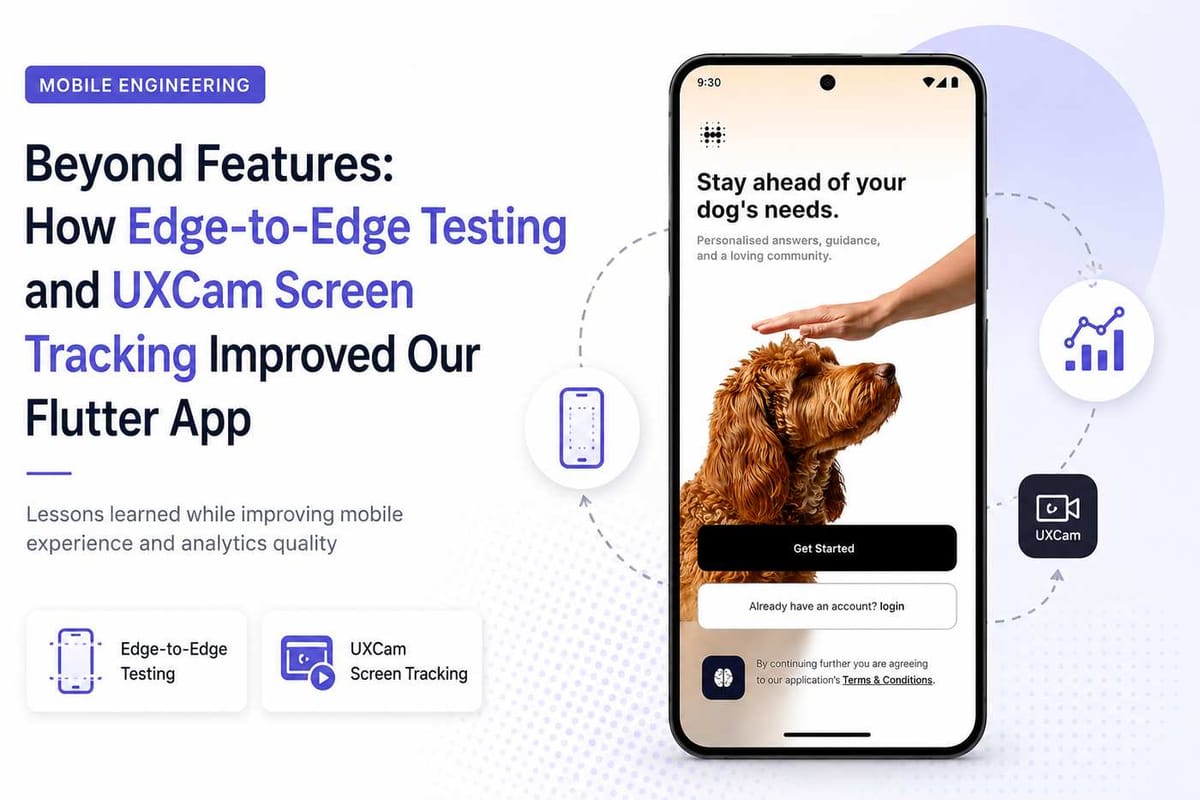
Making Mobile Apps More Reliable with Better Testing and UXCam Tracking
Mobile testing is often seen as verifying layouts across different devices, but this task turned out to involve much more than UI validation. While testing the application, I also worked on implementing UXCam analytics events, which highlighted how closely testing and user behavior tracking are connected.
One focused on making sure users saw every screen correctly. The other focused on making sure we understood how users moved through those screens. If either one was wrong, the overall picture of the product was incomplete. That experience changed the way I look at mobile quality.
Testing beyond the happy path
The application already worked well on most devices. The challenge was making sure it continued to work properly with Android's edge to edge display.
Once content extends behind the status bar and navigation bar, even small spacing issues become noticeable. A button that looks perfectly placed on one phone might overlap the navigation area on another. A header can appear slightly hidden behind the status bar without anyone noticing during development. Instead of checking only the screens I had worked on, I went through the important user flows one by one.
I looked for things like:
- Content hidden behind the status bar
- Buttons placed too close to the navigation bar
- Inconsistent spacing between devices
- Missing SafeArea handling
- Layout shifts after navigation
Most screens worked as expected. A few needed small adjustments. None of them were major bugs, but together they made the application feel much more polished.
Testing across different scenarios
Testing a single screen wasn't enough. I wanted to make sure the experience stayed consistent throughout the application, so I repeated the same flows across multiple Android devices and screen sizes. Some screens looked perfect on one device but needed small spacing adjustments on another. Those differences were easy to miss during development, but they became obvious when navigating through the app like a real user. This reminded me that mobile testing isn't about verifying a single layout. It's about making sure every user gets the same experience regardless of the device they're using.
Analytics told a different story
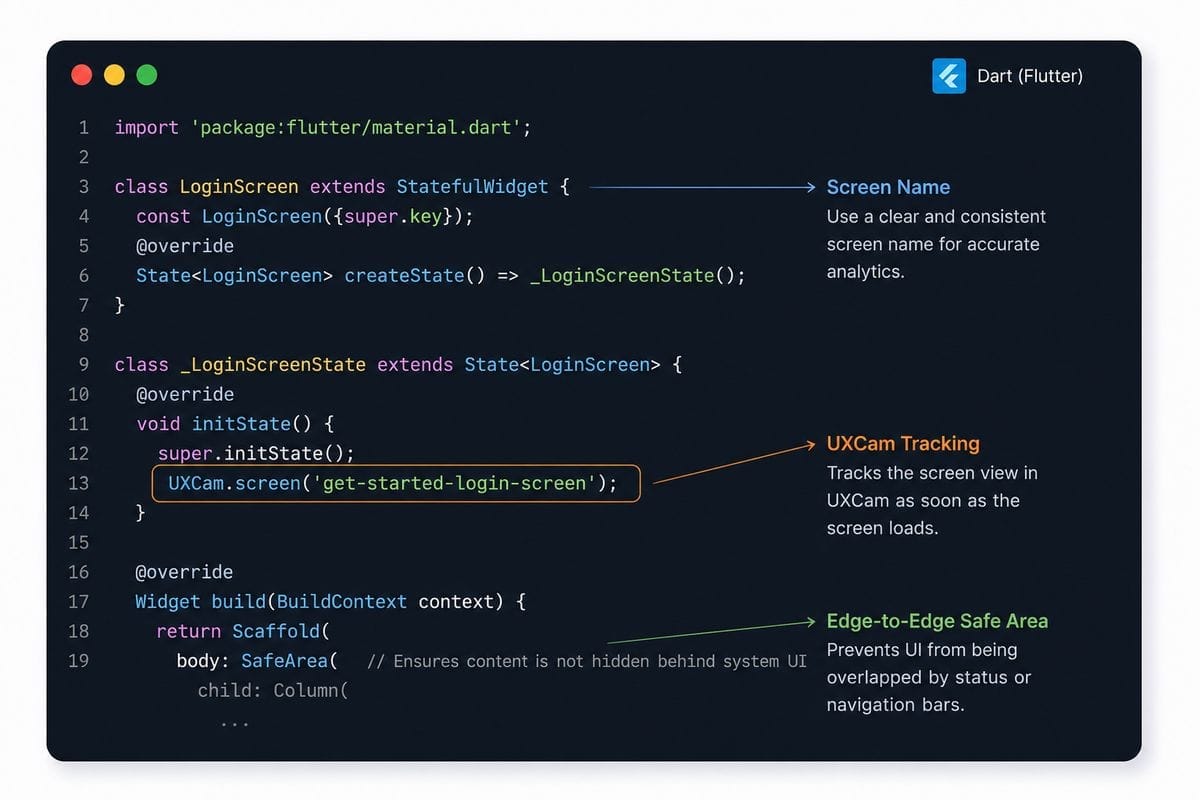
While reviewing the mobile screens, I also started validating our UXCam events. At first glance everything looked normal because events were appearing inside the dashboard. That usually gives confidence that tracking has been implemented correctly. Then I compared the recorded screens with the actual navigation flow. Some screen names didn't match the screen users were actually viewing. Some screens weren't recorded consistently. A few names were confusing enough that reading the dashboard required guessing which screen they represented. The data existed, but it wasn't describing the user journey accurately.
Why screen names matter
Analytics dashboards are only useful when everyone interprets them the same way. Imagine someone looking at the onboarding funnel six months from now. They should immediately understand which screen a user visited without opening the application or checking the source code. That becomes difficult when naming conventions are inconsistent. For example, if one screen follows a completely different naming style from the rest of the application, it becomes harder to build reports, compare user journeys, or investigate drop offs. Clear names make dashboards easier to read today and easier to maintain in the future.
Creating a consistent naming convention
While reviewing the existing screen names, I noticed there wasn't a consistent structure. Instead of mixing different naming styles, I followed a single format for every screen. Each name was short, descriptive, and easy to identify inside UXCam.
For example:
get-started-login-screenlogin-with-google-emailuser-name-screenpet-name-screengender-selection-screen
Using one naming convention makes dashboards much easier to understand and reduces confusion when new screens are added later.
Fixing the tracking
The solution wasn't adding more events. It was improving the existing ones. I reviewed each mobile screen, mapped it to a consistent UXCam screen name, and verified that navigation triggered the correct event every time. Instead of assuming the implementation was correct, I tested every major flow again and confirmed the recorded screen names matched what users actually saw. That extra verification made a bigger difference than I expected.
Two different tasks with the same goal
Edge to edge testing improved how the application looked. UXCam screen tracking improved how the application was measured. One helped users. The other helped the team understand those users. Working on both tasks during the same sprint reminded me that building a feature isn't the finish line. Testing the experience and validating the analytics are just as important.
This work changed how I approach mobile development. I no longer think of testing as something that happens after implementation. It is part of implementation. I also stopped assuming analytics are correct just because events appear inside a dashboard. They still need validation. Small improvements in layout and small improvements in analytics may not be visible in release notes, but they make a noticeable difference for both users and the engineering team.
This task started with mobile testing and ended with better analytics. Edge to edge testing helped ensure users experienced every screen correctly across different Android devices. Updating UXCam screen names made the analytics easier to understand and more reliable for future analysis. Neither task introduced a new feature, but together they improved the quality of both the application and the data behind it. That made the work worthwhile.