
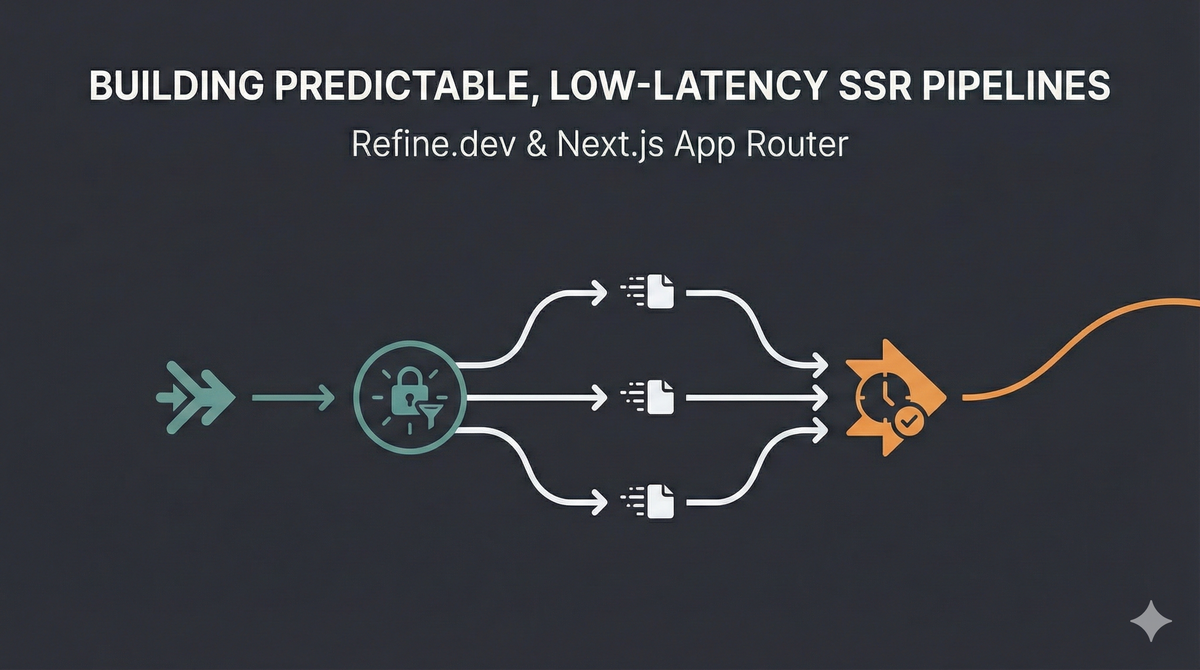
Refine SSR in App Router
Building predictable, low-latency SSR pipelines with Refine.dev and the Next.js App Router
Server-side rendering in the Next.js App Router is powerful, and deceptively easy to misuse. A misplaced await, an auth check in the wrong component, or scattered data fetching can silently create cascading waterfalls, duplicated network calls, and unpredictable page load times.
Add Refine.dev into the mix, with its auth providers, data providers, and router bindings, and the system gets more capable but also easier to architect incorrectly.
This post covers how to build refined, predictable SSR flows using the Next.js App Router with Refine.dev, focused on three core challenges: authentication in Server Components rather than hooks, query parameter handling without triggering redundant fetches, and parallel data orchestration that avoids sequential waterfalls. These patterns support Hoomanely's internal tools, device dashboards, telemetry explorers, and operational insights across our SoM-based Tracker, EverBowl, and EverHub ecosystem.
The problem: App Router SSR is powerful but easy to misarchitect
SSR in the App Router behaves fundamentally differently from the Pages Router. Every Server Component can fetch data independently, which means async calls may execute sequentially instead of in parallel, nested components can introduce implicit waterfalls, Refine's client-side hooks don't work in Server Components, duplicated fetches can happen without proper memoization, and searchParams changes can trigger unnecessary re-renders.
Because these failures don't throw errors, they just slow down SSR response time, they often go unnoticed until production. A classic antipattern:
//  BAD: Sequential waterfall
async function DashboardPage() {
  const user = await checkAuth();        // Wait
  const filters = await parseFilters();  // Wait
  const data = await fetchData();        // Wait
}
Placed in nested components, these turn into separate fetch phases instead of one coordinated operation. The core problem is that SSR work gets scattered across components instead of orchestrated at the page or layout level.
Why it matters
Hoomanely's internal dashboards unify diverse telemetry and device behavior. Tracker streams motion, altitude, and environmental signals. EverBowl captures pet behavior via photos, audio events, temperature, and weight. EverHub aggregates multi-device sensor streams and makes local decisions. These dashboards depend on authentication validation, query parameter parsing for filters, pagination, and sorting, multi-resource GraphQL queries, and real-time telemetry overlays.
If authentication fires twice, if filter parsing causes redundant fetches, or if GraphQL queries run sequentially, every dashboard slows down. In an environment full of telemetry loads, behavior traces, and event timelines, slow initial loads kill productivity. A refined SSR pipeline gets you a single execution path for auth and routing, parallel data fetching with no waterfalls, no duplicated network calls, and predictable SSR response time regardless of component nesting.
A refined SSR pipeline
A predictable pipeline follows one invariant: all SSR work must be orchestrated at the page or layout level before rendering child components. That comes down to four principles.
Orchestrate SSR logic at the layout or page level. layout.tsx and page.tsx are Server Components by default, and they should handle authentication checks, query parameter parsing, all initial data fetching, and permission validation. Never place data-fetching logic in deeply nested Server Components, since App Router will create sequential waterfalls.
// app/dashboard/page.tsx (Server Component)
export default async function DashboardPage({ searchParams }) {
  const user = await validateAuth();
  const filters = parseSearchParams(searchParams);

  const [devices, telemetry, events] = await Promise.all([
    fetchDevices(filters),
    fetchTelemetry(filters),
    fetchEvents(filters)
  ]);

  return <Dashboard data={{ devices, telemetry, events }} />;
}
App Router doesn't have loaders like Remix. Server Components are your loaders.
Execute all queries in parallel. Refine encourages hook-based fetching (useList, useOne), which is great client-side but doesn't work in Server Components, so SSR needs direct fetching orchestrated manually:
async function GoodPage() {
  const [devices, telemetry, events] = await Promise.all([
    fetchDevices(),
    fetchTelemetry(),
    fetchEvents()
  ]);
  // Total time: max of any single request, not the sum
}
Use React's built-in request memoization. App Router deduplicates fetch() calls within the same request automatically through React's cache() mechanism, but a GraphQL client or custom fetching needs explicit memoization:
import { cache } from 'react';

const getDevices = cache(async (filters: Filters) => {
  const response = await graphqlClient.query({
    query: GET_DEVICES,
    variables: { filters }
  });
  return response.data.devices;
});
Without this, nested Server Components can trigger the same query multiple times. This is similar to how EverHub deduplicates sensor state before aggregating telemetry.
Parse query parameters once, not per component. searchParams is available to every Server Component, but re-parsing them in nested components is wasteful and error-prone. Parse once at the page level, then pass pre-parsed filters down as props.
Patterns that work
For authentication in Server Components, Refine's useIsAuthenticated() hook is client-side only, so Server Components need a manual check:
export async function requireAuth() {
  const cookieStore = cookies();
  const token = cookieStore.get('auth-token');
  if (!token) redirect('/login');
  const user = await validateToken(token.value);
  return user;
}
Run this in the root layout or page, not nested components, mirroring how EverHub validates device authentication before processing any telemetry.
Refine's <Refine> provider is a React Context provider, so it must live in a Client Component boundary, wrapped around the tree from a Server Component root layout.
For parallel GraphQL queries, wrap each query with cache() and fire them together with Promise.all(). During SSR these execute as separate HTTP requests in parallel, not batched, since Apollo's BatchHttpLink only kicks in client-side after hydration. For true server-side request reduction, consider manual query composition, GraphQL federation, or custom server-side batching.
Not all data belongs in SSR. Initial dashboard state, device metadata, user permissions, and static configuration are SSR-appropriate. Real-time telemetry streams, live sensor updates, WebSocket connections, and high-frequency polling belong client-side, using useSubscription inside a 'use client' component.
Real-world results
Before refinement, auth checks ran in multiple components, filters got parsed repeatedly, GraphQL queries ran sequentially, and SSR response time swung wildly between 300ms and 2s. After applying these patterns, all SSR work is orchestrated in page.tsx, all data loads in parallel via Promise.all(), GraphQL queries run concurrently as separate requests, telemetry streams moved client-side, and SSR response time settled around a consistent 200ms.
Takeaways
Server Components are your SSR loaders, there's no separate loader concept, so orchestrate everything in layout.tsx or page.tsx. Refine's client hooks don't work in Server Components, use direct fetching server-side and Refine hooks client-side. Use React's cache() for request memoization to prevent duplicate fetches across nested components. Use Promise.all() for parallel execution during SSR, and never await sequentially unless there's a real dependency. Parse searchParams once at the page level. Reserve client-side rendering for real-time streams, since SSR is for initial state. And check authentication in layouts, not nested components, to keep it centralized.



