
Building a Minimal Yocto Image

Introduction
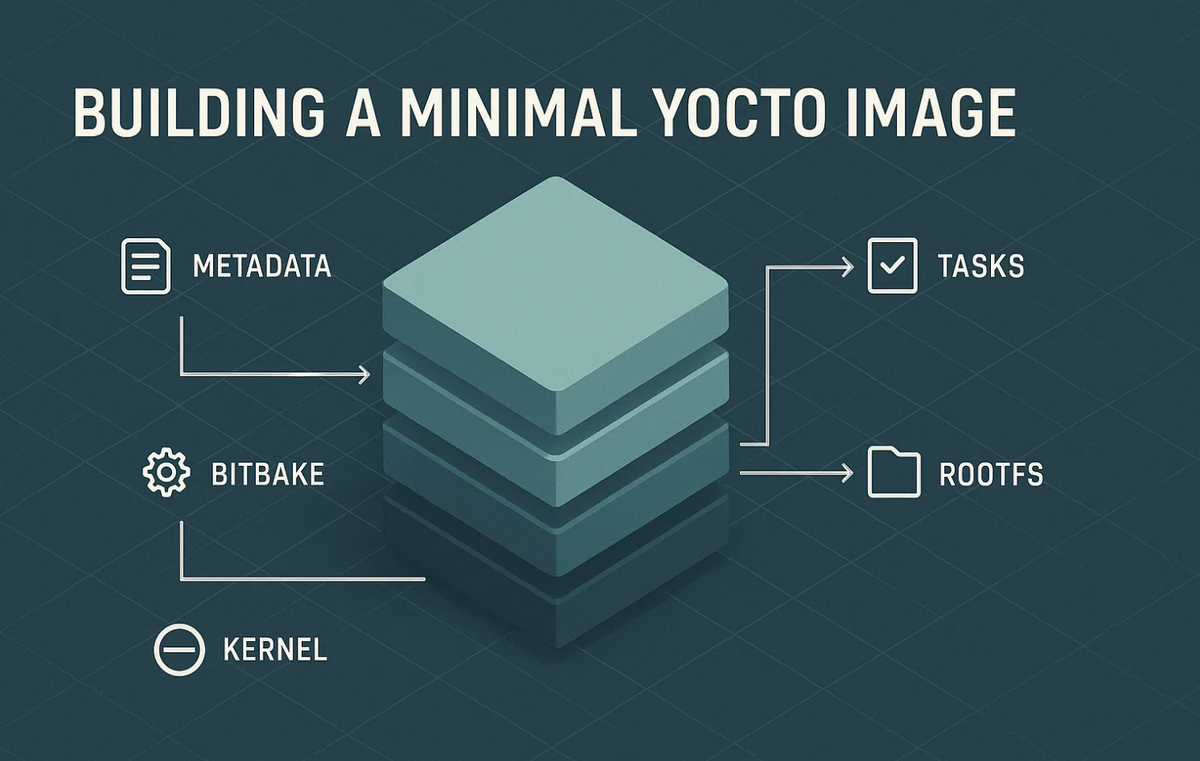
Every embedded Linux engineer eventually reaches the same point: the need for a fully customized, lightweight, reproducible Linux distribution. Prebuilt OS images are bloated; build-from-scratch distros are fragile. Yocto Project solves this by giving you a structured framework to craft a Linux system that is exactly as big as it needs to be and no bigger.
At Hoomanely, where we design modular, multi-SOM IoT pet-care systems (gateway SOMs, sensor SOMs, camera nodes, LoRa bridges), minimal images are essential. A smaller root filesystem means faster OTA updates, lower flash wear, lower memory pressure, and predictable behavior across devices.
This article is a practical and corrected deep-dive into building a minimal Yocto image, focusing on layers, recipes, image definitions, and the critical sanity checks that make your build reproducible.
Why Minimal Images Matter
Minimal images reduce:
- Boot time (userspace can start within ~1–2 seconds)
- RAM footprint
- Attack surface
- Update bandwidth
- Flash wear
- Failure modes related to unused services
Typical size ranges (accurate and non-contradictory):
core-image-minimal: ~25–40 MB- Optimized custom minimal: ~15–25 MB (musl, stripped binaries, no locales, no docs, no static libs)
These numbers match real-world Yocto builds on Kirkstone/Scarthgap.
For Hoomanely products deployed in fields and homes , these deltas are huge every MB removed means faster updates and longer device life.
Yocto in Three Bullet Points
Yocto is:
- A build framework, not a distribution.
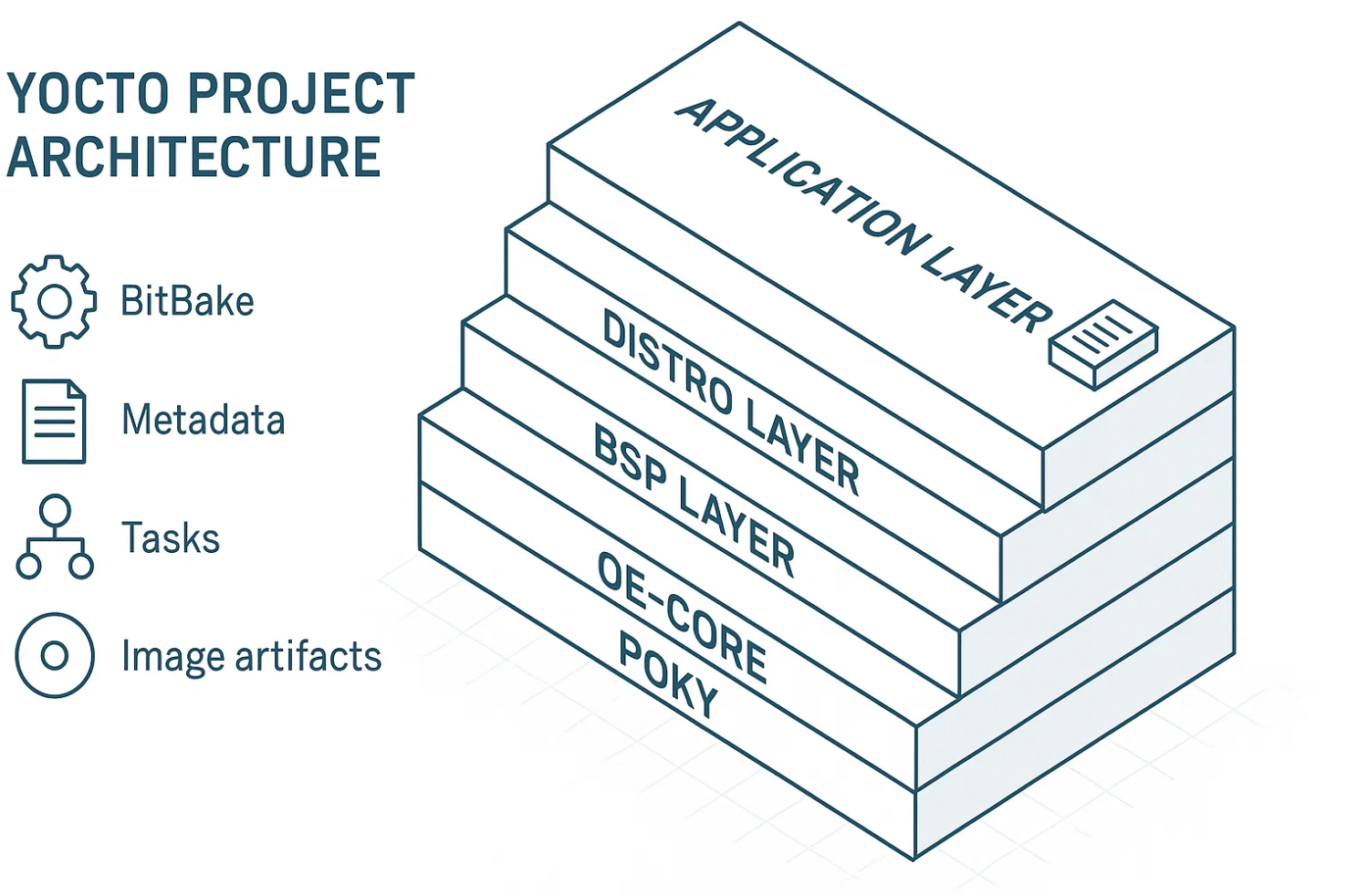
- A metadata system: layers → recipes → tasks → packages → images.
- A collection of classes (image classes, kernel classes, packaging classes).
Its core toolchain:
- BitBake (task executor)
- OpenEmbedded Core
- Poky (reference distro)
- BSP layers (board-specific Linux support)
Understanding Layers & Recipes
Layers
A layer is a container of metadata and recipes. Typical structure:
meta/                  # OE Core (base)
meta-poky/             # reference distribution
meta-yocto-bsp/        # generic BSPs
meta-yourboard/        # hardware-specific BSP
meta-yourproduct/      # application, configs, image definitions
A layer must declare compatibility:
LAYERSERIES_COMPAT_meta-myproduct = "kirkstone scarthgap"
This protects builds from mismatched Yocto versions.
Recipes
A recipe (.bb) defines:
- Source fetching
- Dependencies
- Build steps (
do_compile) - Installation steps (
do_install) - Licensing
- Packaging
Correct minimal recipe example:
SUMMARY = "Hello World App"
LICENSE = "MIT"
LIC_FILES_CHKSUM = "file://${COMMON_LICENSE_DIR}/MIT;md5=0835ade698e0bcf8506ecda2f7b4f302"

SRC_URI = "file://main.c"
S = "${WORKDIR}"

do_compile() {
    ${CC} ${CFLAGS} ${LDFLAGS} main.c -o hello
}

do_install() {
    install -d ${D}${bindir}
    install -m 0755 hello ${D}${bindir}
}
This is fully compliant with Yocto's licensing and build workflows.
Building the Minimal Image
Step 1 Clone Poky
git clone git://git.yoctoproject.org/poky
cd poky
git checkout kirkstone
Kirkstone is stable LTS.
Step 2 Set Up the Build Environment
source oe-init-build-env
This creates:
build/conf/local.conf
build/conf/bblayers.conf
Step 3 Create a Custom Layer
bitbake-layers create-layer ../meta-myproduct
bitbake-layers add-layer ../meta-myproduct
Now edit:
meta-myproduct/conf/layer.conf
LAYERSERIES_COMPAT_meta-myproduct = "kirkstone"
Step 4 Create a Minimal Image Recipe
Instead of redefining everything, inherit core-image and extend:
meta-myproduct/recipes-core/images/myproduct-minimal-image.bb
DESCRIPTION = "Hoomanely minimal image"
LICENSE = "MIT"

inherit core-image

# core-image already includes busybox (via packagegroup-core-boot)
IMAGE_INSTALL:append = " dropbear "

# Drop unnecessary features
IMAGE_FEATURES:remove = "splash package-management x11-base"

# Optional: ultra-minimal tuning
# IMAGE_INSTALL:remove = "packagegroup-core-boot"
# IMAGE_INSTALL:append = "busybox base-passwd dropbear kernel-modules"
This is the correct way to build a minimal image without fighting the class inheritance system.
Step 5 Set the Machine
local.conf:
MACHINE = "qemux86-64"
DISTRO ?= "poky"
For physical hardware:
raspberrypi4beaglebone- custom Hoomanely SOMs
Step 6 Configure the Init System Correctly
Modern Yocto recommends using:
DISTRO_FEATURES:remove = "systemd"
DISTRO_FEATURES:append = " sysvinit"

INIT_MANAGER = "sysvinit"
If using BusyBox for init + mdev:
INIT_MANAGER = "mdev-busybox"
Notes:
VIRTUAL-RUNTIME_init_manageris legacy and should be avoided.- Just removing systemd does not automatically switch to BusyBox you must adjust the distro features.
This corrects one of the most common misconfigurations.
Step 7 Build
bitbake myproduct-minimal-image
Outputs go to:
build/tmp/deploy/images/<machine>/
Artifacts include:
.wicSD card image- Kernel (
bzImage/uImage) - Device tree (
.dtb) - RootFS tarball
Sanity Checks:
Yocto prevents invalid builds with strict validation.
Common sanity issues
1. Missing host packages
Install required tools (gcc, chrpath, diffstat, python3, etc.).
2. Layer compatibility mismatch
Fix via:
LAYERSERIES_COMPAT_meta-myproduct = "kirkstone"
3. Insufficient disk space
Realistic requirements:
- First build: 50–100 GB
- Incremental builds: 20–30 GB
- Minimal image w/ populated sstate: 15–20 GB
4. Stale sstate-cache
Fix many strange errors with:
rm -rf sstate-cache/*
Kernel Configuration
To add kernel configs, create:
recipes-kernel/linux/linux-yocto_%.bbappend
FILESEXTRAPATHS:prepend := "${THISDIR}/files:"

SRC_URI += "file://myfragment.cfg"
files/myfragment.cfg:
CONFIG_SPI=y
CONFIG_I2C=y
CONFIG_USB_ACM=y
This is the complete integration flow.
Optimizing Your Minimal Image
These optimizations are technically accurate and safe.
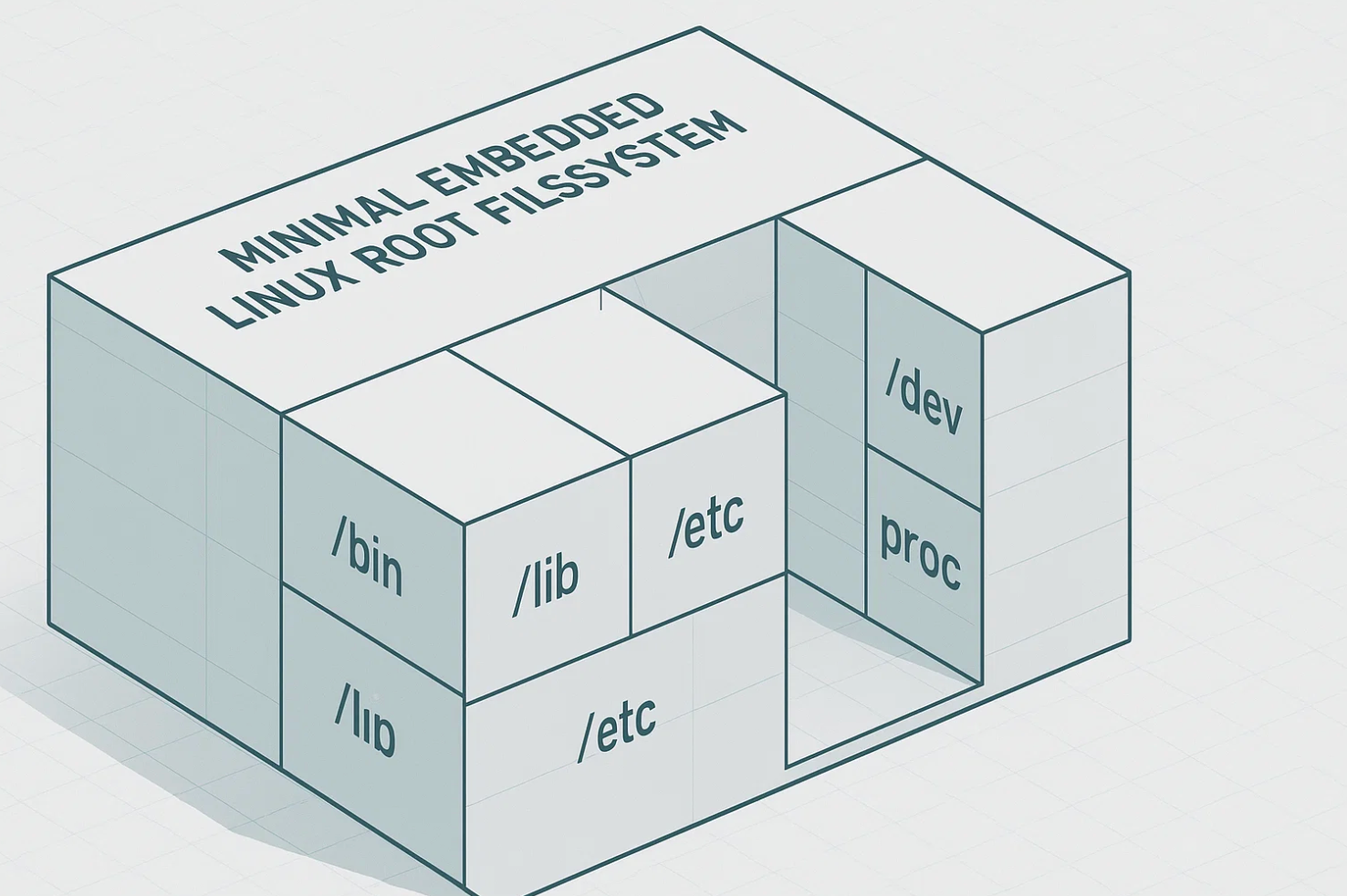
Remove docs, locales, static libs
IMAGE_LINGUAS = "en-us"
GLIBC_GENERATE_LOCALES = "en_US.UTF-8"
Use musl for smaller libc
TCLIBC = "musl"
Strip binaries
Enabled by default:
INHIBIT_PACKAGE_STRIP = "0"
Conserve build host disk space (rm_work)
INHERIT += "rm_work"
Note: This does NOT shrink the final rootfs it only reduces build disk usage.
Boot Time
- Userspace init can complete in <2 seconds on a minimal image.
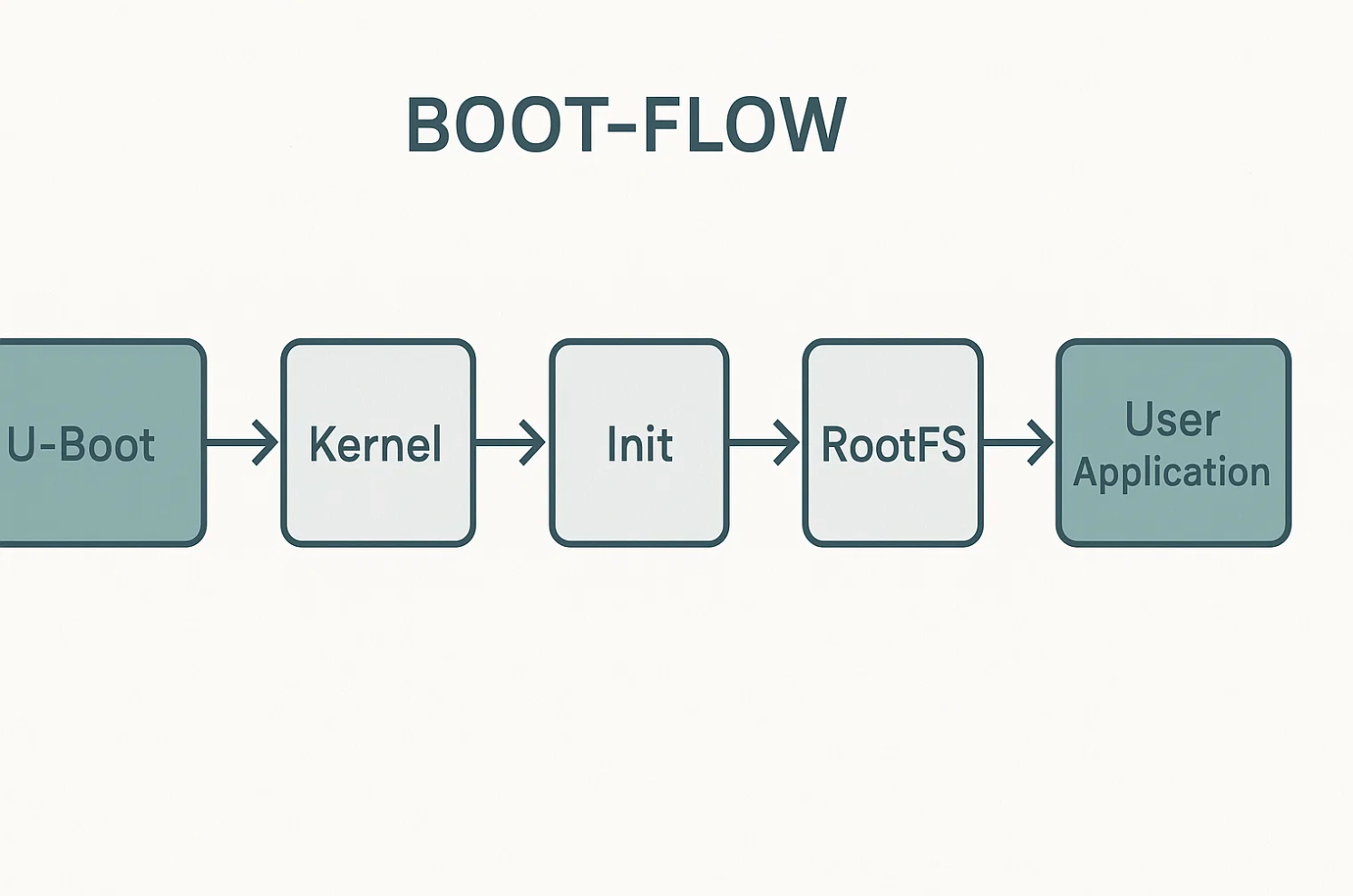
- Total boot time (U-Boot → kernel → shell) is typically 5–15 seconds on most SBCs.
Ultra-fast boots (<2 seconds total) require:
- U-Boot tuning
- Minimal driver probing
- Kernel config optimization
- Initramfs techniques
Debugging the Build
Yocto debugging requires understanding BitBake logs.
Useful debugging commands:
bitbake -e recipe            # environment variables
bitbake -c clean recipe      # clean build
bitbake -c cleanall recipe   # remove downloaded sources too
bitbake -g recipe            # dependency graph
Log locations:
build/tmp/work/<recipe>/<version>/temp/log.do_compile
build/tmp/work/.../log.do_install
Common Issues Engineers Face
1. "Nothing Provides "
Occurs when:
- Required layer is missing
- Recipe name is wrong
- Distro configuration excludes it
Fix by adding proper layer via:
bitbake-layers add-layer /path/to/layer
2. Build takes too long
Use sstate-cache (shared state cache) between builds.
You may also add:
BB_NUMBER_THREADS ?= "8"
PARALLEL_MAKE ?= "-j 8"
3. Kernel missing modules
Create a config fragment as shown in the "Kernel Configuration" section above.
4. Image boots but no shell
Check:
/sbin/initexists- Virtual init system is correct
- BusyBox built with
CONFIG_FEATURE_SH
Use:
bitbake busybox -c menuconfig
Key Takeaways
- Yocto is a framework, not a distribution power comes from metadata.
- Inherit from
core-imageand modify using:append/:remove. - Don't break the image classes unless you know what you're doing.
- Always declare
LAYERSERIES_COMPAT. - Use
INIT_MANAGER+DISTRO_FEATUREScorrectly to avoid broken inits. - Minimal images typically land in the 25–40 MB range; aggressively optimized images reach 15–25 MB.
- Sanity checks and layer hygiene matter more than any individual recipe.
For Hoomanely, minimal images are key to long-term maintainability and reliable OTA updates across thousands of devices.



