
Building Server-Driven UI at Hoomanely: Shipping Pet Care Features Without App Updates

When we're building a pet health app, speed matters. A dog's nutritional needs can change based on age, breed, activity level, and health conditions. Waiting 2-4 days for app store reviews to push a simple content update? That's too slow when pet parents need real-time guidance.
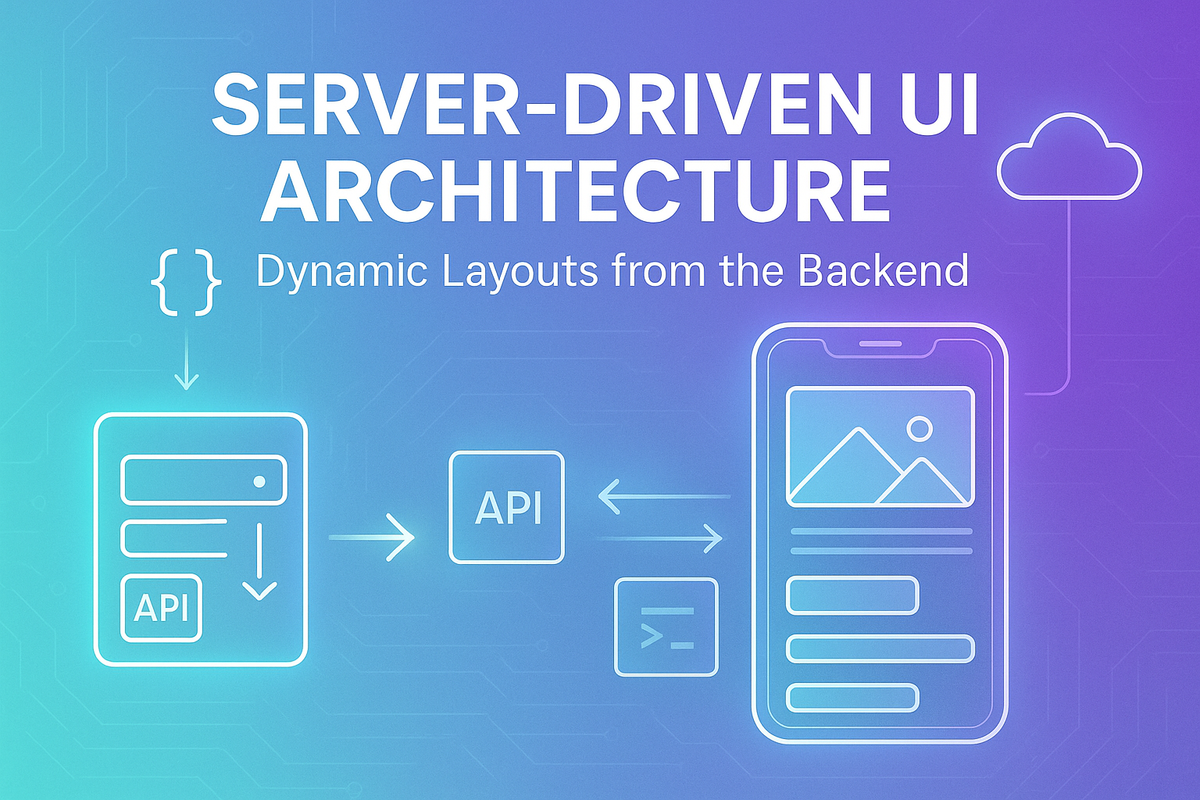
That's why we built Server-Driven UI (SDUI) at Hoomanely — a system that lets us ship new screens and personalize experiences without releasing new app versions.
Here's how we did it, the challenges we faced, and why it's transformed how we build for pets.
The Problem: App Store Bottlenecks Kill Innovation
Every pet is different. An Afghan Hound needs different care than a Beagle. A puppy in Bengaluru's humidity needs different hydration advice than a senior dog in Delhi's winter.
Our product team wanted to: Push personalized daily tips based on each pet's health data
But traditional mobile development meant:
- Write native code
- Test on multiple devices
- Submit to app stores
- Wait 3-7 days for review
- Hope users update
- Measure results weeks later
For a health-focused product, this was unacceptable. We needed backend control of the UI.
What Is Server-Driven UI?
Server-Driven UI means the backend sends JSON that describes what to render, not just data to fill into hardcoded screens.
Traditional approach:
{
  "petName": "Cheetah",
  "tip": "More hydration needed today"
}
App has hardcoded layout. Backend just fills in text.
SDUI approach:
{
  "screen": "daily-insight",
  "components": [
    {
      "type": "header",
      "props": { "text": "Today's Care Tip", "style": "bold" }
    },
    {
      "type": "insight-card",
      "props": {
        "title": "Hydration Alert",
        "message": "Cheetah needs more water today",
        "icon": "water-drop",
        "priority": "high"
      }
    },
    {
      "type": "button",
      "props": { "label": "Log Water Intake" },
      "action": { "type": "navigate", "target": "water-tracker" }
    }
  ]
}
The app becomes a rendering engine. The backend controls what shows up, in what order, with what styling, and actions.
SDUI Architecture
Step 1: Component Schema Design
Start by defining a component library that both backend and frontend understand.
Core components:
- Text (headings, body, captions)
- Image (network, cached, placeholder)
- Button (primary, secondary, text-only)
- Card (insight, quiz, nutrition-tip)
- Input (text, dropdown, slider)
- List (vertical, horizontal scrolling)
Each component has:
- Type identifier (e.g., "insight-card")
- Props (configuration like text, colors, sizes)
- Optional action (what happens on tap)
Example schema:
{
  "type": "quiz-card",
  "props": {
    "question": "Does your dog prefer morning or evening walks?",
    "options": ["Morning", "Evening", "Both"],
    "illustration": "https://cdn.hoomanely.com/walk-time.png"
  },
  "action": {
    "type": "api-call",
    "endpoint": "/api/pet-preferences/update",
    "params": { "preferenceType": "walkTime" }
  }
}
Step 2: Backend Orchestration
Backend generates these JSON structures dynamically.
The screen builder service considers:
- Pet profile (breed, age, weight, allergies)
- User behavior (completed onboarding? active user?)
- Time of day (morning tips vs evening routines)
- Location (weather-based advice)
For example, generating a daily insight:
async function buildDailyInsight(petId) {
  const pet = await getPetProfile(petId);
  const weather = await getLocalWeather(pet.city);
  const healthContext = await getRecentHealthData(petId);

  const components = [];

  // High temperature? Add hydration reminder
  if (weather.temp > 32) {
    components.push({
      type: "insight-card",
      props: {
        title: "Heat Alert",
        message: `It's ${weather.temp}°C today. ${pet.name} needs extra water.`,
        priority: "high"
      }
    });
  }

  // Low activity yesterday? Encourage walks
  if (healthContext.stepsYesterday < pet.targetSteps * 0.7) {
    components.push({
      type: "insight-card",
      props: {
        title: "Activity Reminder",
        message: `${pet.name} was less active yesterday. A walk would help!`,
        priority: "medium"
      }
    });
  }

  return { screen: "daily-insight", components };
}
Every pet gets a unique UI based on their context.
Step 3: Flutter Rendering Engine
On the Flutter side, built a component factory that converts JSON to widgets.
Widget buildComponent(ComponentModel model) {
  switch (model.type) {
    case 'text':
      return Text(
        model.props['text'],
        style: parseTextStyle(model.props['style'])
      );

    case 'insight-card':
      return InsightCard(
        title: model.props['title'],
        message: model.props['message'],
        priority: model.props['priority'],
        icon: model.props['icon']
      );

    case 'button':
      return PrimaryButton(
        label: model.props['label'],
        onTap: () => handleAction(model.action)
      );

    default:
      return FallbackWidget();
  }
}
Why Flutter is perfect for SDUI:
- Composable widget tree maps naturally to JSON structure
- Hot reload makes testing component rendering fast
- Layout constraints are predictable and reliable
- 60fps performance even with dynamic screens
- Offline caching is straightforward with local storage
Step 4: Action Handling System
UI is just the surface. What happens when users tap matters more.
| Action Type | Use Case |
|---|---|
navigate |
Deep-link to any screen |
api-call |
Submit data to backend |
open-sheet |
Show modal (onboarding, education) |
show-toast |
Quick feedback messages |
log-event |
Analytics tracking |
open-url |
External links (vet booking, etc.) |
All navigation flows through our centralized router.
Offline-First + Server-Driven
The challenge: SDUI requires a network, but mobile apps must work offline.
Our solution: Local caching with smart fallbacks
| Scenario | Behavior |
|---|---|
| First launch online | Fetch and cache SDUI screens |
| Offline app open | Load from cache (Isar DB) |
| Stale cache | Show cached version + background refresh |
| No cache available | Fallback to minimal native screens |
This ensures:
- Previously viewed insights remain accessible
- Actions queue for retry when the network returns
- Never a completely broken experience
Real Features Powered by SDUI at Hoomanely
1. Daily Personalized Insights
Every morning, pet parents see cards tailored to their pet:
- "Cheetah's activity dropped 30% this week."
- "High sodium detected in recent food scan"
- "Vaccination due in 5 days"
Copy, imagery, card order — all controlled server-side.
2. Food Label Analyzer Education
When users scan unclear ingredients, we show contextual help:
- First-time scanners get detailed walkthroughs
- Both adapt without code changes
Why SDUI Matters for Pet Personalization
Each pet is unique:
| Attribute | Impact on UI |
|---|---|
| Breed | Afghan Hound vs Beagle = different care screens |
| Age | Puppy nutrition vs senior mobility advice |
| Weight | Overweight tips vs underweight meal plans |
| Allergies | Grain-free guidance vs standard food info |
| Climate | Bengaluru humidity vs Delhi cold weather tips |
| Behavior | High-energy vs calm dogs = different activities |
SDUI lets us personalize what UI is shown, not just what data fills it.
Results: Why It Was Worth Building
| Metric | Before SDUI | After SDUI |
|---|---|---|
| Feature rollout time | 2-4 weeks | 1-3 days |
| Iteration cycles | Slow (release-bound) | Multiple per day |
| Personalization depth | Generic tips | Pet-specific experiences |
| App store dependency | High | Zero for UI changes |
The real wins:
- Pet parents get better care faster
- Product team experiments fearlessly
- UX improves continuously without forced updates
- Business logic lives where it should: backend
What SDUI Is Not
Let's be clear — SDUI ≠ bad practices elsewhere:
❌ Not WebViews: We render native Flutter widgets, not HTML
❌ Not "everything remote": Navigation bars, chat bubbles stay native
❌ Not uncontrolled: We version schemas and validate responses
❌ Not slow: Cached screens render instantly
✅ SDUI is: Controlled flexibility where it matters most
Challenges We Faced
1. Type Safety
JSON has no compile-time guarantees. Solution:
- Backend generates TypeScript types from the schema
- Flutter validates JSON on parse
- Fallback widgets for unknown component types
2. Debugging
When a screen breaks, is it backend or frontend? Solution:
- Detailed logging with screen IDs
- JSON viewer in debug mode
- Schema versioning for compatibility
3. Performance
Parsing large JSON can lag. Solution:
- Lazy loading for long lists
- Pagination for content-heavy screens
- Background parsing with isolates
When to Use SDUI (and When Not To)
Use SDUI for:
- Content-heavy screens that change frequently
- Personalized experiences per user/pet
- Marketing-driven surfaces (promos, announcements)
Don't use SDUI for:
- Core navigation (tab bars, drawers)
- Chat interfaces (real-time typing indicators)
- Animations requiring 60fps precision
- Screens needing instant offline access
Final Takeaways
SDUI has fundamentally changed how we build at Hoomanely:
We ship UI as data — backend controls what users see
Personalization scales — every pet gets tailored experiences
Iteration is fast — test, learn, improve daily
Offline still works — cached screens + fallbacks
Business moves independently — no waiting for developers
Every improvement to our SDUI system means faster innovations, safer health guidance, happier pet parents, and healthier pets.



