
Catch-All vs. Explicit Route Mapping: Colon vs. Bracket Params Explained

Ever shipped a feature only to discover your analytics dashboard shows "unknown page" for half your traffic? Or watched your carefully crafted SEO rankings tank after a routine migration? You're not alone.
As applications scale, URL design becomes more than just navigation — it becomes a contract between frontend, backend, analytics, SEO, and caching layers. A single routing decision can cascade into broken deep links, fragmented analytics, and debugging nightmares six months down the line.
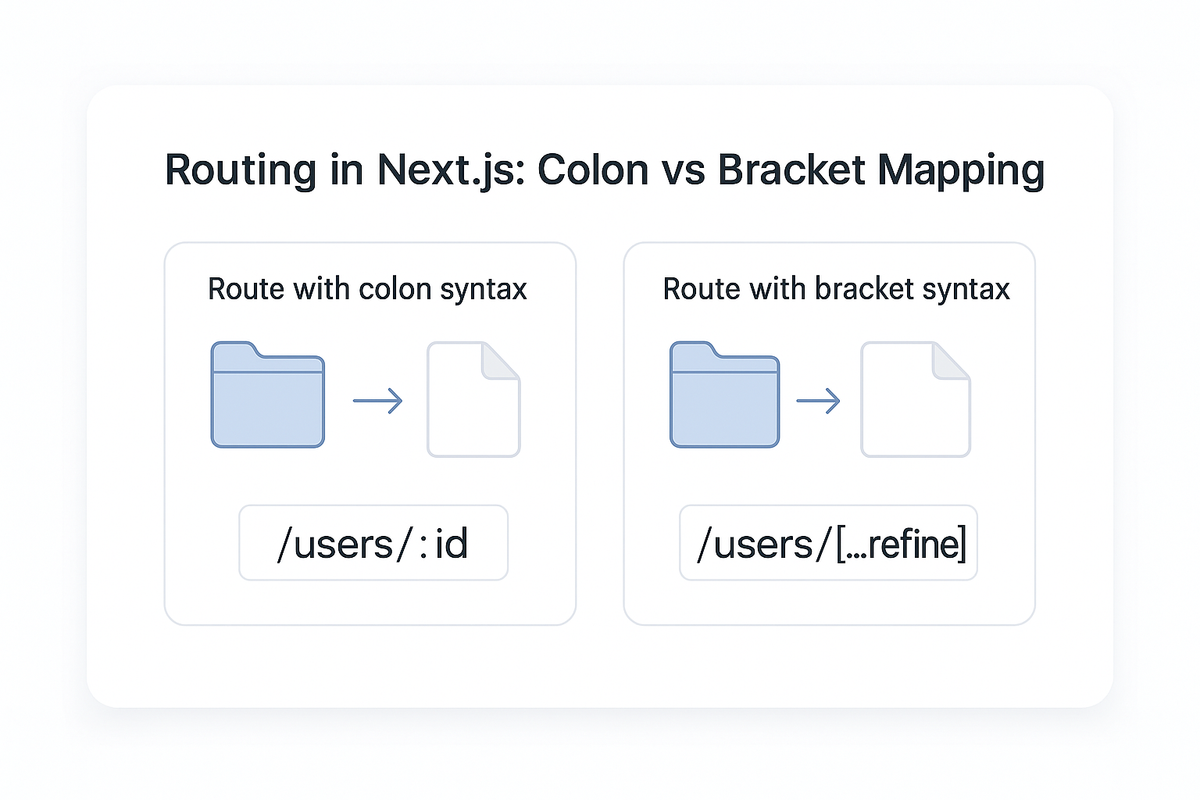
The two most common routing paradigms are:
1. Colon-based parameters — common in API frameworks (Express, Fastify, Flask)
2. Bracket-based params — popularized by Next.js, Remix, Nuxt, SvelteKit
And of course, there's the often-misused wildcard:
3. Catch-all routes, which match "anything past this point."
1. Route Param Syntax: Colon vs Brackets
Colon Parameters
Used mostly in backends & older frameworks:
// Express.js
app.get('/users/:id', (req, res) => {
  const userId = req.params.id;
  // userId = "42" for /users/42
});

app.get('/products/:productId/reviews/:reviewId', (req, res) => {
  const { productId, reviewId } = req.params;
});
Pros
✔ Familiar for backend developers
✔ Works cleanly with regex & API middleware
✔ Compact and readable
✔ Easy to add validation middleware
Cons
✖ Not flexible for nested UI route hierarchies
✖ Less standard in UI frameworks with file-system routing
✖ Requires explicit route registration order
Bracket Parameters
Used in Next.js, Nuxt, Remix, etc.
Folder structure:
/app
  /users
    /[id]
      /page.tsx
  /products
    /[productId]
      /reviews
        /[reviewId]
          /page.tsx
Resulting URLs:
/users/42
/products/123/reviews/987
Accessing params in Next.js App Router:
// app/users/[id]/page.tsx
export default function UserPage({ params }: { params: { id: string } }) {
  return <div>User ID: {params.id}</div>;
}
Pros
✔ Better co-located UI components
✔ Clear mapping between files and URLs
✔ Built-in static generation & prefetching
Cons
✖ Developers must understand filesystem-routing rules
✖ Large projects become deeply nested without conventions
✖ Refactoring means moving files
Takeaway:
Colon syntax is API-first.
Bracket syntax is UI-first.
Modern full-stack teams often combine both API routes with :id, UI routes with [id].
2. What About Catch-All Routes?
Catch-all routes match everything after a segment.
Express:
app.get('/shop/*', (req, res) => {
  // Matches /shop/x, /shop/a/b/c, /shop/anything/deep/nested
  const path = req.params[0]; // everything after /shop/
});
Next.js:
// app/shop/[...slug]/page.tsx
export default function ShopPage({ params }: { params: { slug: string[] } }) {
  // /shop/dog-collars → slug = ["dog-collars"]
  // /shop/brands/nike → slug = ["brands", "nike"]
  // /shop/a/b/c/d → slug = ["a", "b", "c", "d"]

  return <div>Path segments: {params.slug.join('/')}</div>;
}
Pros
✔ Flexible for unknown depth
✔ Useful for CMS/content-driven pages
✔ Perfect for free-form routing (e.g., blogs, documentation)
✔ Reduces file system clutter
Cons
✖ Harder to statically analyze
✖ Can swallow routes unintentionally
✖ Difficult to validate & observe in monitoring tools
✖ Requires conditional logic for each level
✖ Type safety becomes challenging
Rule of Thumb:
Use catch-all routes for human-editable paths, not structured APIs.
Examples:
| Good Use Cases | Bad Use Cases |
|---|---|
/blog/[...slug] |
/products/[...anything] |
/help/[...node] |
/users/[...wild] |
/docs/[...path] |
/api/[...catch] |
/wiki/[...article] |
/checkout/[...steps] |
3. Optional Catch-All — Even More Dangerous
Next.js supports optional catch-all routes:
// app/[[...slug]]/page.tsx (note the double brackets)
This matches both:
/(root)/anything/here/deeply/nested/path
When it's useful:
// Handling both home and nested docs
// app/docs/[[...slug]]/page.tsx
export default function DocsPage({ params }: { params: { slug?: string[] } }) {
  if (!params.slug) {
    return <DocsHome />;
  }

  return <DocsArticle path={params.slug} />;
}
The danger:
Don't ship optional-catch-all to production without automated validation
Because:
- SEO indexing becomes unpredictable
- 404 detection gets harder
- Analytics grouping becomes messy
- Error handling becomes guesswork
- You might accidentally override other routes
Safer alternative:
// Explicit root + catch-all
app/docs/page.tsx         // handles /docs
app/docs/[...slug]/page.tsx  // handles /docs/*
4. Resource-Driven Routing (Correct Mental Model)
The cleanest URL structures map to resources, not UI screens:
Good (Resource-oriented):
✔ /products/:id
✔ /users/:username
✔ /orders/:orderId/tracking
✔ /posts/:slug/comments
Bad (Screen-oriented):
✖ /itemDetailScreen/:id
✖ /app/profile-view/123?type=public
✖ /page/user-dashboard/settings/tab=billing
✖ /route/checkout-flow/step-2
Resource routing helps:
- API design — URLs mirror your data model
- Analytics grouping — All product pages group together
- Caching & CDN invalidation — Clear cache keys
- Documentation consistency — Self-explanatory endpoints
- Long-term scalability — Refactoring UI doesn't break URLs
Example transformation:
// Before (screen-based)
/mobile/product-detail-screen/123
/desktop/product-view/123
/app/item/123

// After (resource-based)
/products/123

// UI variations handled by responsive design, not routing
5. Error Handling Patterns for Dynamic Routes
Dynamic routes need robust error handling:
// app/products/[id]/page.tsx
import { notFound } from 'next/navigation';

async function getProduct(id: string) {
  const res = await fetch(`/api/products/${id}`);
  if (!res.ok) return null;
  return res.json();
}

export default async function ProductPage({ params }: { params: { id: string } }) {
  // Validate param format
  if (!/^\d+$/.test(params.id)) {
    notFound();
  }

  const product = await getProduct(params.id);

  if (!product) {
    notFound(); // Shows 404 page
  }

  return <ProductDetail product={product} />;
}
For catch-all routes:
// app/blog/[...slug]/page.tsx
export default async function BlogPost({ params }: { params: { slug: string[] } }) {
  // Prevent directory traversal
  if (params.slug.some(segment => segment.includes('..'))) {
    notFound();
  }

  // Limit depth
  if (params.slug.length > 5) {
    notFound();
  }

  const post = await getPostBySlug(params.slug.join('/'));

  if (!post) {
    notFound();
  }

  return <Article post={post} />;
}
6. Migration Trade-Offs (Next.js pages/ → app/)
| Topic | pages/ |
app/ |
|---|---|---|
| Param Style | Bracket [id] |
Bracket hierarchical + dynamic segments |
| Navigation Model | Single routing context | Nested layouts & streaming |
| Catch-All Handling | Strong fallback pages | More powerful but easier to misuse |
| SEO Defaults | File-first model | More explicit configuration needed |
| Data Fetching | getServerSideProps |
Server Components, async/await |
| Developer Experience | Simpler | More powerful but more rules |
| Loading States | Manual implementation | Built-in loading.tsx |
Migration Tips
✔ Convert dynamic routes one-by-one — Don't migrate everything at once
✔ Avoid catch-all until resource mapping is finalized — Lock down structure first
✔ Use route groups (folder) to control layouts without affecting URLs
✔ Validate 404 behavior after every move — Test edge cases
✔ Add logs for fallback routes → detect accidental swallowing
✔ Set up redirects for old URLs to maintain SEO equity
7. Analytics, SEO & Logging Impact
Bad routing patterns cause:
❌ Fragmented analytics — /product/123 and /products/123 tracked separately
❌ Duplicate page titles — Same content, different URLs
❌ Broken 404 tracking — Catch-alls return 200 for non-existent pages
❌ Wrong canonical URLs — Search engines index the wrong version
❌ Inaccurate user event grouping — Can't segment by page type
Good routing ensures:
- One page = one clean measurement bucket
- Each resource has a stable, permanent URL
- Migration doesn't break deep links
- Analytics dashboards group logically
Implementation:
// Add tracking to catch-all routes
export default function CatchAllPage({ params }: { params: { slug: string[] } }) {
  useEffect(() => {
    analytics.track('page_view', {
      path: params.slug.join('/'),
      depth: params.slug.length,
      pattern: 'catch_all'
    });
  }, [params.slug]);

  // ... rest of component
}
8. Validating Routes in Production
Add server-side logging for dynamic routes:
// middleware.ts
export function middleware(request: NextRequest) {
  console.log({
    timestamp: new Date().toISOString(),
    url: request.url,
    method: request.method,
    matched_route: request.nextUrl.pathname,
    params: Object.fromEntries(request.nextUrl.searchParams)
  });
}
Then query your logs:
- Which URLs hit fallback routes?
- Which param patterns aren't validated?
- Which pages users reach that shouldn't exist?
- Are catch-alls swallowing unexpected paths?
This observability tells you when routing goes wrong before users complain.
9. When to Use What? (Quick Decision Table)
| Requirement | Best Route Type |
|---|---|
| Known fixed hierarchy | pages/users/[id] style |
| Content-managed slugs | blog/[...slug] |
| API parameters | :orderId, :userId |
| Multiple versions of detail pages | products/[id]/(v2)/page.tsx |
| Temporary migration | [[...slug]] optional catch-all |
| Deep analytics tracking | explicit params, avoid catch-all |
| Documentation sites | docs/[...path] with validation |
| E-commerce categories | Explicit nested routes |
Conclusion
Routing might look like a folder naming problem, but in reality it shapes:
- API contracts
- SEO scalability
- Operational debugging
- Analytics accuracy
- Deep-link longevity
- Caching strategies
- Error-handling behavior
Catch-all routes are powerful — but fragile.
Use them only when the structure truly can't be predicted.
Explicit route parameters (colon or bracket) create the most reliable system for product-scale apps.
The best URL designs are:
resource-oriented
predictable
stable over time
and easy to observe in production
Your routing architecture today determines your debugging experience tomorrow. Choose wisely.



