From Code to Packages: A Better Way to Build in Flutter
When I started learning Flutter, I had a habit of trying to build everything myself. If I needed a particular feature, my first thought was usually, “How can I write this from scratch?” At that time, it felt like the best way to learn. I wanted to understand every line of code and know exactly how everything worked. But as I started working on bigger applications, I realized something:
Building everything yourself isn't always the smartest way to build an application. Sometimes, someone has already solved the exact problem you're working on. That's where Flutter packages became an important part of my development process.
What Is a Flutter Package?
A Flutter package is reusable code that we can add to our application instead of implementing the same functionality ourselves.
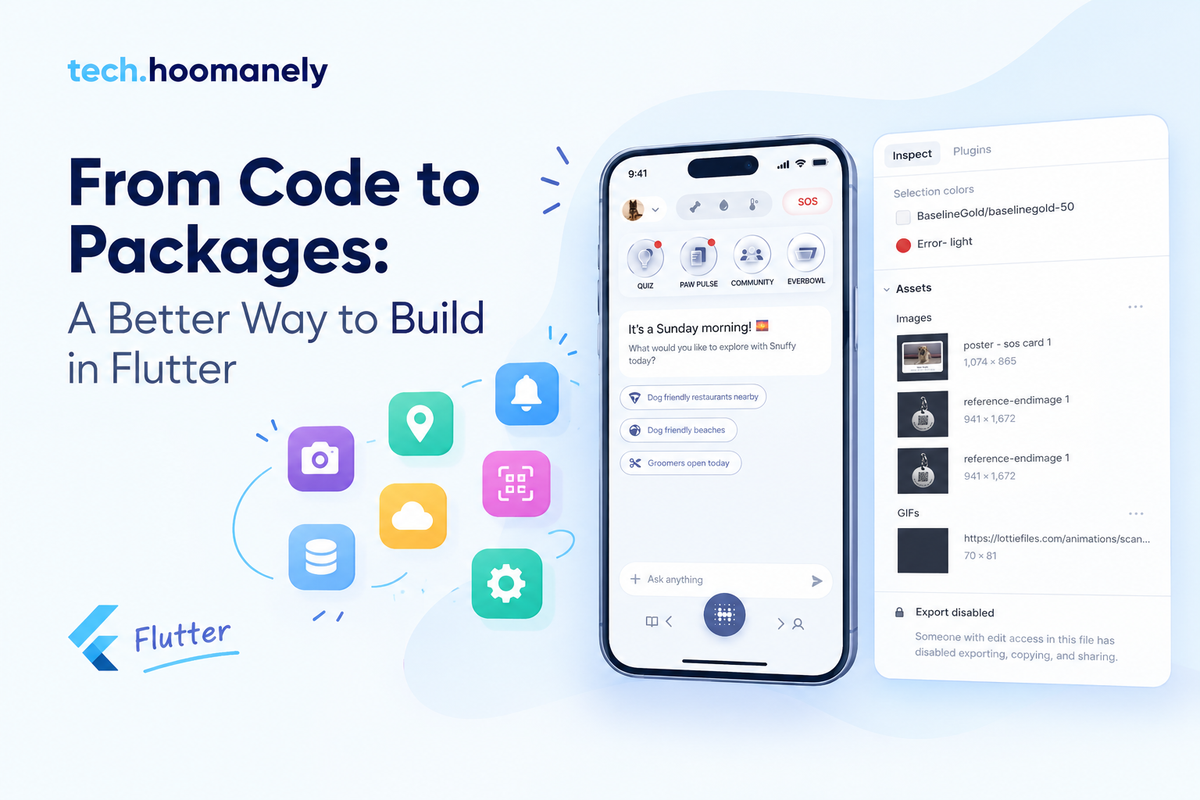
For example, an application might need:
- Location services
- Camera access
- QR or barcode scanning
- Push notifications
- Local storage
- Networking
- Image picking
- Analytics
Instead of creating all these features from the ground up, we can use packages that provide the functionality we need. This doesn't mean we stop coding. It means we don't spend our time solving problems that have already been solved.
My Mindset Changed From “Build Everything” to “Build What Matters”
This was probably the biggest change for me. Earlier, I used to think that writing everything myself meant I was doing more development.
But when working on a real application, there are already many things to take care of: UI, business logic, API integration, error handling, permissions, testing, and platform-specific behavior. If I can use a reliable package for one of those common problems, I can spend more time on the parts that are actually specific to my application.
For example, if an app needs QR-code scanning, I don't necessarily need to spend days figuring out camera frame processing and barcode detection.
I can use a suitable package and focus on how QR scanning fits into my application's actual workflow.
That is a much better use of development time.
Packages Save More Than Just Time
The first thing we usually think about with packages is speed.
But I think their value goes beyond that.
A good package can also help reduce the amount of code we need to maintain ourselves.
Imagine writing hundreds of lines of code for a feature that already has a well-tested solution available. Now imagine having to fix bugs in that code, handle different devices, update it for new Flutter versions, and maintain it as the application grows.
That's a lot of responsibility for something that may not even be the main feature of the application. Using a suitable package can reduce that unnecessary maintenance.
But Packages Don't Mean “Don't Learn”
This is something I think is important, especially for beginners.
Using a package doesn't mean we can skip understanding the feature.
For example, if I'm using a location package, I still need to understand:
- Why location permission is required
- What happens when the user denies permission
- What happens when location services are turned off
- How the location data is returned
- How errors are handled
- How the feature behaves on different platforms
The package may handle the complicated implementation underneath.
But I still need to understand how my application is using it.
That's where the actual development knowledge comes in.
The Flutter Package Ecosystem Is Huge
One of the things I like about Flutter is the number of packages available for common development problems. When I face a problem, I don't always have to start with a blank file. I can first check whether there is an existing solution. But I also learned not to blindly install the first package I find. Before adding a package, I usually think about a few things.
Is it maintained?
A package that hasn't been updated for a long time may create problems later.
Does it support my Flutter/Dart version?
Compatibility matters, especially when upgrading a project.
Is the documentation clear?
Good documentation makes integration much easier.
Does it actually solve my problem?
Sometimes a package provides far more functionality than what I actually need.
Will I be comfortable depending on it long term?
Adding a package also means adding a dependency to the project.
So the decision shouldn't simply be:
“There is a package for this, so let's use it.”
It should be:
“There is a package for this. Is it the right package for our project?”
When Should We Build Something Ourselves?
Packages aren't always the answer. Sometimes the functionality is simple enough that creating it ourselves makes more sense. For example, if I need a small helper function that takes only a few lines of code, adding an external dependency just for that might make the project unnecessarily complicated.
There are also situations where we need very specific behavior that an existing package doesn't provide.
In those cases, building the functionality ourselves may be the better choice.
So, for me, it isn't really about packages vs. writing code.
It's about knowing when to use which approach.
Packages Can Also Be a Learning Tool
There is another benefit I didn't think about much when I was starting out.
Packages can teach us.
When I use an open-source package, I can look at how its developers approached a problem.
I can see how they structure their code, design APIs, handle errors, manage asynchronous operations, and separate responsibilities.
Sometimes looking at an existing implementation helps me understand a concept much better than simply reading about it.
Of course, we don't need to understand every line inside every package we use.
But when something is interesting or important to the feature we're building, exploring how it works can be a great learning experience.
The Important Part Is Still Our Code
One thing I keep coming back to is this:
A package is only a tool.
It doesn't build the application for us.
We still have to decide:
- Where the package should be used
- How it should fit into our architecture
- How errors should be handled
- What happens when something goes wrong
- How the feature should behave for the user
- How the package should be tested
The package might provide the building blocks, but we decide how those blocks are used.
What I Take Away From Using Packages
I don't think becoming a better Flutter developer means writing more code.
Sometimes, becoming better means recognizing when not to write code.
Instead of spending time rebuilding something that already exists, we can use that time to improve the actual product, understand the requirements better, write cleaner application logic, and solve problems that are unique to our project. That's the real value I see in Flutter packages. They don't replace development.
They help us focus our development effort where it matters most.
Final Thoughts
When I look back at how I started with Flutter, I realize that my mindset has changed. Earlier, I thought: “I need to build this.” Now, I try to think:
“I need to solve this problem. What's the right way to solve it?”
Sometimes the answer is writing the code myself. Sometimes the answer is using a package. And sometimes it's a combination of both. For me, that's what using packages in Flutter is really about — not writing less, but building smarter.